@deepseek-ai/dsh-rss
RSS reading and model tools for DeepSeek Harness
安装
npx -p @deepseek-ai/dsh dsh plugin --profile web add github:CyberFox-lab/dsh-rss说明文档
阅读完整 README ↗Usage
Open RSS Reader from the DeepSeek Harness sidebar.
Manage subscriptions
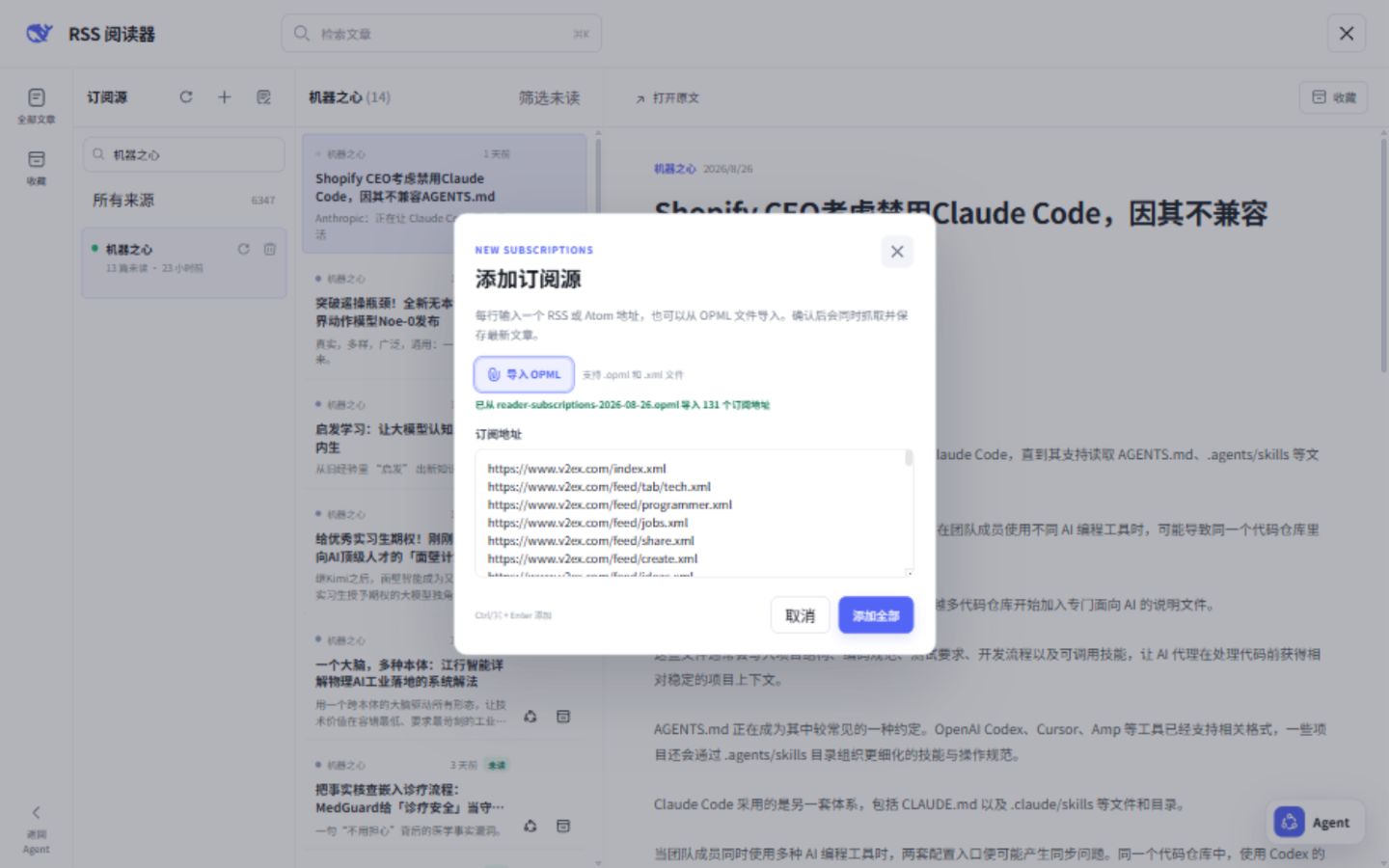
- Use the + button in the subscription column to add feeds.
- Use Import OPML to load subscriptions from a
.opmlor.xmlfile. Nested OPML groups are supported. - Enter one RSS or Atom URL per line to add several feeds together.
- Repeated URLs in the same submission are removed automatically.
- If only some feeds fail, the dialog keeps the failed URLs so they can be retried.
- Use the refresh and delete actions beside a subscription to manage it.
- Use Refresh all to update every subscription immediately.
- Use Adjust subscription order to drag feeds into place or move them with the up/down controls, then save the order.
Read articles
- Search across article titles, summaries, and feed-provided content.
- Choose all articles, favorites, unread articles, or a specific subscription.
- Opening an unread article marks it as read and updates its subscription count.
- Favorite articles remain available when old non-favorite articles are pruned.
- Use Open original to visit the source page.
Ask the Agent
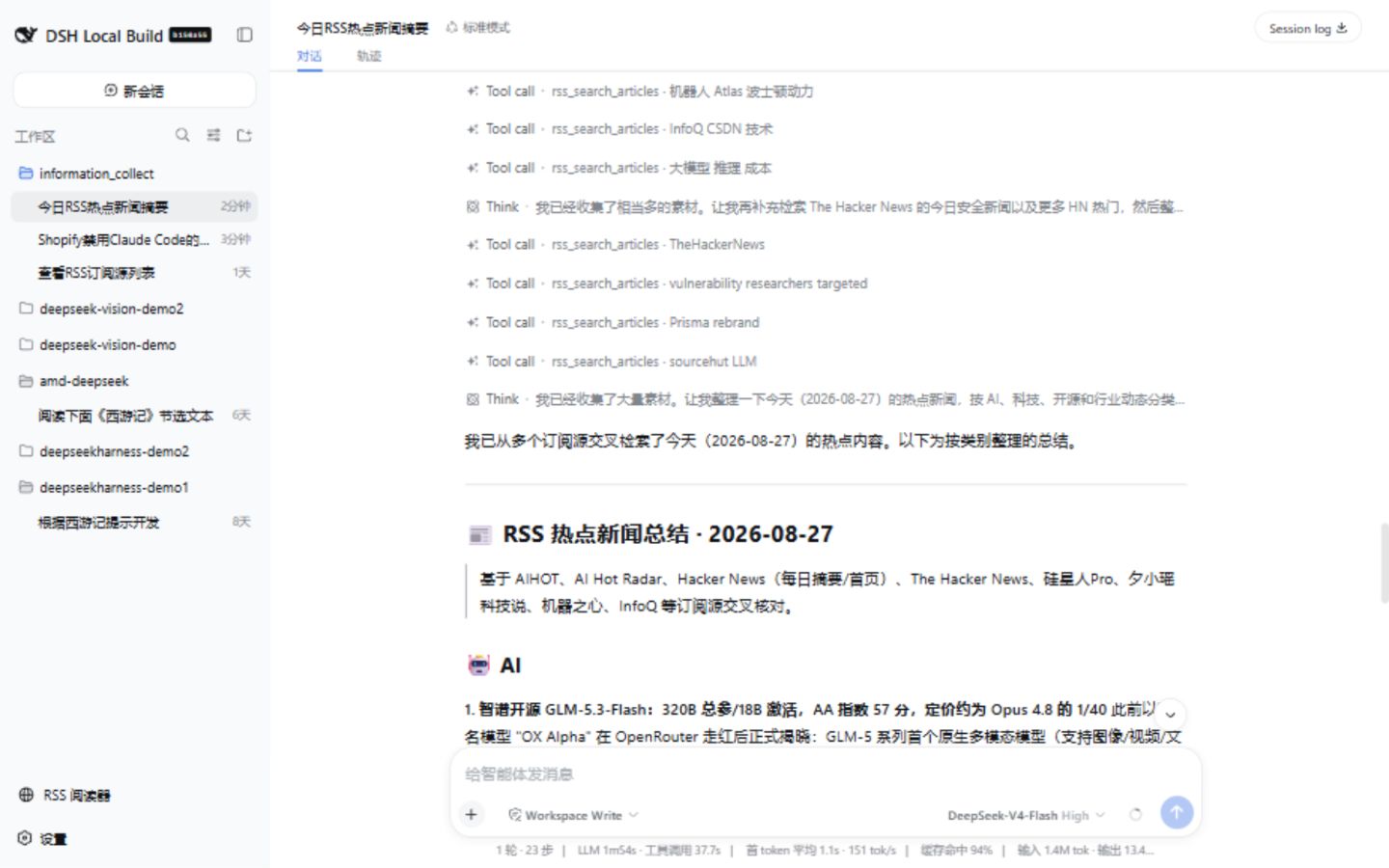
Expand the floating Agent control in the reader to use the current Harness conversation. The window supports Workspace, Session, model, and reasoning-level selection. It can be moved by dragging its header and resized from its lower-right corner.
Selecting or opening an article does not automatically place it in model context. To ask about an article, use its Agent action or drag the article into the Agent composer. The submitted question includes the article ID and source URL, and the Agent can retrieve the content through the RSS tools.
Ask about one article

Summarize daily news across subscriptions
Configuration
The plugin works without additional configuration. Its default profile layer enables an hourly automatic refresh.
To customize it, replace the full config for the rss row in the Web profile's cordis.patch.yml:
- override:
    id: rss
    config:
      databasePath: 'D:/data/dsh-rss/rss.sqlite'
      requestTimeoutMs: 20000
      maxFeedBytes: 5242880
      maxRedirects: 5
      articleLimit: 2000
      toolTimeoutMs: 15000
      autoRefreshIntervalMs: 3600000
| Option | Default | Description |
|---|---|---|
databasePath | $DSH_HOME/rss/rss.sqlite | SQLite database file. |
requestTimeoutMs | 20000 | Feed request timeout in milliseconds. |
maxFeedBytes | 5242880 | Maximum downloaded feed size in bytes. |
maxRedirects | 5 | Maximum redirects per feed request. |
articleLimit | 2000 | Maximum retained non-favorite articles per subscription. |
toolTimeoutMs | 15000 | Timeout for an RSS Agent tool call in milliseconds. |
autoRefreshIntervalMs | 3600000 | Delay between automatic refresh runs; minimum 60 seconds. |
Automatic refresh runs while the RSS page is closed and stops when the plugin unloads. Favorite articles are excluded from retention pruning.