LaplaceYoung/dsh-of-your-own ↗★ 2
@dsh-external/dsh-of-your-own
/fuck — read your Claude Code & Codex conversation history in parallel, analyze your preferences and tool habits, migrate them into DSH as a persisted profile, and keep remembering them.
安装
npx -p @deepseek-ai/dsh dsh plugin --profile web add github:LaplaceYoung/dsh-of-your-own说明文档
阅读完整 README ↗Usage
/fuck                  # full migration: parallel scan → analyze → native migrate
/sessions              # catalog every resumable session from all harnesses, newest first
/resume    # hand that foreign task over to this agent, context included
/forget                # erase everything this plugin wrote (managed block + store), idempotent
Real screenshots from the actual DSH web UI, with the plugin mounted — /fuck migrates
everything and appends the tsundere verdict (rank, tool school, activity rhythm,
battlegrounds, and a closing line that's hash-picked from four variants — or written by your
LLM when one is configured — so the same history always gets the same lecture):

/sessions catalogs every resumable session across all harnesses, newest first:
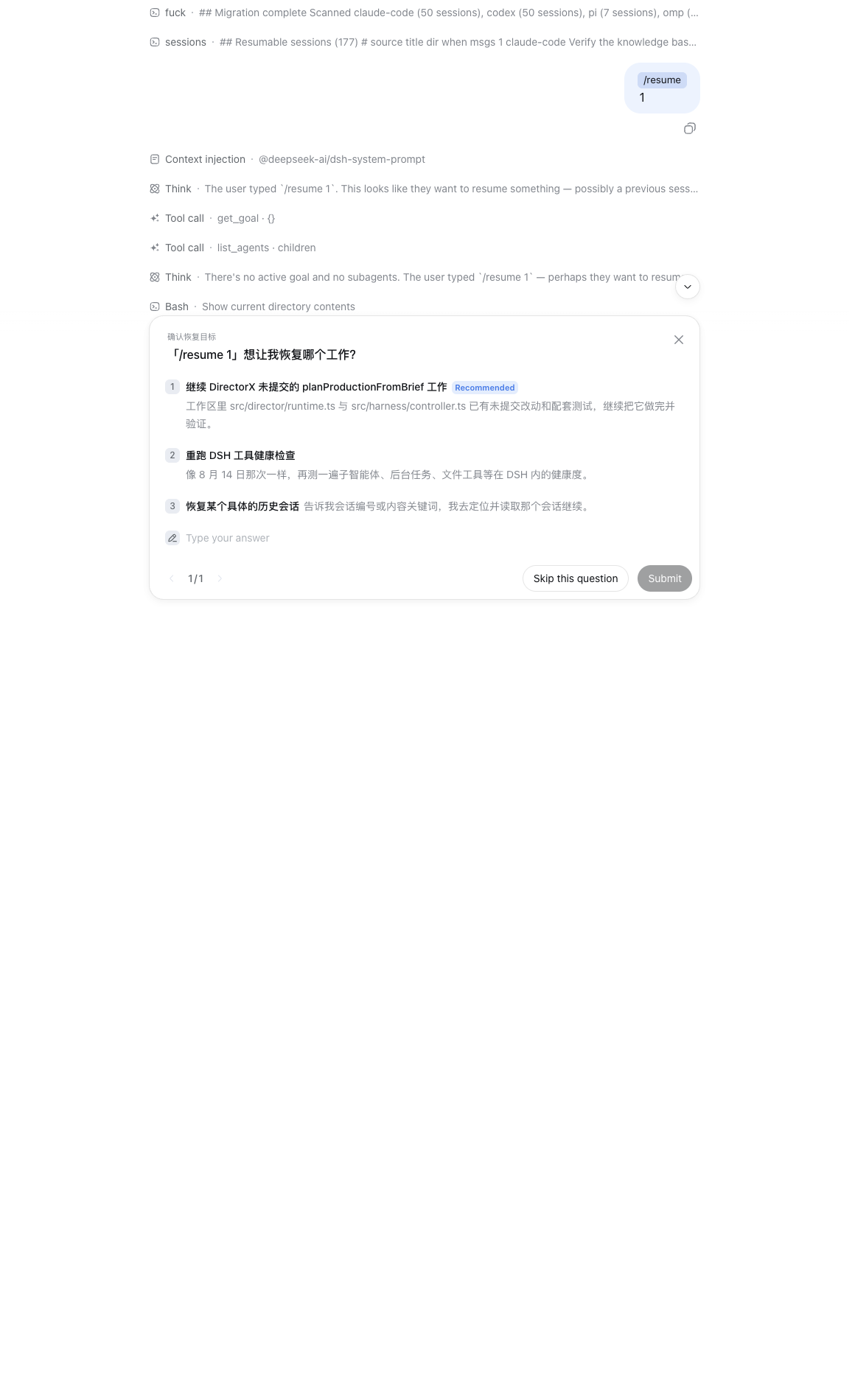
/resume rebuilds one foreign session into a handoff brief and injects it, so
this agent picks the task up where it stopped (invoke it through the command surface, then
follow the prompt). And when you want out, /forget strips the managed block and deletes
the store — idempotent:
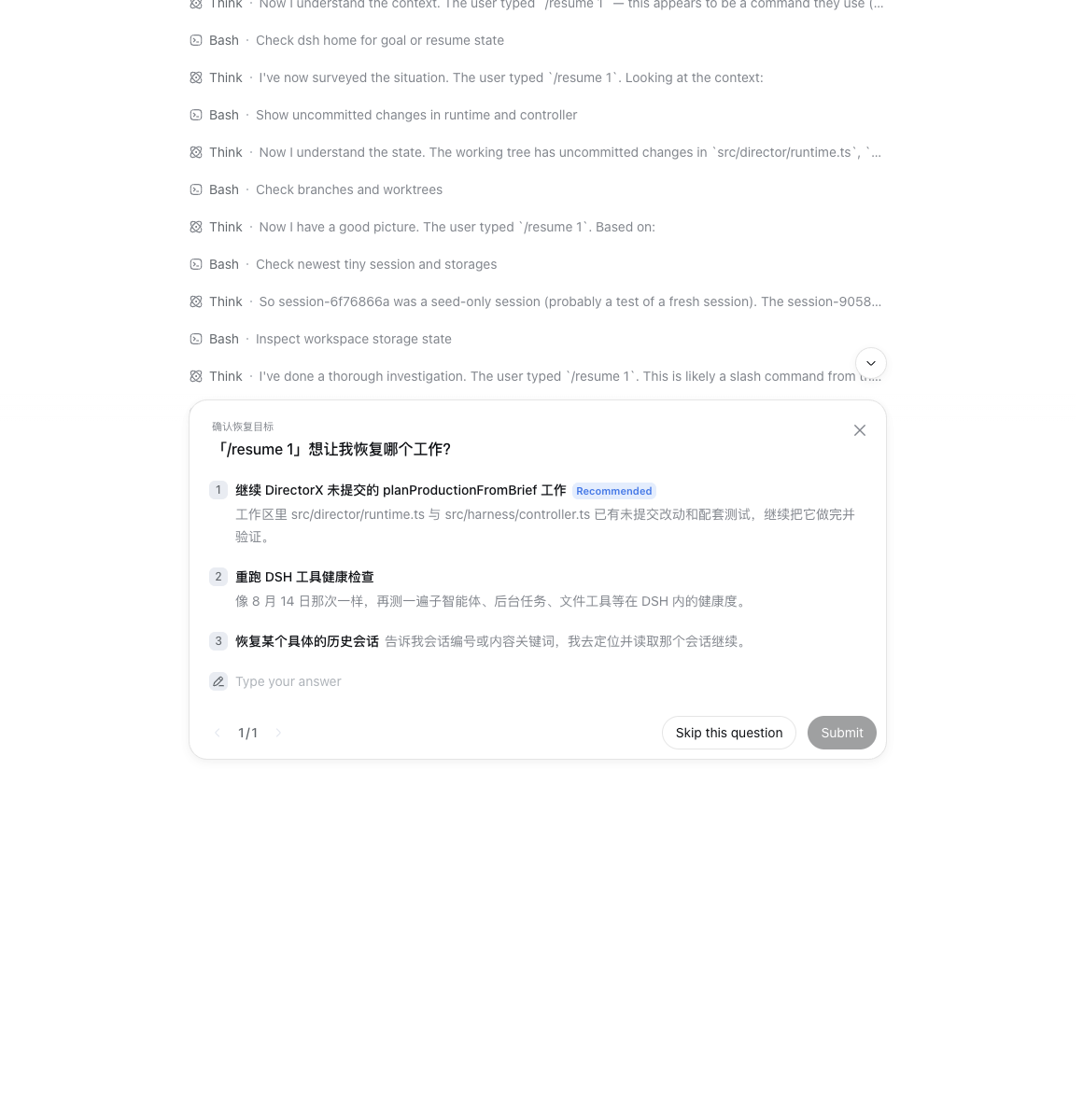
Two inspection tools (the model can call them; so can you, by asking):
| tool | does |
|---|---|
my_profile | show the learned preferences; { refresh: true } re-scans and rebuilds |
my_commands | list every slash command migrated from your other harnesses, with observation counts |
Session takeover — your unfinished work, continued here
/sessions reads every transcript directory in parallel and renders one numbered catalog
(see the screenshot above — 177 live sessions on this laptop).
/resume matches by list number, session-id prefix, or a fragment of the title. It rebuilds the
session into a handoff brief — original task, working directory, most recent direction, where it
stopped, tools used — and injects it into the system prompt, so this agent picks up the task and
continues it right away. The brief is also echoed back to you, so you can correct the course before
it runs.