LucasN0820/dsh-skin-claude-code ↗★ 1
dsh-skin-claude-code
A Claude Code-inspired skin for the DeepSeek Harness web GUI: warm charcoal/cream surfaces, terracotta accent, and monospace terminal typography.
安装
$
npx -p @deepseek-ai/dsh dsh plugin --profile web add github:LucasN0820/dsh-skin-claude-code说明文档
阅读完整 README ↗dsh-skin-claude-code
English | 中文
一款 Claude Code 风格的 DeepSeek Harness Web 界面皮肤。
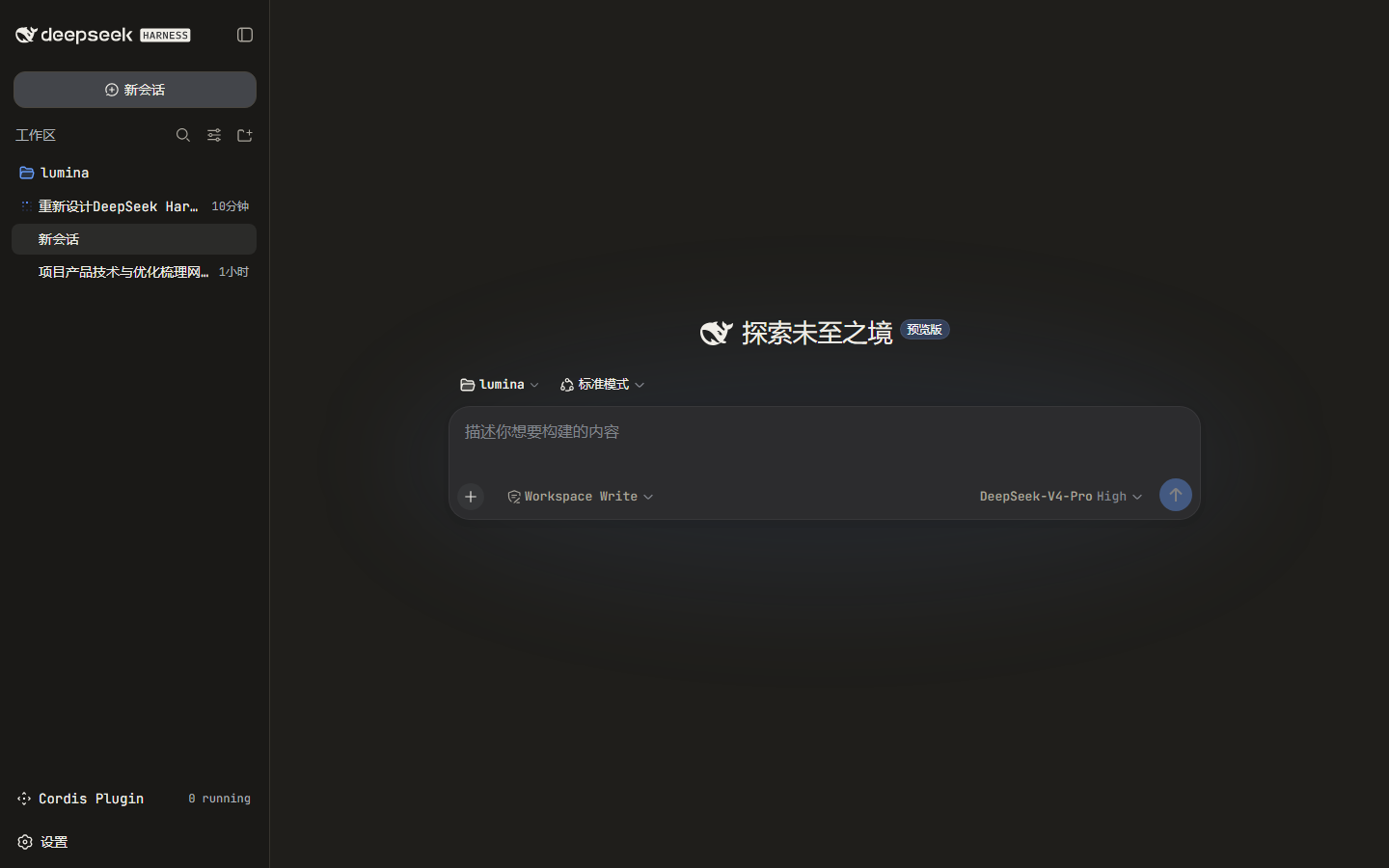
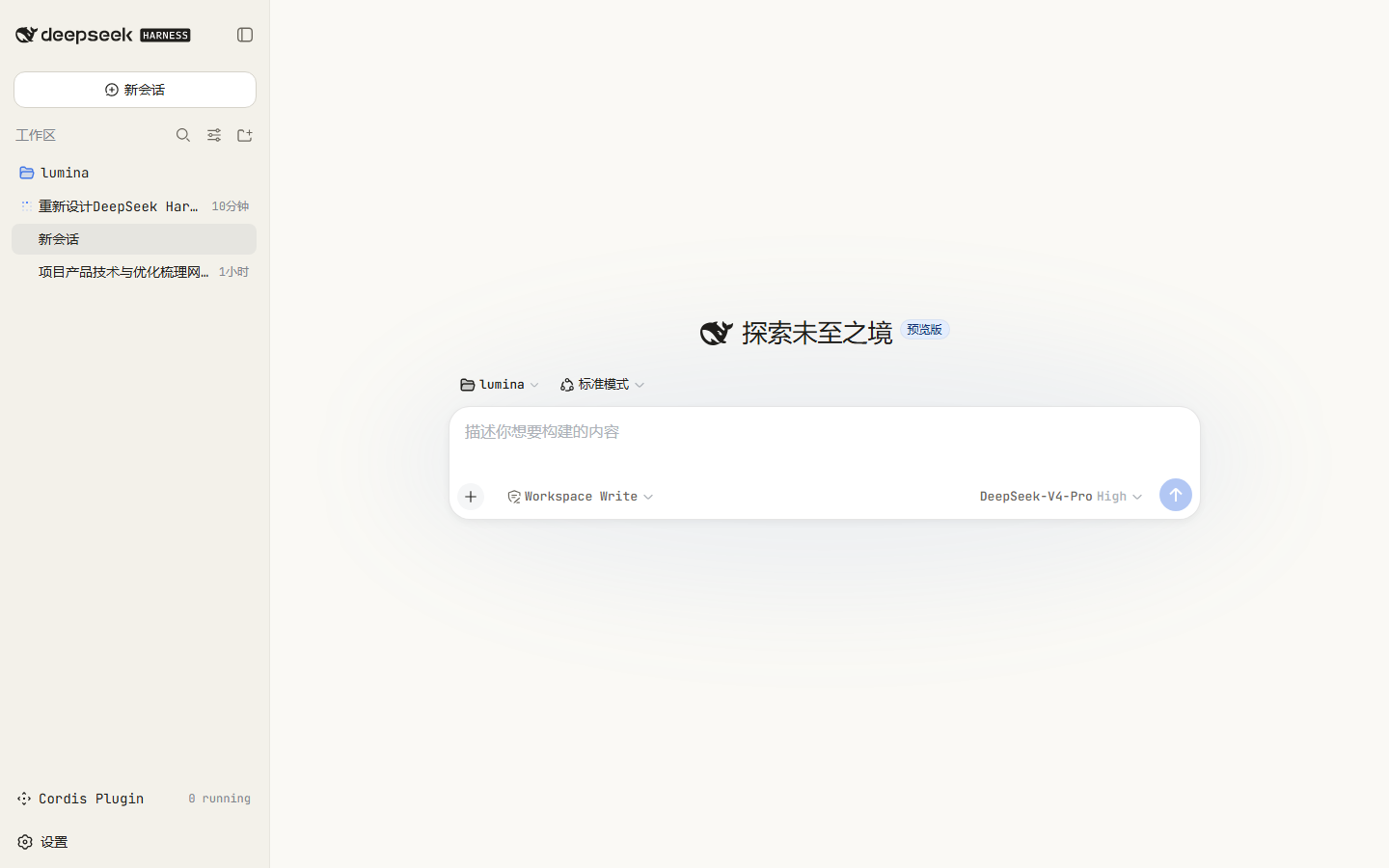
它用 Claude Code 的标志性观感重新渲染浏览器界面:
- 暖炭黑 / 暖米白的界面底色,替代默认的冷灰
- 陶土橙强调色(
#D97757),用于品牌色、焦点环、光标、链接与滚动条 - 等宽终端字体(JetBrains Mono / ui-monospace 回退)
- 暖色调的代码块与
code/pre表面
皮肤以「令牌覆盖层」的形式叠加在当前生效主题之上,因此会随 亮色 / 暗色 / 跟随系统 自动适配。
预览
| 暗色 | 亮色 |
|---|---|
 |  |
安装
本包是一个 DSH bundle:其 package.json 声明了 dsh.bundle.patch,因此
dsh plugin add 会既安装又自动注册它为 profile 层,无需修改 cordis.patch.yml。
dsh plugin --profile web add dsh-skin-claude-code
dsh web
要指定其他 profile,改 --profile 即可。仓库里还附带一个便捷脚本:
./install.sh # 可选参数:profile 名,默认 web
为什么无需手改 patch
dsh plugin add 会先转发给 profile 目录内的 pnpm,再对 dsh.profile.bundles 列表做一次对账:
凡 package.json 声明了 dsh.bundle.patch 的依赖,会被自动追加进该列表。启动时,加载器应用每个
bundle 自带的 cordis.patch.yml(其中包含插入皮肤行的 - insert:),因此插件无需任何手工组合编辑即可挂载。
卸载
dsh plugin --profile web remove dsh-skin-claude-code
dsh web
工作原理
package.json声明了两件事:dsh.bundle.patch→cordis.patch.yml,负责插入插件行;dsh.client(platform: web,inject了@deepseek-ai/dsh-client-ui-theme),负责提供浏览器半区。