RealAlexandreAI/dsh-atuin ↗★ 1
dsh-atuin
DeepSeek Harness plugin: every user prompt you type (in the web UI) is appended to your atuin shell history, so it shows up in atuin search and shell integration.
安装
$
npx -p @deepseek-ai/dsh dsh plugin --profile web add github:RealAlexandreAI/dsh-atuin说明文档
阅读完整 README ↗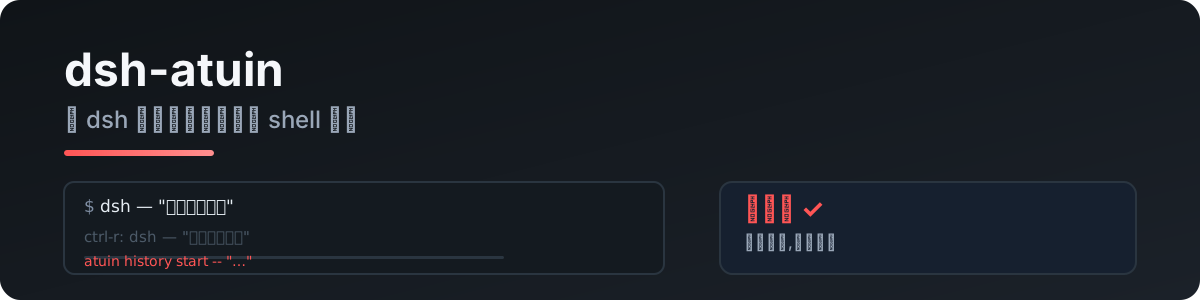
dsh-atuin
把你在 DeepSeek Harness 里输入的每一句话写进 atuin shell 历史——atuin search、shell 集成(Ctrl-R)里都能搜到。
由 pi-atuin 移植。dsh 没有终端 UI,这就是它的 atuin 桥。
怎么工作
监听 session/event → user/message,对每条输入执行:
atuin history start -- ""
atuin history end --exit 0
只记录你自己输入的话——回复、工具调用、文件内容一律不记。
快速开始
dsh plugin --profile web add dsh-atuin
需要 atuin daemon 在运行(标准 atuin 安装自带)。atuin 缺失或 daemon 停了会静默跳过,不会影响会话。
配置
- id: atuin
  name: dsh-atuin
  config:
    # atuin_bin: /opt/homebrew/bin/atuin
    # deny: "^/clear$,password"
    # max_len: 2000
    # session_match: "project-x"
| 键 | 说明 |
|---|---|
atuin_bin | atuin 可执行文件路径(默认 atuin) |
deny | 逗号分隔正则,命中的输入不记录 |
max_len | 超长输入截断(默认 2000;0 关闭) |
session_match | 逗号分隔正则,只记录会话标题匹配的(空 = 全部) |
隐私
- 只记录你自己输入的话;回复、工具调用、文件内容一律不记
deny可屏蔽敏感输入- 数据落在本地 atuin 库(
~/.local/share/atuin/history.db),不出本机
开发
npm install
npm run typecheck
npm test          # 文本提取 / deny 规则 / 截断
npm run build
真实入库测试(需要 atuin daemon):
node --import tsx tests/real/real-atuin.mjs
License
MIT