RealAlexandreAI/dsh-cloudflare-browser-run ↗★ 1
dsh-cloudflare-browser-run
DeepSeek Harness plugin: web browsing tools (markdown / screenshot / pdf) powered by Cloudflare Browser Run — real headless Chrome with JS rendering, login sessions and WebMCP support.
安装
$
npx -p @deepseek-ai/dsh dsh plugin --profile web add github:RealAlexandreAI/dsh-cloudflare-browser-run说明文档
阅读完整 README ↗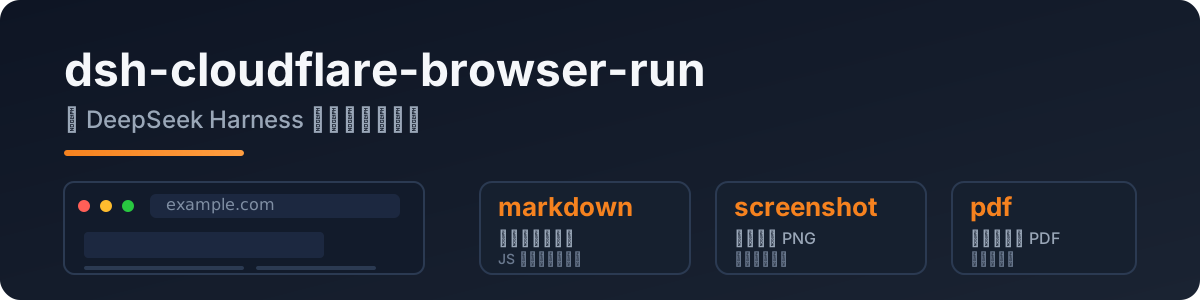
dsh-cloudflare-browser-run
给 DeepSeek Harness 的 agent 真正的浏览器访问能力:headless Chrome 跑在 Cloudflare 网络上,JS 渲染页面、截图、PDF 都能处理。
由 pi-cloudflare-browser-run 移植,完全符合 dsh 的 Cordis 插件规范。
为什么需要它
dsh 内置的 web_fetch 只是普通 HTTP fetch——JS 页面拿回来是空壳,官方也标注 SSRF 防护待补。本插件补上:
- 任意公开页面的干净 markdown(SPA/JS 页面也能读)
- 截图(PNG)和 PDF
- 登录态会话、WebMCP 站点
快速开始
dsh plugin --profile web add dsh-cloudflare-browser-run
在 profile/settings 层配置凭据:
- id: cloudflare-browser-run
  name: dsh-cloudflare-browser-run
  config:
    cf_api_token:
    cf_account_id:
Token:Cloudflare 控制台 → API Tokens → 模板选 Browser Rendering: Edit。
Account id:dash.cloudflare.com//...。
工具
| 工具 | 说明 |
|---|---|
browse | 抓取公开 URL → 干净 markdown(默认);action 可选 screenshot / pdf |
screenshot | 页面截图存为 PNG,返回本地路径 |
pdf | 页面渲染为 PDF,返回本地路径 |
配置
| 键 | 必填 | 说明 |
|---|---|---|
cf_api_token | ✅ | 你的 API token(Browser Rendering:Edit) |