SMWHff/dsh-restart-progress ↗★ 0
dsh-restart-progress
In-page restart overlay + detached restart script for DeepSeek Harness (DSH) Web: shows a full-screen spinner overlay in the current page the moment a restart starts, auto-reloads when the server is back, and notifies the originating session so the agent reports 'restarted' by itself. Esc / close button to bail out.
安装
$
npx -p @deepseek-ai/dsh dsh plugin --profile web add github:SMWHff/dsh-restart-progress说明文档
阅读完整 README ↗dsh-restart-progress



DeepSeek Harness (DSH) Web 重启体验插件:页内遮罩 + 分离式重启脚本 + 重启完成自动报告,让服务重启全程可视、自动、可随时退出。
适用场景:在 DSH Web 会话内由 agent 触发重启、在终端手动重启、自动化流程中的服务重启。Windows 10/11。
功能
- 🌀 提前显示遮罩:执行重启脚本的瞬间(服务还没断),当前页面 2 秒内出现全屏转圈遮罩,不等断线。
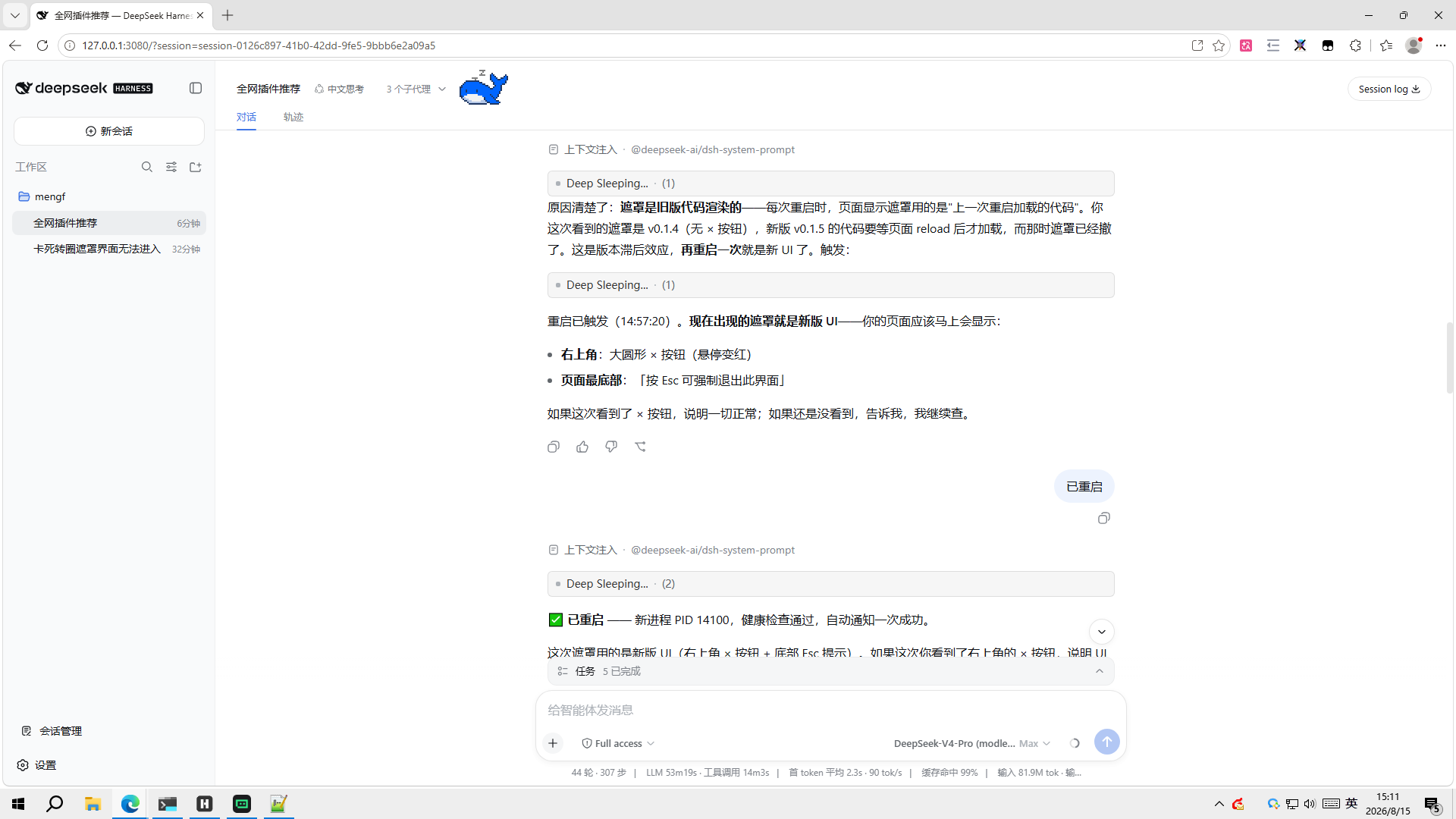
- 🔄 自动刷新:服务恢复且重启任务收尾完成后,页面自动刷新回到 DSH。
- 🔔 自动报告:重启完成后,脚本自动向发起重启的会话发送「已重启」消息,agent 被唤醒并向用户报告。
- ✕ 随时退出:遮罩右上角大叉叉按钮,或按
Esc,立即退出遮罩并停止自动刷新(只对当前这一轮生效,下一轮重启照常显示)。 - 🛡️ 防死循环:只有在「服务在线 + 重启任务收尾完成」双条件满足时才刷新页面,杜绝 reload 死循环。
- 🚀 分离式执行:真正的杀旧+启新动作交给 Windows 计划任务执行,脱离 dsh 进程树——即使由 agent 在会话内触发重启,也不会把执行脚本自己杀死(
taskkill /T杀不到任务体)。
效果展示
| 遮罩刚出现 | 服务已断,等待恢复 | 服务恢复中 | 重启完成,页面已刷新 |
|---|---|---|---|
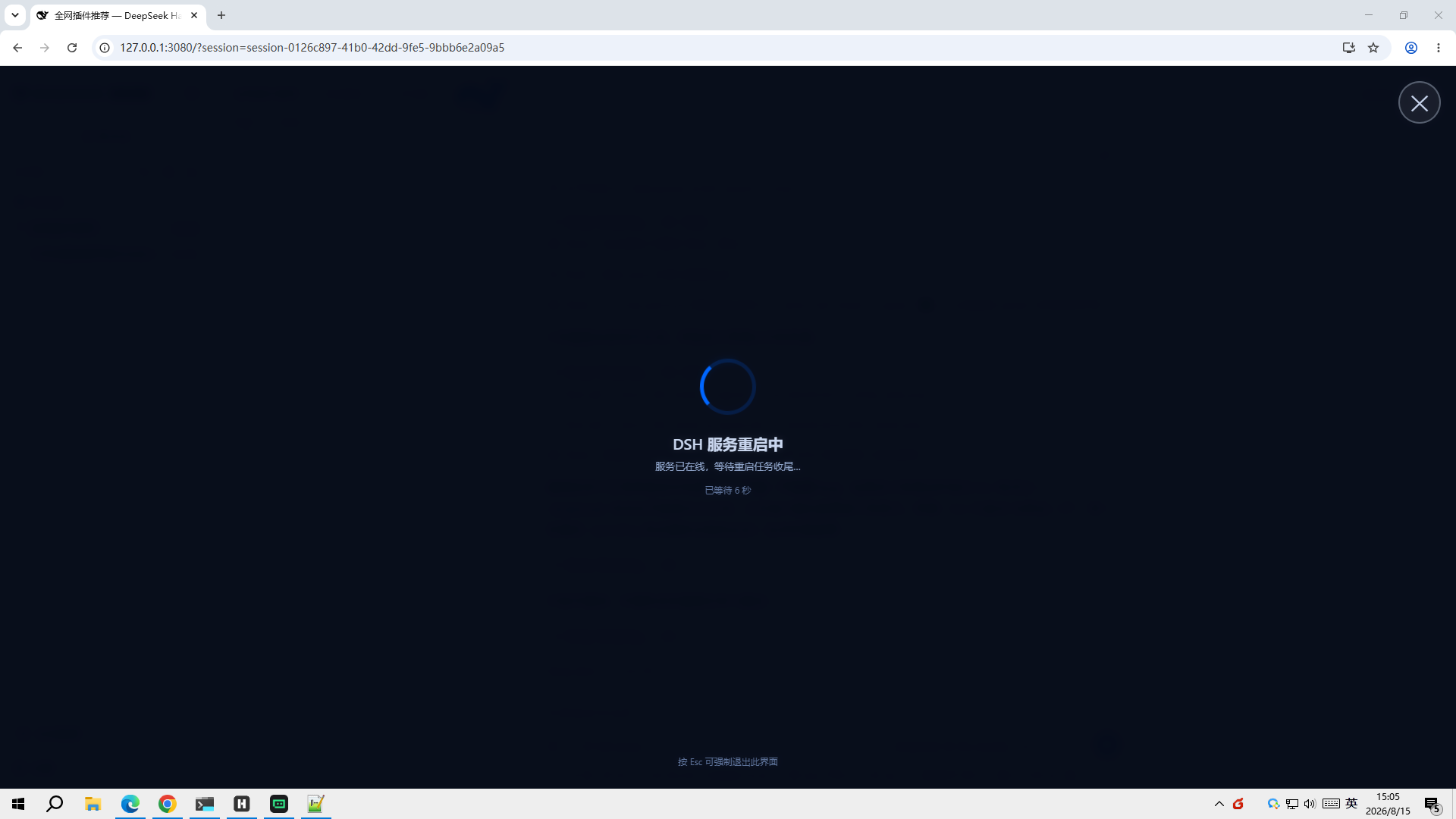 | 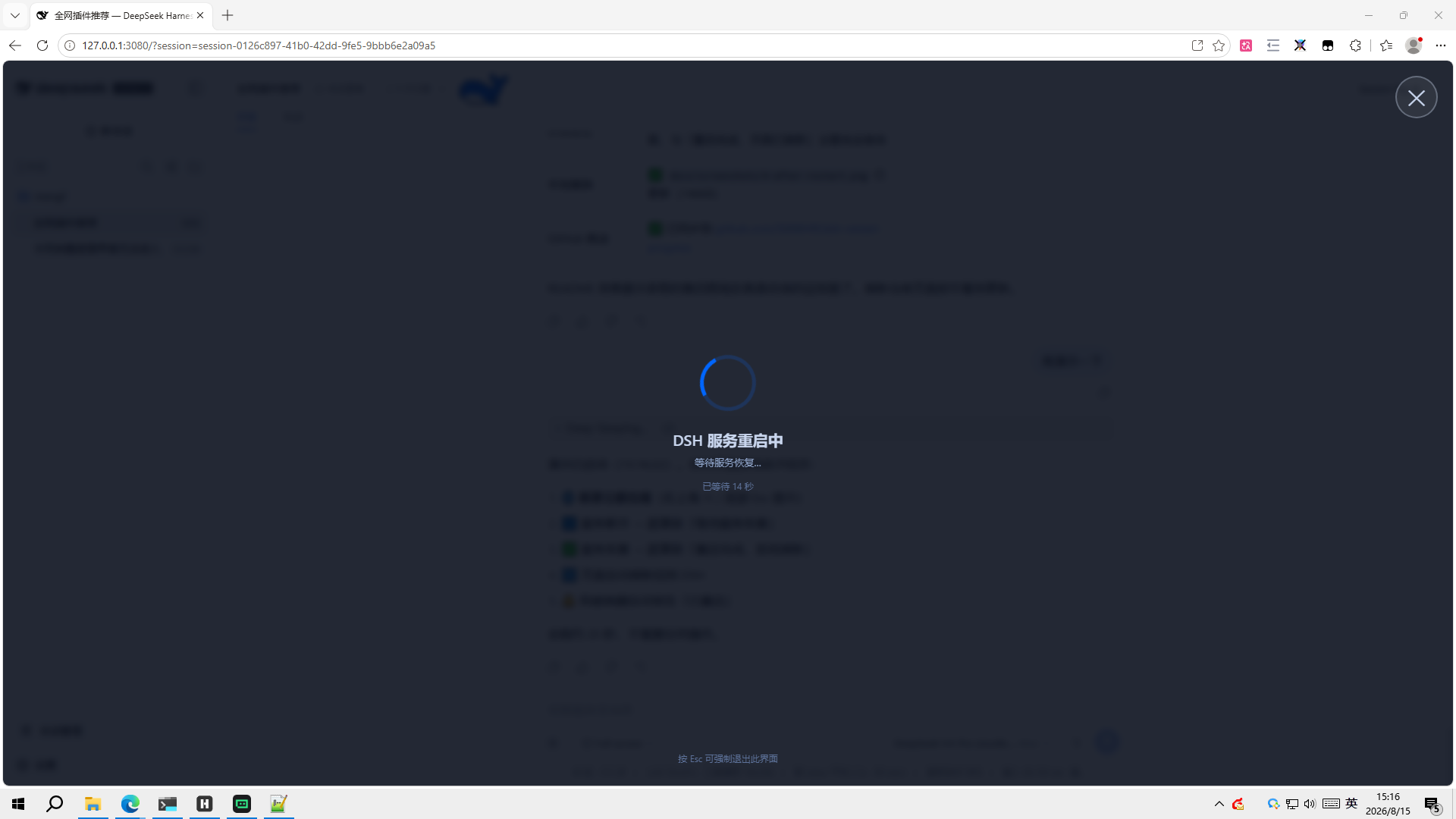 | 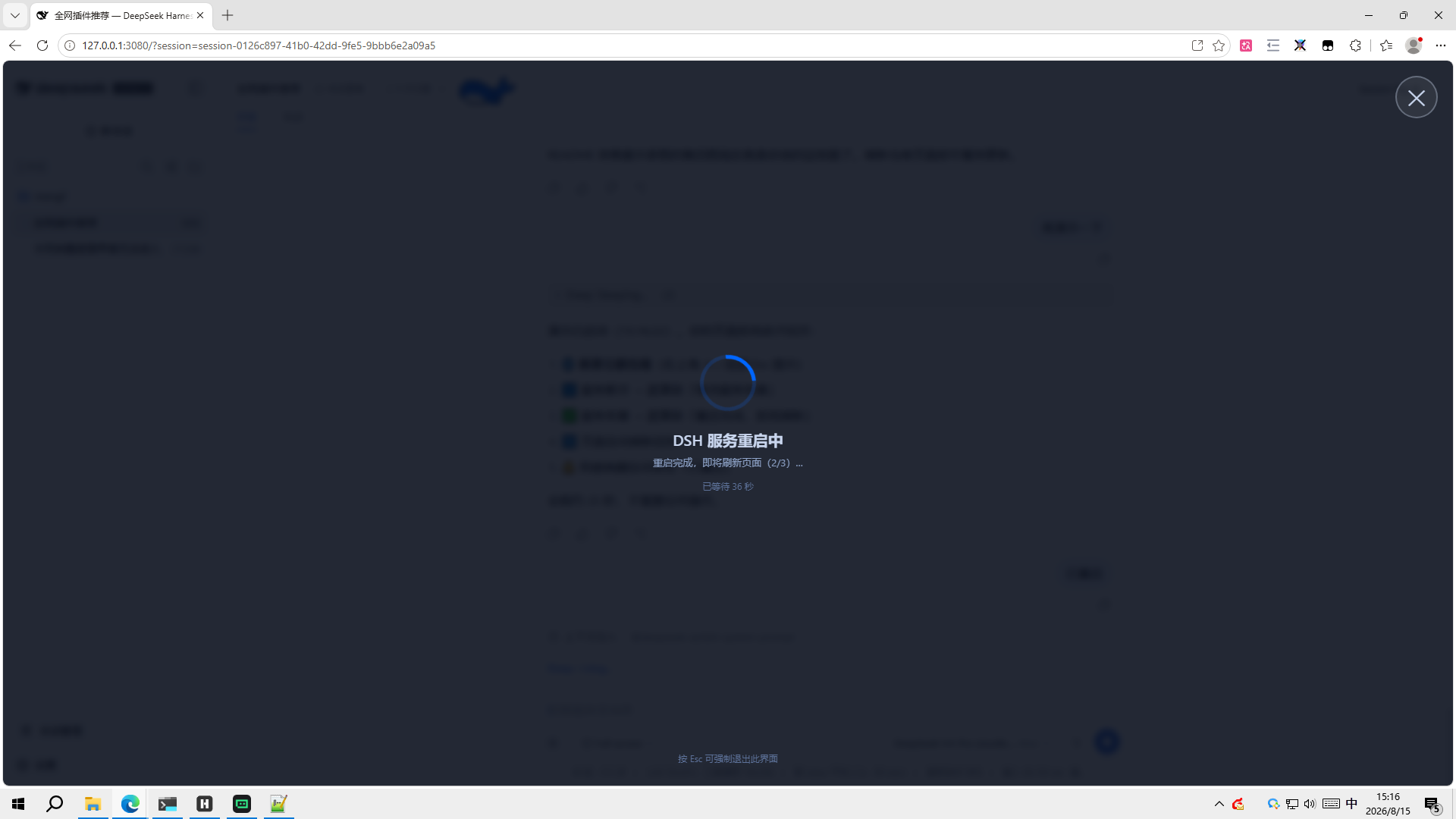 |  |
遮罩右上角有叉叉按钮,页面底部有「按 Esc 可强制退出此界面」提示,两种方式都能随时退出。
快速开始
1. 安装插件
dsh plugin --profile web add "github:SMWHff/dsh-restart-progress"
安装后重启一次 dsh web 使插件注入生效。验证:浏览器 F12 控制台应出现