dac114514/dsh-theme-center ↗★ 0
dsh-theme-center
DeepSeek Harness 主题中心 · Theme Center for dsh web UI:精选主题画廊(浅色/深色分组)、一键切换、自定义壁纸、dsh-theme 导入导出
安装
$
npx -p @deepseek-ai/dsh dsh plugin --profile web add github:dac114514/dsh-theme-center说明文档
阅读完整 README ↗
dsh-theme-center
English | 中文



The theme center inside DeepSeek Harness — a curated gallery of built-in
themes (light and dark grouped), one-click switching, a custom-image
wallpaper with a crop/tint editor, and import/export of
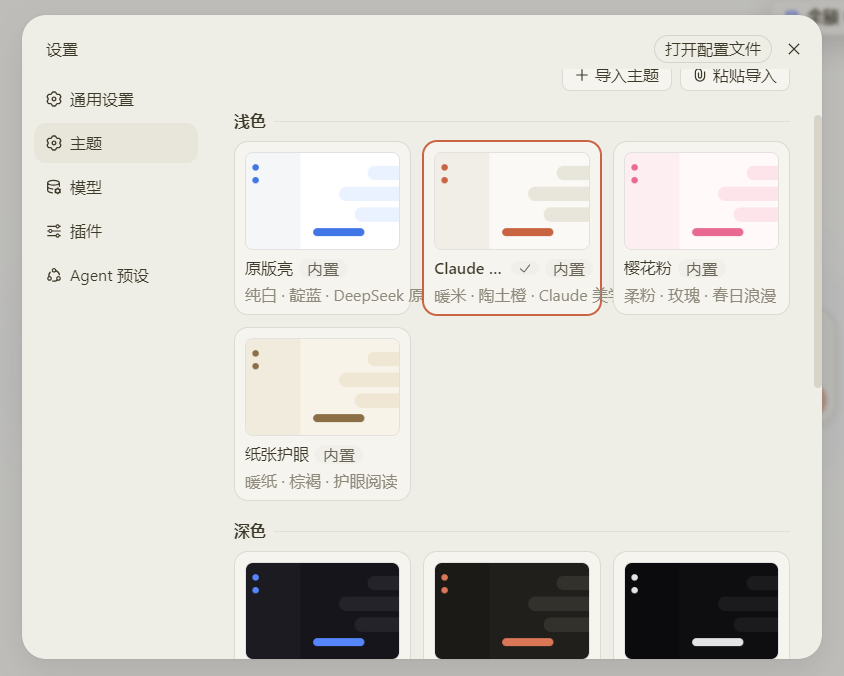
user-authored dsh-theme files. Open Settings → 主题 / Themes:
The menu lists every built-in theme — light and dark are grouped, and clicking a card switches the interface instantly (your choice survives restarts):
Install
Published on npm — one command:
dsh plugin --profile web add dsh-theme-center
Restart dsh web, then open Settings → 主题 / Themes.
Uninstall
dsh plugin --profile web remove dsh-theme-center
Install from GitHub (no npm)
The same plugin can be added straight from the repository:
dsh plugin --profile web add github:dac114514/dsh-theme-center
Restart dsh web.
What you get
- Curated built-in catalog — 11 themes, one per visual identity; light and dark are grouped in a 3-column gallery grid
- One-click switching — instant re-theme, the selection persists across reloads
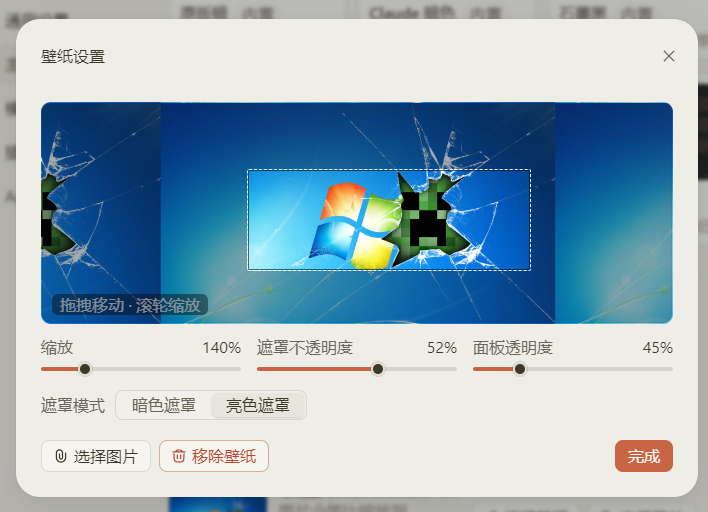
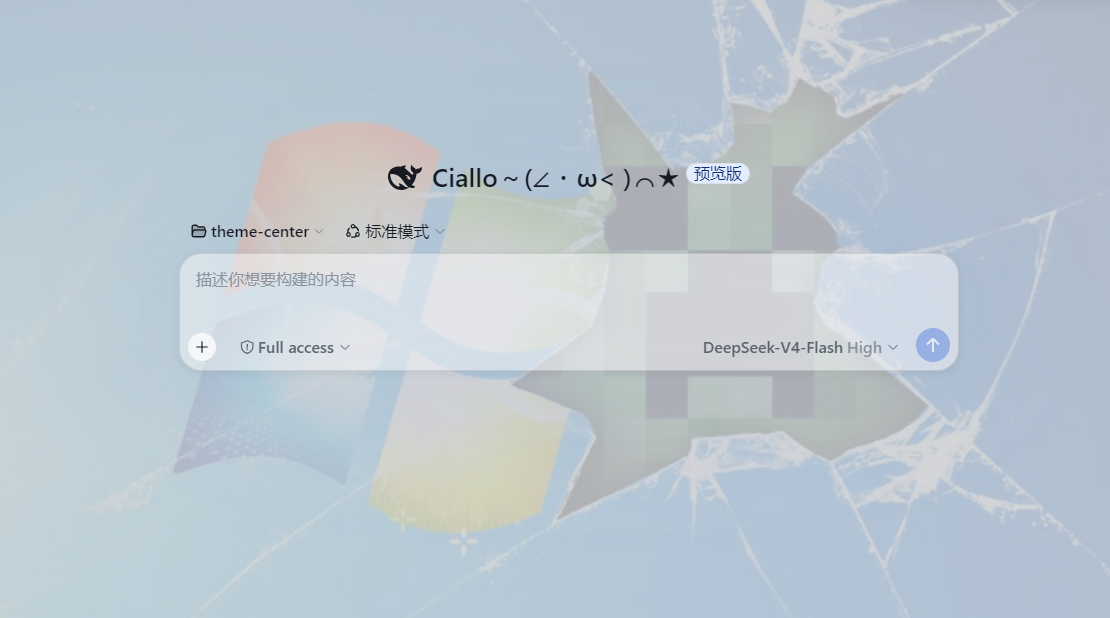
- Wallpaper — any image as the interface background, with a live crop/tint editor (pan, zoom, overlay opacity, surface translucency)