kimirong/dsher-bbs-plugin ↗★ 0
@kimirong/dsher-bbs-plugin
bbs.dsher.cn 社区面板 — DSH Web 的正式 bundle 插件(npm 安装形态):右下角悬浮入口 + 浏览/搜索/发帖/回帖/点赞/图片上传 + 一键登录
安装
$
npx -p @deepseek-ai/dsh dsh plugin --profile web add github:kimirong/dsher-bbs-plugin说明文档
阅读完整 README ↗dsher-bbs-plugin
在 DeepSeek Harness Web UI 中集成 bbs.dsher.cn(dsh 社区)的正式 bundle 插件:右下角悬浮入口,浏览 / 搜索 / 发帖 / 回帖 / 点赞 / 粘贴截图上传 / 一键登录,开箱即用。
✨ 一键安装
前提:机器上已安装 DeepSeek Harness(带
dsh命令),并已跑过dsh web。
# ① 一条命令装进 web profile(自动加入 profile bundles)
dsh plugin --profile web add @kimirong/dsher-bbs-plugin

# ② 完全重启 dsh web 进程(不是刷新页面!)
dsh web
重启后,页面右下角出现「dsher 社区」蓝色胶囊按钮,点击即可浏览 / 发帖 / 回帖 / 点赞 / 上传图片 / 一键登录。
安装遇到 ERR_PNPM_ADDING_TO_ROOT?
pnpm 8+ 对 workspace 根 add 有校验,dsh plugin 可能因此失败。一行配置解决:
echo 'ignore-workspace-root-check=true' >> ~/.dsh/profiles/web/.npmrc
dsh plugin --profile web add @kimirong/dsher-bbs-plugin
更新 / 卸载
dsh plugin --profile web update @kimirong/dsher-bbs-plugin   # 更新到新版本
dsh plugin --profile web remove @kimirong/dsher-bbs-plugin   # 卸载(自动从 bundles 剔除)
截图
| 右下角悬浮入口 | 面板 · 浏览 | 面板 · 发帖 |
|---|---|---|
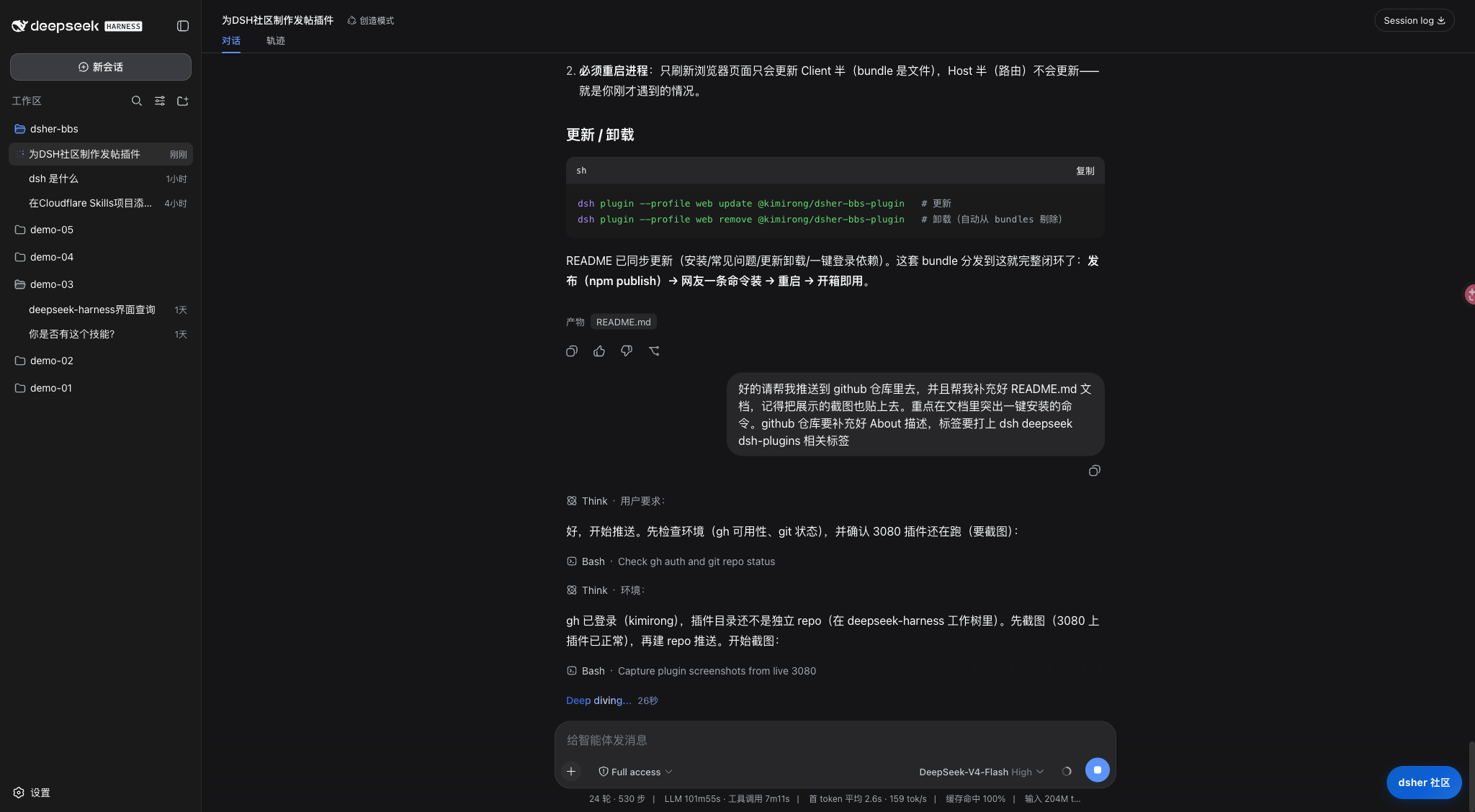 | 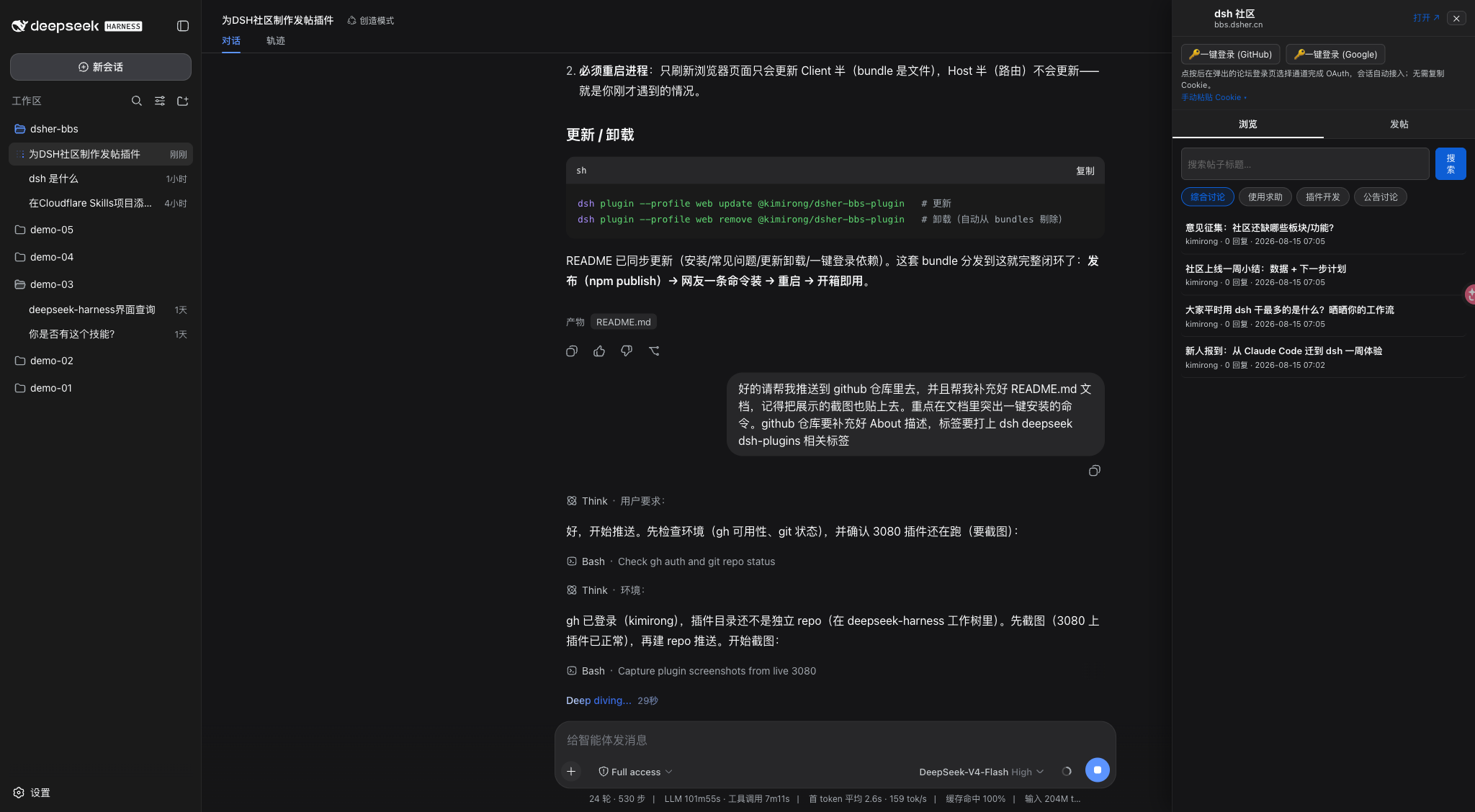 | 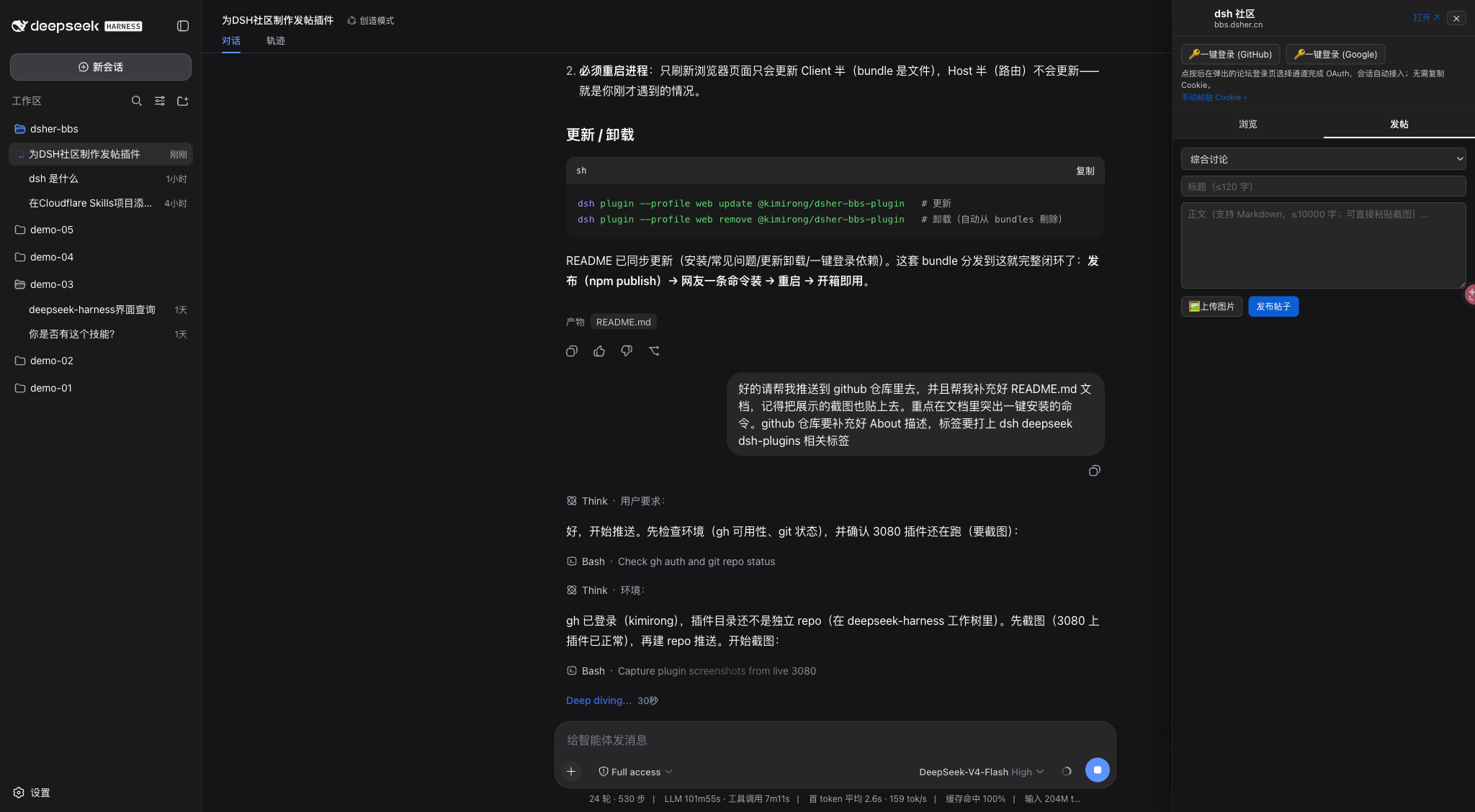 |
功能特性
- 右下角悬浮入口:品牌蓝胶囊按钮常驻页面右下角,不占用侧栏空间,随时点开
- 浏览 / 搜索:版块分类 → 帖子列表(分页)→ 详情(正文 / 回复),搜索框直接集成在浏览页顶部
- 发帖 / 回帖 / 点赞:面板内完成,支持 Markdown
- 粘贴截图 / 图片上传:正文与回复框直接粘贴截图(自动转码上传)或点「🖼 上传图片」
- 一键登录:弹窗走论坛同款 GitHub / Google OAuth,会话自动接入,无需复制 Cookie(手动粘贴仅作备用)
架构
| 部分 | 文件 | 说明 |
|---|---|---|
| Host 半 | src/host/index.ts | 注册 ctx.webServer 路由 /api/dsher-bbs/*,把论坛能力暴露为本机 JSON RPC |