linziyanleo/dsh-custom-provider ↗★ 1
dsh-custom-provider
DSH plugin for configuring static OpenAI-compatible providers and model catalogs
安装
npx -p @deepseek-ai/dsh dsh plugin --profile web add github:linziyanleo/dsh-custom-provider说明文档
阅读完整 README ↗YAML configuration
The same provider and model catalog can be managed directly in settings.yaml.
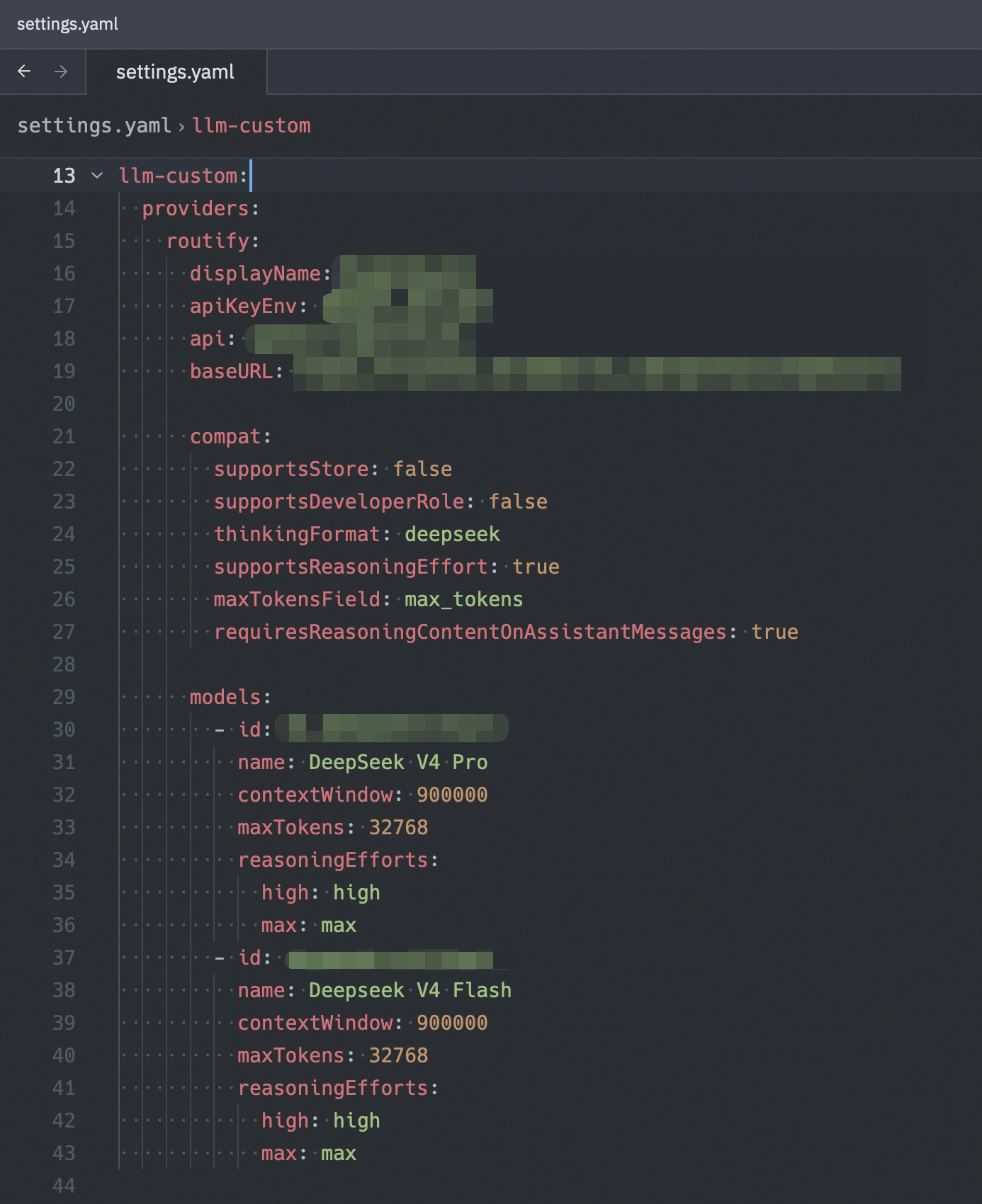
Configuration
Web settings
Open Settings → Custom Providers in DSH Web, then:
- Add a provider ID, display name, API base URL, and credential reference.
- Enter the API key. The field is write-only and stores the value through the DSH credentials service.
- Add one or more models with their model IDs, display names, context windows, and maximum outputs. Capacity inputs accept integers and
K/Msuffixes such as200Kor1m. - Expand Advanced only when the endpoint requires compatibility overrides or custom reasoning-effort mappings.
- Save the provider. Its models become available to the model picker immediately after the settings change is applied.
settings.yaml
llm-custom:
  providers:
    example:
      displayName: Example Provider
      apiKeyEnv: EXAMPLE_API_KEY
      api: openai-completions
      baseURL: https://api.example.com/v1
      compat:
        supportsStore: false
        supportsDeveloperRole: false
        thinkingFormat: deepseek
        supportsReasoningEffort: true
        maxTokensField: max_tokens
        requiresReasoningContentOnAssistantMessages: true
      models:
        - id: example-model
          name: Example Model
          contextWindow: 262144
          maxTokens: 32768
          reasoningEfforts:
            off:
            high: high
            max: max
apiKeyEnv is a credential reference, not the secret itself. Configure its value through DSH's credentials service or the Web settings page.
Configuration reference
Each key below is relative to llm-custom.providers. .
In the Web UI, a provider ID must start with a lowercase letter and contain only lowercase letters, digits, and dashes.
Provider fields
| Field | Required | Description |
|---|---|---|
displayName | No | Name shown in the model picker. Defaults to the provider ID. |
apiKeyEnv | Yes | DSH credential reference resolved before every request. |
api | Yes | Wire protocol. The supported value is openai-completions. |
baseURL | Yes | Absolute HTTP(S) base URL of the OpenAI-compatible endpoint. Trailing slashes are normalized. |
compat | No | Compatibility defaults inherited by every model on the route. |
models | Yes | Static model catalog containing at least one model. Model IDs must be unique within the provider. |
Model fields
| Field | Required | Description |
|---|---|---|
id | Yes | Model ID sent to the provider. |
name | No | Name shown in the model picker. Defaults to id. |
contextWindow | Yes | Positive integer context-window size in tokens. |
maxTokens | Yes | Positive integer maximum output size in tokens. |
reasoningEfforts | No | Selectable DSH reasoning levels mapped to provider wire values. Set to false to disable the reasoning control. |
compat | No | Per-model compatibility values. Each declared field overrides the provider-level value. |
Compatibility fields
compat accepts the same fields at provider and model level:
| Field | Values | Effect |
|---|---|---|
supportsStore | true / false | Whether the request may send the OpenAI store parameter. |
supportsDeveloperRole | true / false | Whether system prompts may use the developer role. |
thinkingFormat | openai, deepseek, openrouter, together, zai, qwen, string-thinking, ant-ling | Reasoning-content format understood by the endpoint. |
supportsReasoningEffort | true / false | Whether the request may send a reasoning-effort parameter. |
maxTokensField | max_completion_tokens / max_tokens | Request field used for the maximum output limit. |
requiresReasoningContentOnAssistantMessages | true / false | Whether replayed assistant messages retain reasoning_content. |
Only declare compatibility fields required by the endpoint; omitted model fields inherit the provider-level values.
Reasoning-effort mappings
The supported DSH levels are off, minimal, low, medium, high, xhigh, and max. A mapping value is the exact string expected by the provider. Only off may be empty (null in YAML), and a mapping must expose at least one non-off level. Omitted levels are unavailable in the picker.
reasoningEfforts:
  off:
  medium: medium
  high: high
Use reasoningEfforts: false when the model does not provide a reasoning control.