lkdx0220/Genshin-odette-skin-dsh ↗★ 0
dsh-odette-skin
Odette 冰雪梦幻主题:深/浅双模式 UI 美化皮肤(背景图 + 主题 token + 毛玻璃)
安装
$
npx -p @deepseek-ai/dsh dsh plugin --profile web add github:lkdx0220/Genshin-odette-skin-dsh说明文档
阅读完整 README ↗或运行时注入(不写 profile 配置)
dev_inject_plugin C:\path\to\odette-skin
### 方式二:手动装配(bundle 插件)

1. 构建产物(见下)
2. 在目标 profile 的 `package.json` 添加依赖与 `bundles` 条目:

```jsonc
//
/package.json
{
  "dependencies": { "dsh-odette-skin": "link:" },
  "bundles": ["dsh-odette-skin"]
}
- profile 的
cordis.patch.yml追加:
- insert:
    - id: odette-skin
      name: '@dsh-external/dsh-odette-skin'
node_modules建 junction 链接后重启客户端。
方式三:tarball 安装(推荐分发,无需构建授权)
dsh plugin --profile add ./dsh-external-dsh-odette-skin-0.0.1.tgz
构建产物已打包(lib/ + assets/ + cordis.patch.yml),安装即用。
方式四:从 GitHub 直接安装(源码 + prepare 自动构建)
dsh plugin --profile add github:lkdx0220/Genshin-odette-skin-dsh
git 安装拉取的是源码,安装时由 prepare 脚本自动构建(自包含,无需 DSH_CHECKOUT)。
⚠️ pnpm ≥10 首次安装会被安全策略拦截——将以下内容加入该 profile 的 pnpm-workspace.yaml 授权构建:
allowBuilds:
  'dsh-odette-skin': true
然后重新执行 add。若不想授权构建,改用方式三的 tarball 安装(无需任何构建授权)。
构建
自包含构建(无需 DSH_CHECKOUT / bash,跨平台):
npm install
npm run build   # host: 本地 tsc → lib/index.js;client: tsdown → lib/client.js
prepare 脚本已声明,从 GitHub/npm 安装时会自动构建。
产物:lib/(host + client)+ assets/(背景图/小兽图)。
使用
- 皮肤开关:点击左下角小兽或侧栏 footer 的 ❄ 按钮
- 状态持久化于
localStorage['dsh-odette-skin:enabled'] - 窄栏(rail)状态:小兽自动居中上移,❄ 按钮隐藏,仅留小兽入口
目录结构
src/index.ts          # host:/odette-skin 静态资源路由(防路径穿越 + MIME + 缓存头)
src/client/index.ts   # client:token 覆盖 / 背景图 / 开关与浮层组件 / CSS
assets/               # 背景图与点缀图(本地资源,无需网络)
cordis.patch.yml      # bundle 层插件行
图片来源与授权
配图版权归原作者所有,仅限个人使用;公开传播请遵守原作者授权条款。
| 用途 | 作者 | 图 |
|---|---|---|
| 浅色背景 | pixiv:Vader · 画师 ID 86110838 · 作品 PID 147886966 | 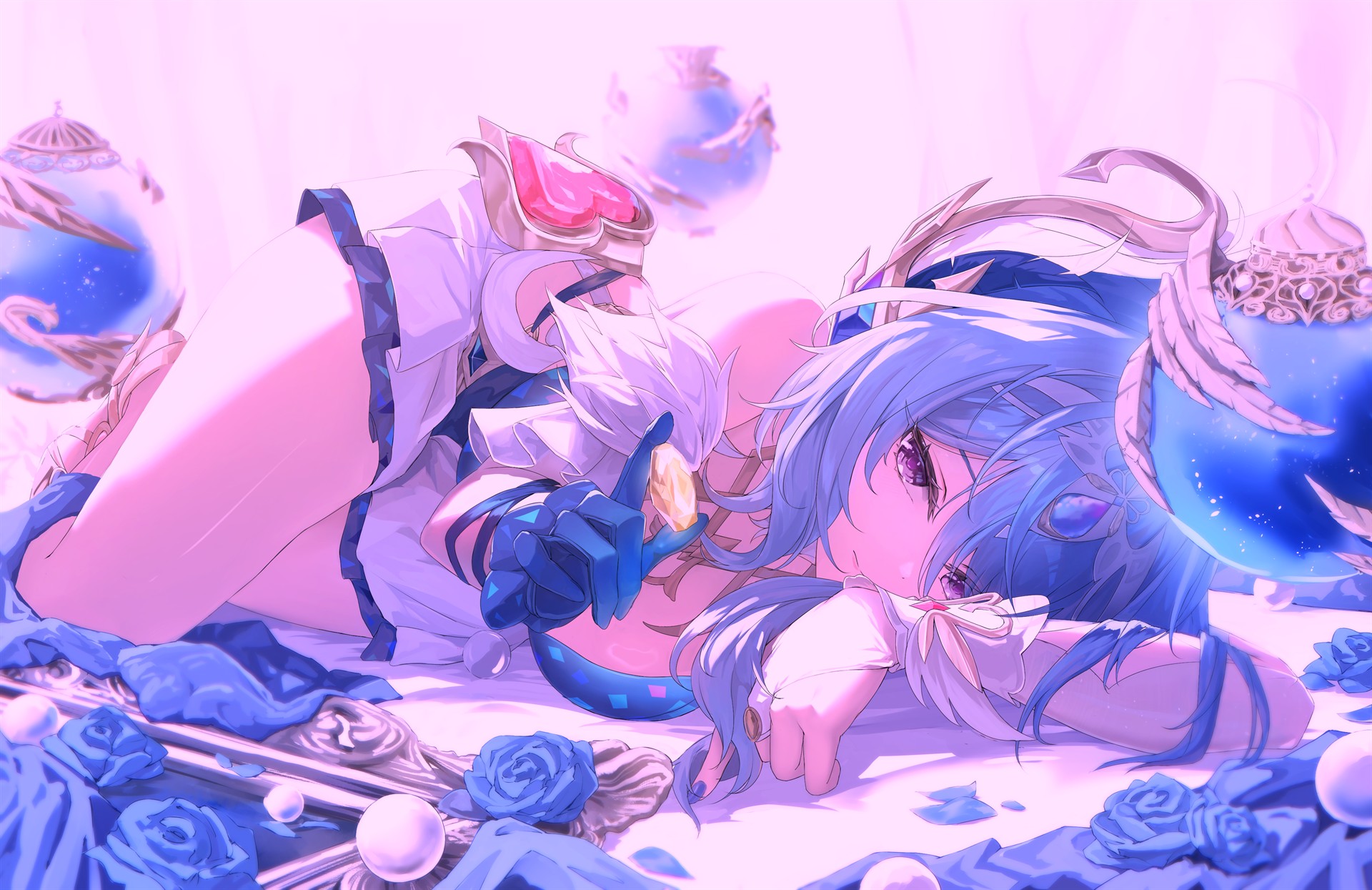 |
| 深色背景 | 游戏内截图(无版权问题) | 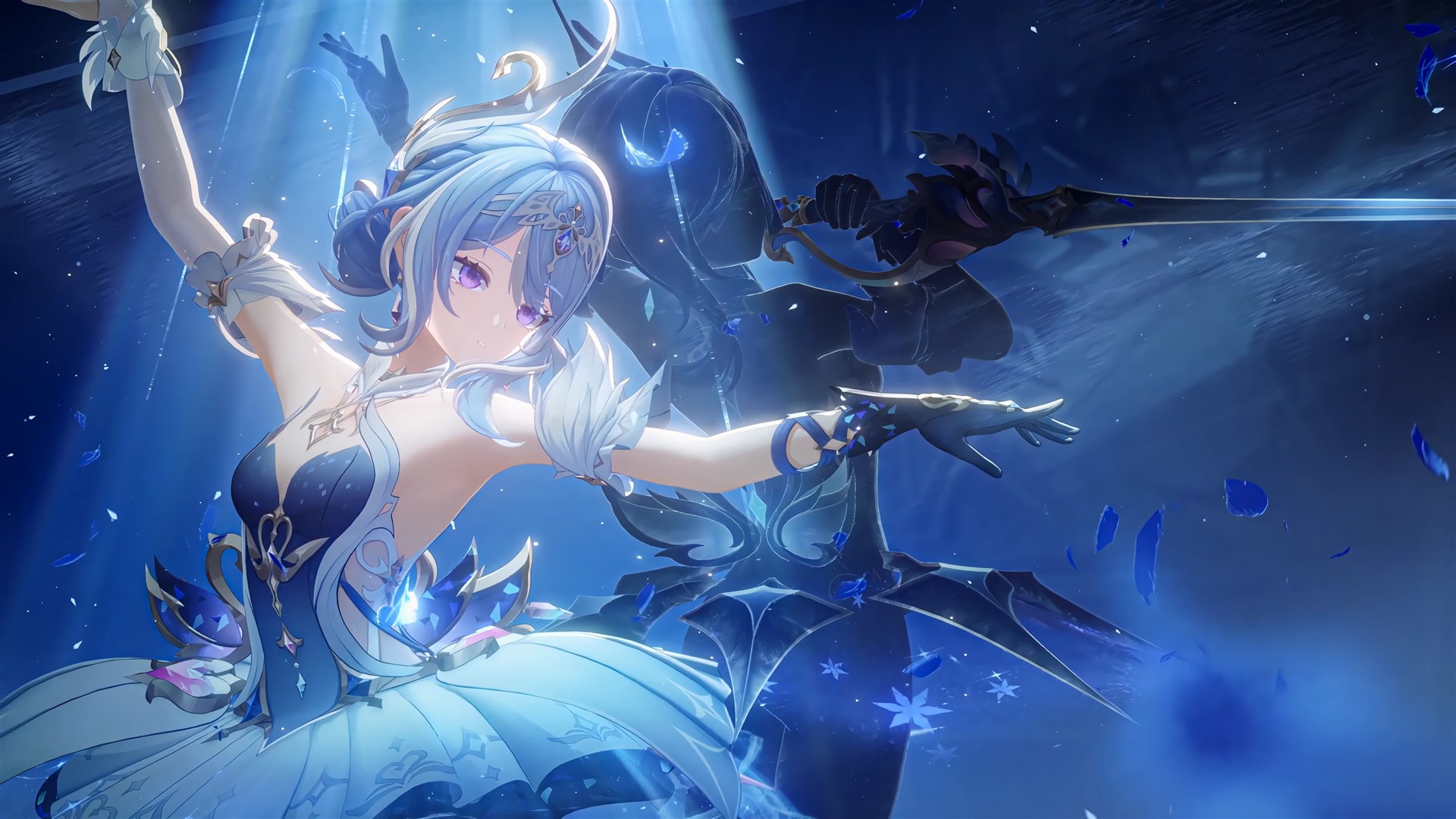 |
| 侧栏小兽 | B站 up 主:甘乐能 | 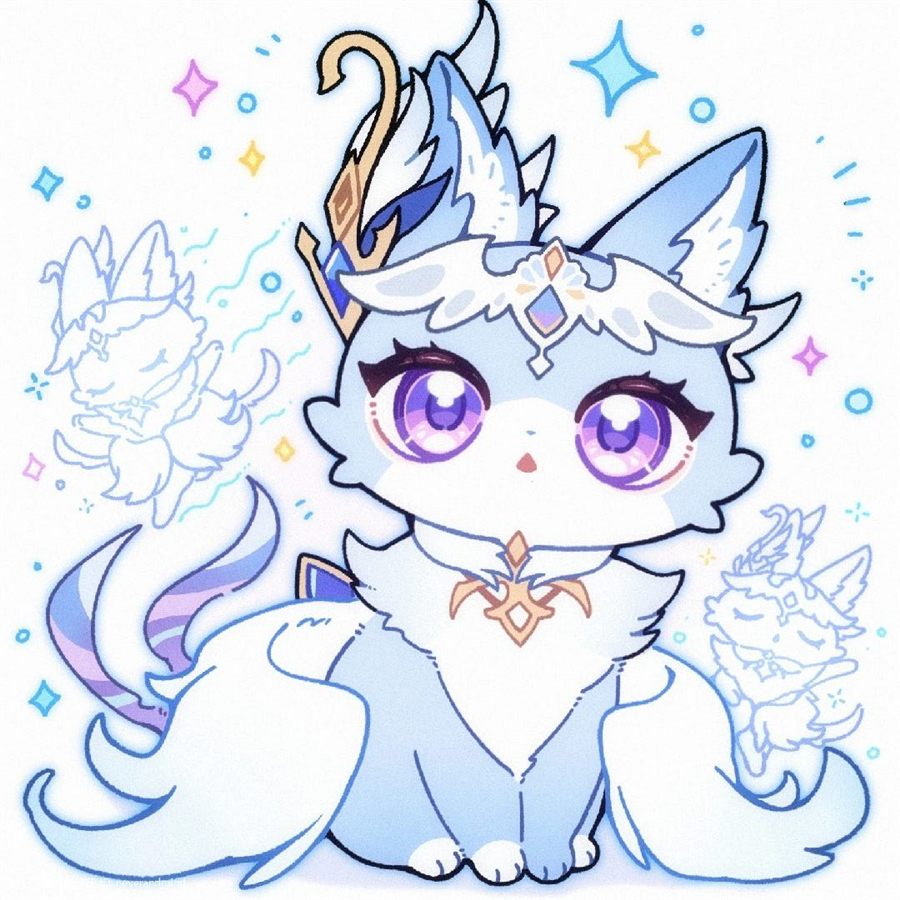 |
License
BSD-3-Clause(代码);配图版权归原作者所有。
使用
- 皮肤开关:点击左下角小兽或侧栏 footer 的 ❄ 按钮
- 状态持久化于
localStorage['dsh-odette-skin:enabled'] - 窄栏(rail)状态:小兽自动居中上移,❄ 按钮隐藏,仅留小兽入口