mccxs/dsh-client-plugin-manager ↗★ 1
@deepseek-ai/dsh-client-plugin-manager
Web plugin manager: grouped plugin inventory and marketplace tabs for dsh settings
安装
$
npx -p @deepseek-ai/dsh dsh plugin --profile web add github:mccxs/dsh-client-plugin-manager说明文档
阅读完整 README ↗dsh-client-plugin-manager
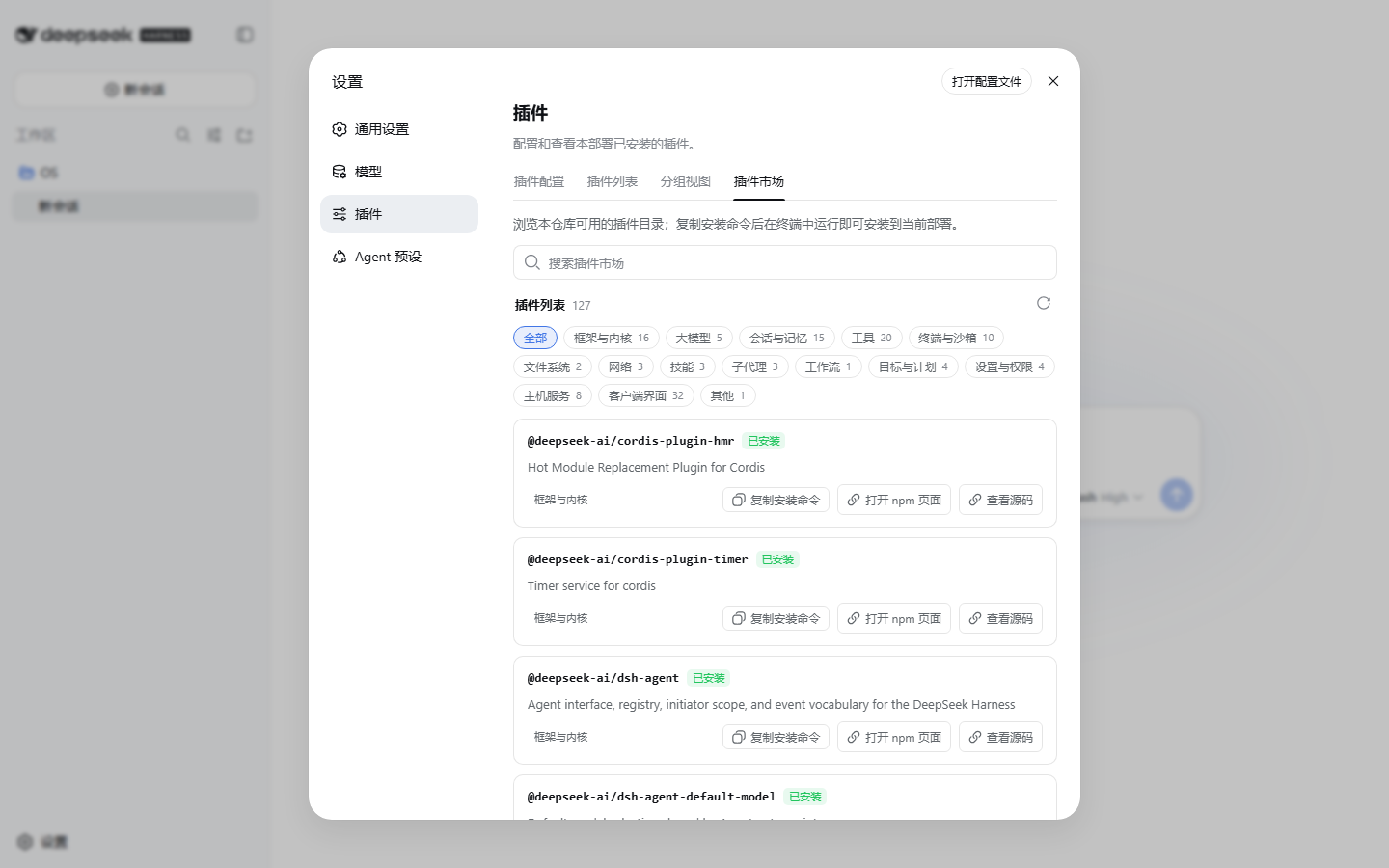
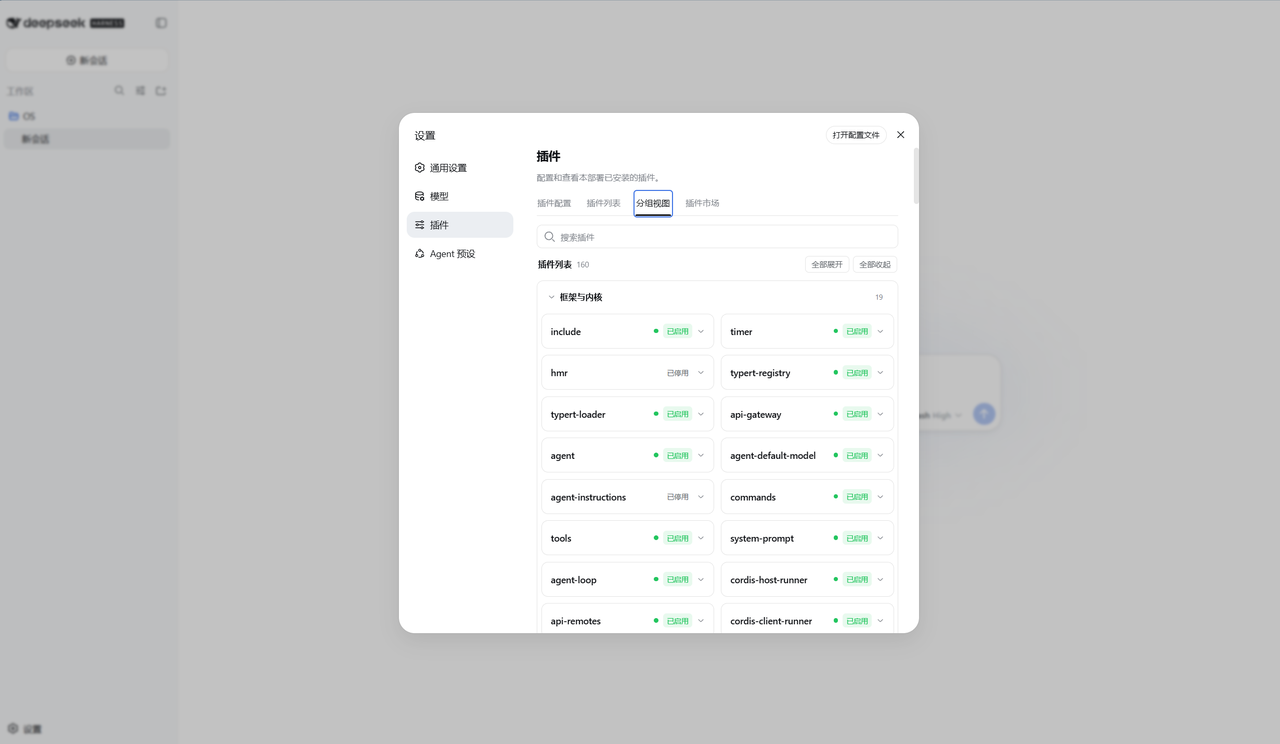
一个可直接安装到 DeepSeek Harness 的插件管理器客户端插件包:为 Web 设置的"插件"分区新增两个标签页——分组视图(按功能分组的插件清单)与插件市场(仓库插件目录浏览、分组筛选、安装命令一键复制、已安装标记)。
功能与数据源说明:
- 分组视图:实时读取 Host 的 Cordis Loader 清单,按功能归入 15 个分组(框架与内核、大模型、终端与沙箱、客户端界面……),支持折叠、计数、"全部展开 / 全部收起"与搜索。
- 插件市场:目录来自本源码树中所有被 cordis 组合引用的插件包(约 127 个),由
scripts/generate-catalog.mjs生成;npm 搜索接口不支持按 scope 过滤,所以采用内嵌快照。
安装
在要使用的 DeepSeek Harness 部署上运行(把 `` 换成本包目录或 tarball):
dsh plugin --profile web add
安装后重启 dsh web,打开 设置 → 插件,即可看到新增的"分组视图"与"插件市场"标签页。
移除
dsh plugin --profile web remove @deepseek-ai/dsh-client-plugin-manager
从源码重新构建
本包需要 DeepSeek Harness 源码工作区(pnpm workspace)才能构建客户端 bundle:
pnpm install
pnpm exec tsc -b packages/client/dsh-client-plugin-manager/tsconfig.json
pnpm --filter @deepseek-ai/dsh-client-plugin-manager run bundle
构建产物为 lib/client.js(浏览器 bundle)与 lib/index.js(node 半部)。
目录结构
dsh-client-plugin-manager/
├── package.json          # dsh.bundle + dsh.client 清单
├── cordis.patch.yml      # 向 web profile 插入插件行
├── lib/                  # 构建产物(client.js / index.js / types)
├── scripts/generate-catalog.mjs  # 重新生成插件市场目录
└── src/
    ├── index.ts          # node 半部(空 apply)
    ├── invariant.ts
    └── client/
        ├── index.ts              # 注册两个 settings.plugins.tab 标签页
        ├── GroupedInventoryTab.tsx / .module.css
        ├── MarketplaceTab.tsx / .module.css
        ├── plugin-groups.ts      # 功能分组规则
        ├── marketplace-catalog.ts # 生成的目录(约 127 条)
        └── locales.ts            # 中英文案
界面预览
分组视图(按功能分组的插件清单)
插件市场(仓库插件目录)