nguyenduclong-ict/dsh-session-progress ↗★ 2
dsh-session-progress
Session progress tracker with System Prompt injection and Slide-over Drawer for DeepSeek Harness
安装
$
npx -p @deepseek-ai/dsh dsh plugin --profile web add github:nguyenduclong-ict/dsh-session-progress说明文档
阅读完整 README ↗dsh-session-progress
1. Purpose & Overview
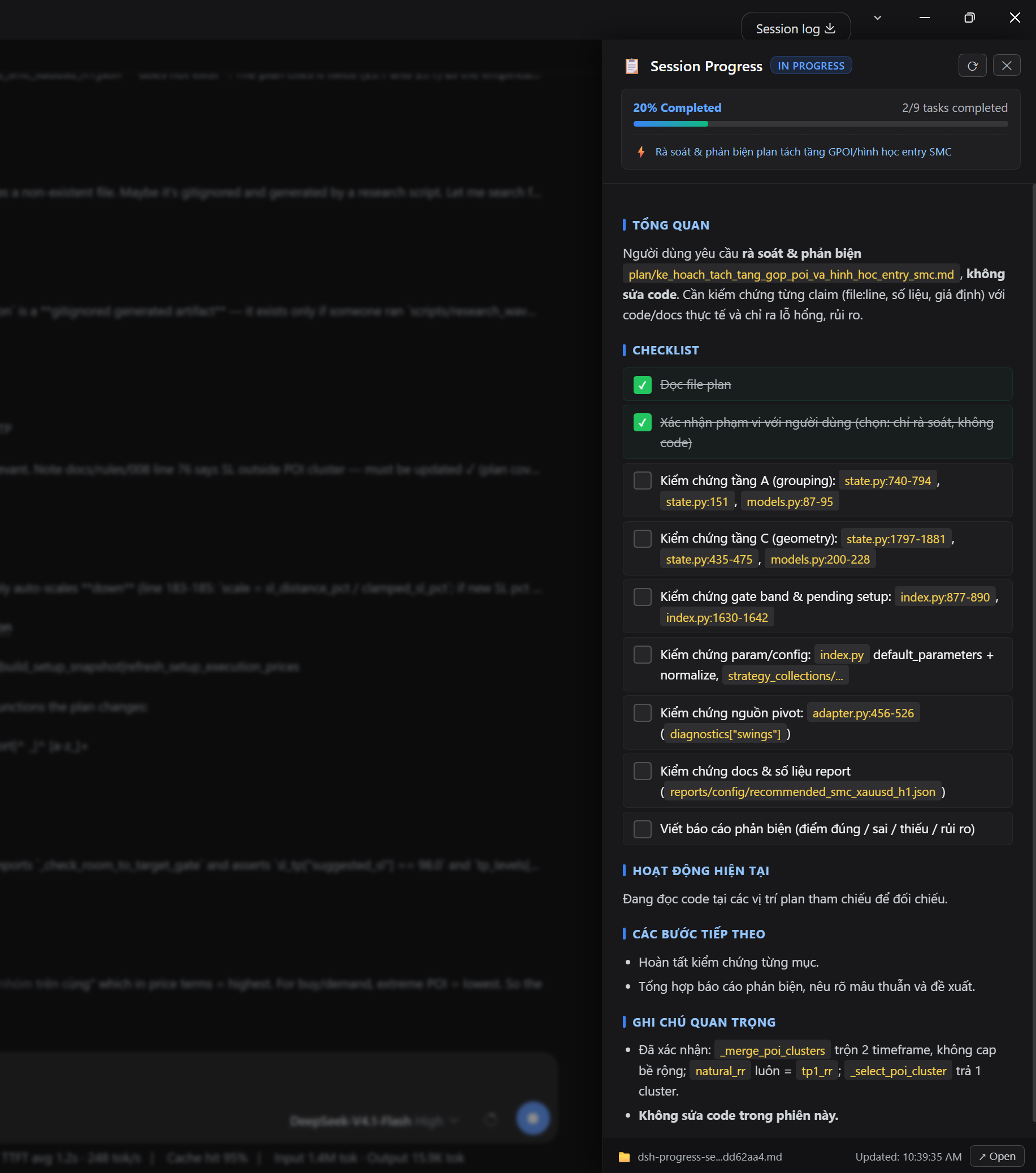
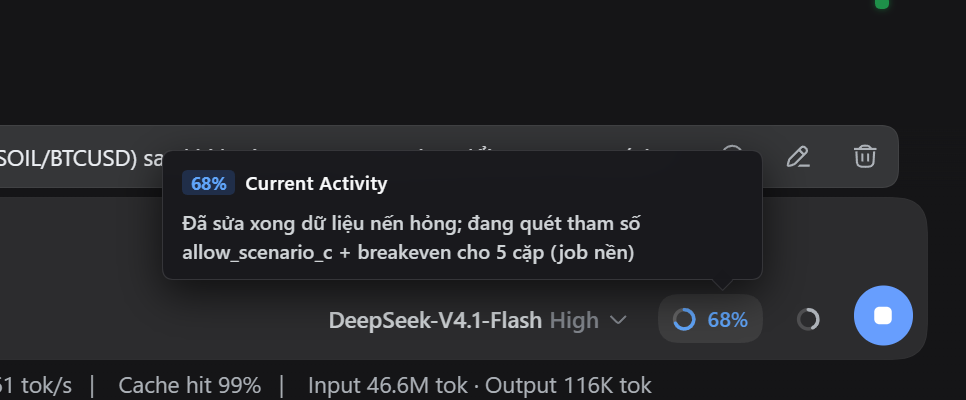
dsh-session-progress is a real-time session progress and task tracking plugin for DeepSeek Harness (DSH / DSH Desktop).
In long-running or complex agentic sessions, it is often challenging for users to quickly determine the overall completion status, active subtasks, or upcoming milestones without sifting through extensive conversation logs.
2. Installation Guide
For DSH Desktop
Windows (PowerShell)
cd "$env:APPDATA\dsh-desktop\harness\profiles\web"
& "$env:APPDATA\dsh-desktop\harness\.desktop-bin\pnpm.cmd" add https://github.com/nguyenduclong-ict/dsh-session-progress
macOS (Terminal)
cd "$HOME/Library/Application Support/dsh-desktop/harness/profiles/web"
"$HOME/Library/Application Support/dsh-desktop/harness/.desktop-bin/pnpm" add https://github.com/nguyenduclong-ict/dsh-session-progress
Linux (Terminal)
cd "$HOME/.config/dsh-desktop/harness/profiles/web"
"$HOME/.config/dsh-desktop/harness/.desktop-bin/pnpm" add https://github.com/nguyenduclong-ict/dsh-session-progress
Note: Restart DSH Desktop after installation to activate the plugin.
For DSH CLI (Standalone)
Run the following command in your terminal:
dsh plugin --profile web add https://github.com/nguyenduclong-ict/dsh-session-progress
Or install directly within your Cordis workspace profile:
pnpm add https://github.com/nguyenduclong-ict/dsh-session-progress
License
MIT © nguyenduclong-ict