@locallens/dsh-tool-screenshot-ocr
macOS Vision OCR tool plugin for DeepSeek Harness: read text from screen capture, clipboard images, or image files (zh-Hans + en-US). Unofficial community project.
安装
npx -p @deepseek-ai/dsh dsh plugin --profile web add github:uknowmyface/locallens说明文档
阅读完整 README ↗LocalLens
用 macOS 自带的 Vision OCR 让纯文本模型读截图,图片不出本机。
English · 安全说明 · SECURITY.md
非官方社区项目,与 DeepSeek、Apple 无隶属、背书或赞助关系。"DeepSeek"、"Apple"、"macOS"、"Vision" 为各自权利人的商标,此处仅用于说明兼容性。
简介
DeepSeek Harness (dsh) 插件,识别截屏、剪贴板图片、图片文件里的文字。调用 Apple Vision 框架(macOS 实况文本背后的引擎),不经过视觉模型,不需要 API key,不联网。
同类插件(visionDS、dsh-vision-router、dsh-vision-sidecar 等)都是把图交给视觉模型处理。本插件不用模型,因此没有额度、Key 和上传,代价是只能读字、且仅支持 macOS。
| LocalLens | 视觉模型类插件 | |
|---|---|---|
| 识别方式 | 系统 OCR 引擎 | 视觉模型(云端 / 托管 / 本地 VLM) |
| 图片去向 | 不出本机 | 上传或喂入模型 |
| Key / 注册 / 额度 | 不需要 | 通常需要 |
| 输出 | 图中文字 | 图片描述 |
| 平台 | 仅 macOS | 多数跨平台 |
环境要求
- macOS 13 (Ventura) 及以上。低于 13 时
recognitionLanguages不可用,languages参数被忽略,中文精度下降。 - Xcode 命令行工具(
xcode-select --install)。首次调用时用/usr/bin/swiftc编译 Swift 助手,无需完整 Xcode。 - DeepSeek Harness,Node.js 22+。
安装
dsh plugin --profile web add github:uknowmyface/locallens
包内自带 cordis.patch.yml(由 dsh.bundle.patch 声明),dsh plugin add 会连装带注册一并完成,不修改你自己的 profile 补丁层。web 替换为实际 profile 名。新开会话后生效。
用法
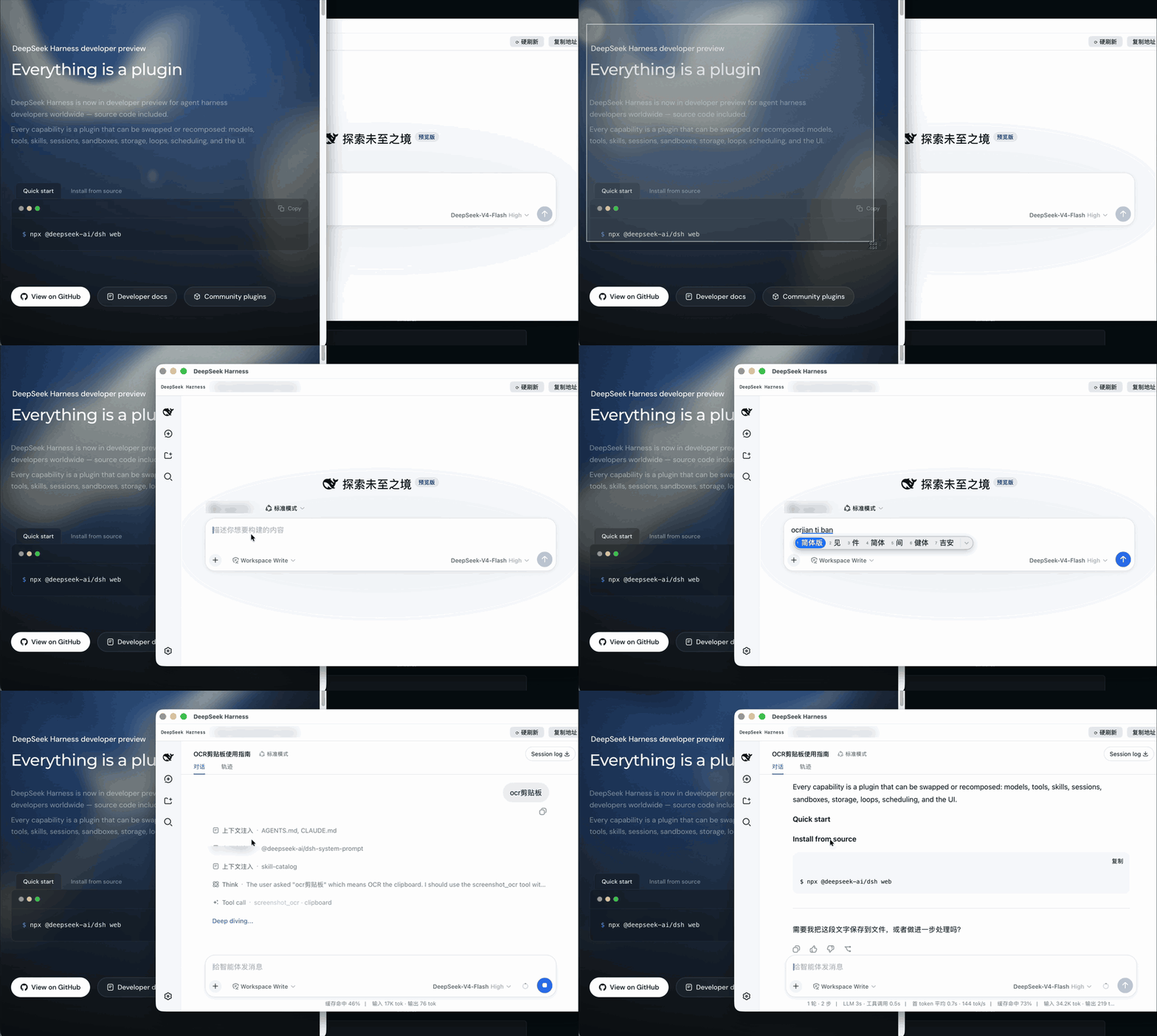
在对话框里直接说。无快捷键、无菜单栏图标、无后台进程。
剪贴板(最常用):Cmd+Ctrl+Shift+4 拖选区域,截图直接进剪贴板,然后说"看看剪贴板这个报错"。
图片文件:"读一下 ~/Desktop/bug.png 里的文字"