Lbunc/dsh-local-llm-controller ↗★ 5
dsh-local-llm-controller
DSH plugin: start/stop a local llama.cpp llama-server from the settings → plugins page — two model slots (A/B) with per-slot model-file selection, eight editable launch-parameter groups (text/vision × fast/long × 2 slots), and one shared DSH provider carrying both slots' models with four thinking-effort levels. 适合需要本地运行GGUF模型并精细调整启动参数的DSH用户。
Install
$
npx -p @deepseek-ai/dsh dsh plugin --profile web add github:Lbunc/dsh-local-llm-controllerREADME
Read the full README ↗使用流程
- 展开卡片,在配置区填:
llama.cpp 目录:llama-server.exe所在文件夹(必填)端口:默认 55555(「添加到模型列表」按当前值写入 provider 的 baseURL)密钥:留空 = 无鉴权(仅回环);留空也会写入占位鉴权头(pi-ai 客户端要求)
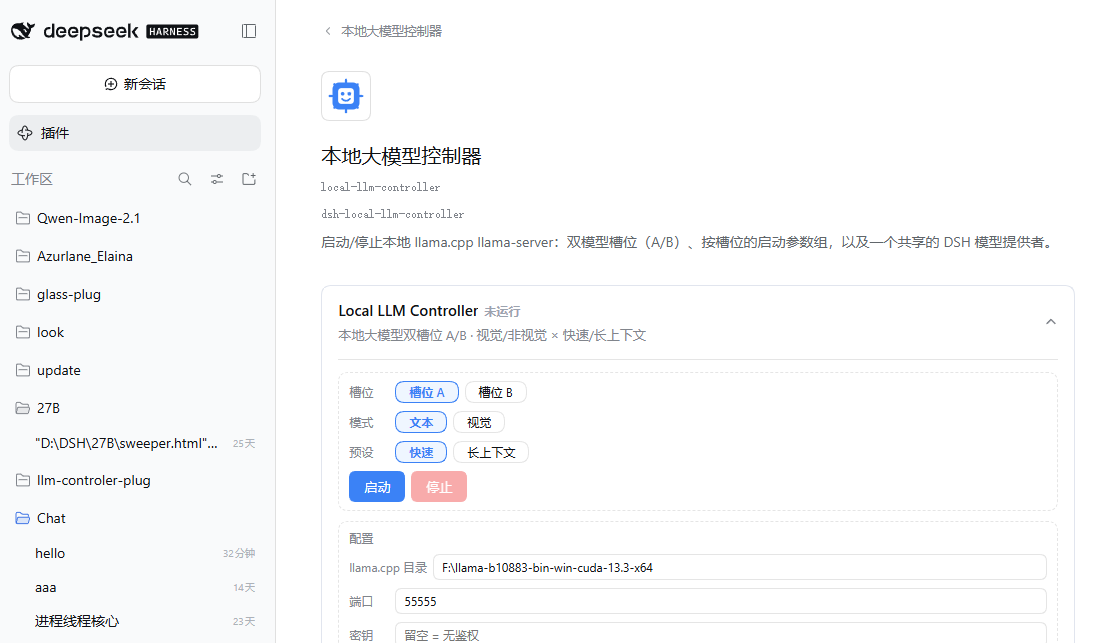
- 槽位 A / B 配置:各填一个模型文件夹路径(内含模型 GGUF,含视觉的还要有 mmproj)→ 点「保存配置」。
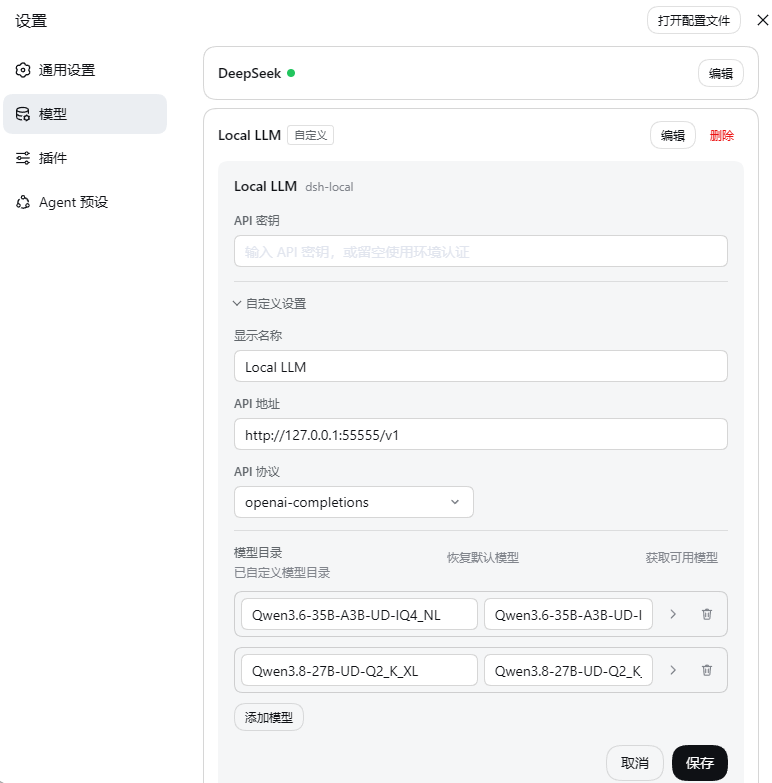
- 添加模型到模型列表:保存后文件夹内所有模型 GGUF 变成气泡(mmproj 不会出现在列表,视觉时自动挂载)→ 点选一个 → 点「保存配置」→ 点「添加到模型列表」。模型名由文件名自动派生;要改名/改显示名去 设置 → 模型 页改。
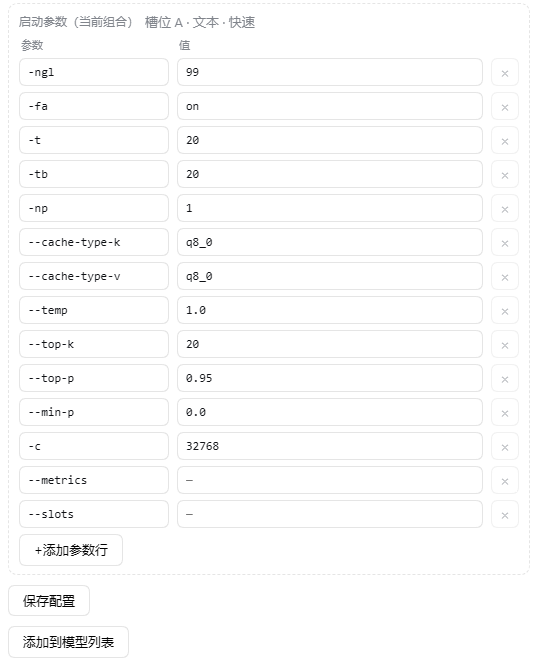
- 启动参数(8 组 = 槽位 × 文本/视觉 × 快速/长上下文):「启动参数(当前组合)」显示正在编辑哪一组,每行 =
参数+值两个输入框,支持 + 添加参数行 与 × 删除行。基础参数已预填(-ngl/-t/-c/采样…),推荐的高级参数组合见下方「📐 推荐启动参数」与 llama.cpp 参数;-m/-a/--port/--host/--api-key及视觉时的--mmproj由插件自动管理,无需在参数行里添加。
- 启动区:选槽位 A/B → 选模式(文本/视觉)→ 选预设(快速/长上下文)→ 点「启动」
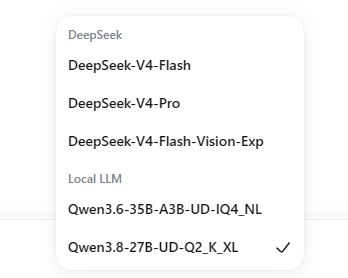
- 对话:状态变「运行中」后,会话底部选择对应的本地模型即可;「停止」释放端口;出错时卡片显示原因与最近日志。