dsh-qqbot
QQ official bot bridge for DeepSeek Harness: /qqbot command, bound-session routing, QQ-side approvals, the composer connection toggle, and the QQ Bot settings page 适合需要将 DSH 接入 QQ 开放平台机器人进行交互的用户。
Other repositories with this package name
Install
This plugin has no verified bundle, or compatibility checks failed. Read the repository notes first. Read the full README ↗
README
Read the full README ↗配置(设置界面)
重启 dsh 后打开 设置(左下角)→ QQ Bot 页签,填写:
| 字段 | 说明 |
|---|---|
| AppID | QQ 开放平台机器人应用的 AppID。写穿不回显:页面只显示「已配置/未配置」状态,输入框填写新值以覆盖;「清除 AppID」可移除。 |
| AppSecret | 写穿不回显:页面只显示「已配置/未配置」,留空表示保持现有密钥;「清除密钥」可移除。 |
点击「保存」后立即生效:host 半按需从 credential 服务读取(credentials/updated 提交即触发),已连接的网关会用新身份自动重连,凭据被清空则自动断开。
存储位置:$DSH_HOME/.credentials.yaml(明文,等价于环境变量;由 harness 的 credential 服务管理)。页面写入的引用名是 QQBOT_CRED_APP_ID / QQBOT_CRED_APP_SECRET——故意与 QQBOT_APP_ID/QQBOT_APP_SECRET 环境变量不同名:credential 服务的环境层会遮蔽同名引用并使其只读,shell 里一旦导出过 QQBOT_APP_ID,页面就会永远变灰,因此设置页用自己的引用名,UI 写入永远优先于环境变量。之所以走 credential 服务而不是 settings 命名空间:harness 的 settings wire 面只服务硬编码的命名空间白名单(agent-loop、shell 等),树外插件注册的命名空间不会被暴露;credential 面接受任意引用名,无需改 harness。
配置解析顺序:credential 库(设置页写入)→ settings.yaml 的 qqbot: 段 → cordis.yml 行的 config 基础层 → 环境变量 QQBOT_APP_ID / QQBOT_APP_SECRET(无头环境可用环境变量兜底)。沙箱开关不在此页:仅在 cordis.yml 的 config.sandbox: true 里配置。四处都没有 AppID/AppSecret 时插件照常挂载,/qqbot on 会报错并指向设置页。
使用
- 设置 → QQ Bot 页签填写 AppID/AppSecret(首次必填)。
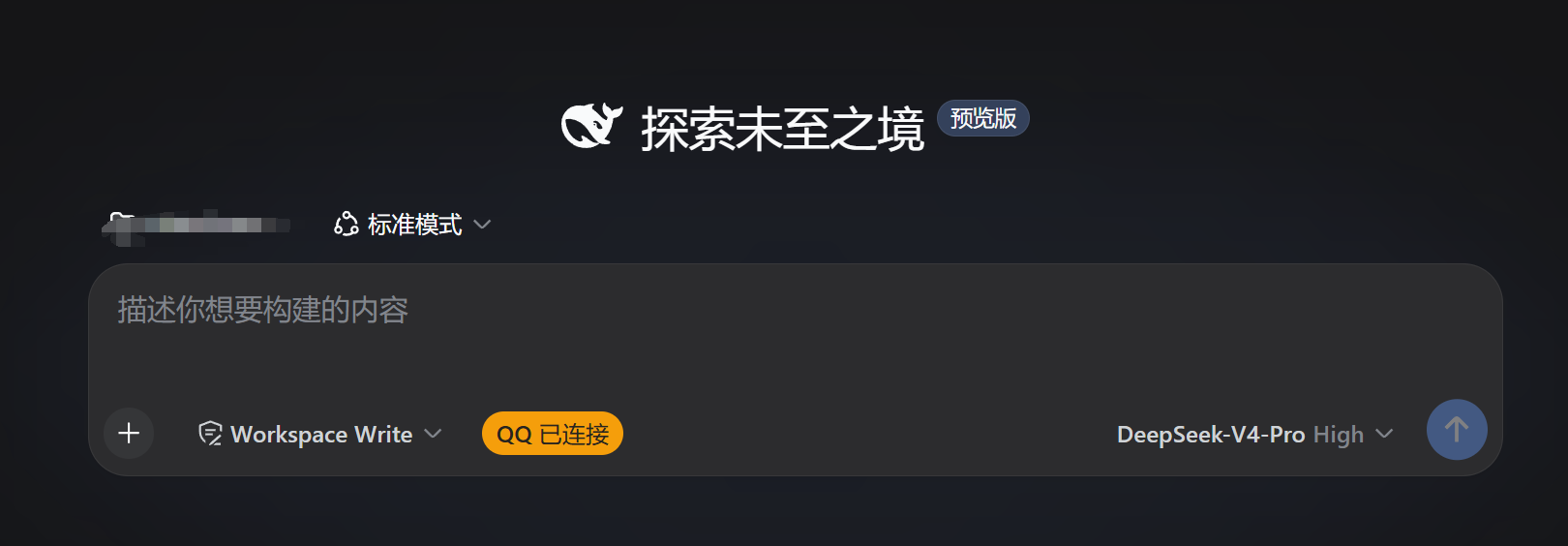
- 输入框下方点击「连接 QQ」按钮连接本会话(没试过多连,慎重)。
- QQ 群 @机器人 或私聊发消息,答案回到原聊天;工具调用需要审批时,把「允许/拒绝」发回 QQ 即可。