hero-jianghaojie/dsh-lively ↗★ 0
dsh-lively
Live wallpaper layer for the DeepSeek Harness Web GUI: procedural presets, images, GIF and video behind a translucent shell 适合想要美化界面的用户,内置流光、极光等多种动效,并提供专属设置页面。
Install
$
npx -p @deepseek-ai/dsh dsh plugin --profile web add github:hero-jianghaojie/dsh-livelyREADME
Read the full README ↗dsh-lively
Live wallpaper layer for the DeepSeek Harness Web GUI: an animated wallpaper behind the interface — procedural presets, images, GIF or video — with a small settings page to pick the look.
▶ Watch the 47-second intro video — narrated tour of the presets, custom wallpapers, playlist and controls (1080p30, Chinese narration).
Features
- Six procedural presets — Flow, Aurora, Starfield, Lava, Mesh, Neon grid. Flow is the deliberately animated one (position + size drift); each preset has a dark variant for the dark palette and a bright variant for the light palette, so a light theme never ends up with a grey wash.
- Custom wallpaper — image, GIF, WebP, AVIF, MP4 or WebM, by URL or uploaded
from disk. Uploads live under
$DSH_HOME/dsh-lively-media/and are served by the plugin's own route, so they survive a reload and a restart. - Controls — wallpaper strength (how much wallpaper shows through), dim, video softness, animation speed, a motion switch (the reduced-motion escape hatch), pause when the window is hidden.
- Playlist — rotate through any subset of the presets every 1–240 minutes, in order or shuffled.
- Wallpaper library — every uploaded file is listed in Settings, so a
wallpaper picked last week is one click away; the host lists
$DSH_HOME/dsh-lively-media/through/dsh-lively/library. - Theme aware — the veil is keyed on
body[data-ds-dark-theme]; the bright/dark preset variants are keyed onhtml:has(> body[data-ds-dark-theme]).
Install
git clone https://github.com/hero-jianghaojie/dsh-lively.git
dsh plugin --profile desktop add ./dsh-lively
Then restart DSH (the sidebar's restart button, if installed) and open Settings → Live wallpaper.
How it works
- The wallpaper lives in one fixed layer at
z-index:-1(#dsh-lively-layer) with three children: the animated surface, the theme-coloured veil (strength) and the dim overlay. The layer is appended to the root so it sits under every column. - Why not the root element's own background? Chromium paints the root background
into the canvas background layer; a
background-position/background-sizeanimation onhtmladvances the animation clock but does not repaint on screen, so the presets looked static. An ordinary element repaints, and that is what the layer uses. - The shell paints
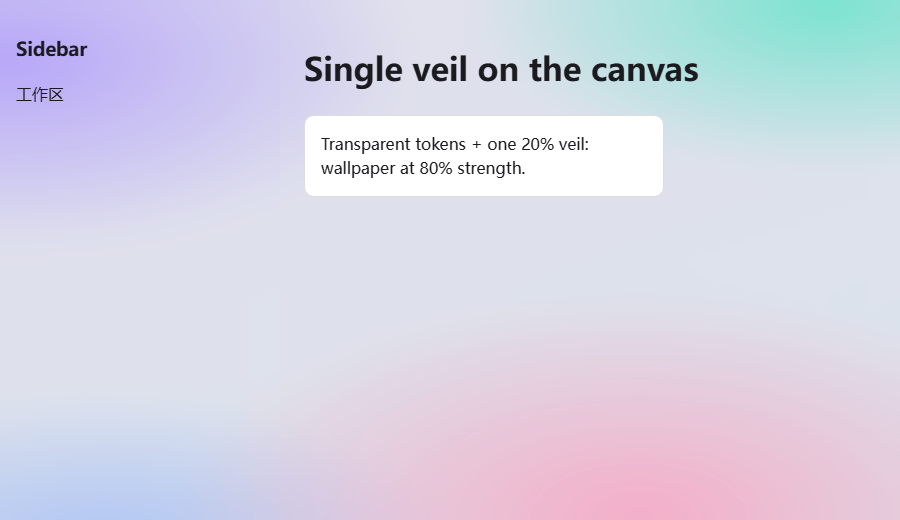
--dsw-alias-bg-baseon the frame and on the centre column, and alphas multiply. The token is therefore fully transparent, so the layer shows through with the single veil painted once, above the surface. - No
backdrop-filteron the shell columns: it would make them the containing block for fixed-position descendants, and the sidebar's fold toggle isposition: fixed— frosting the column drags that button onto the brand mark. - Settings persist twice:
localStorage(instant) and$DSH_HOME/dsh-lively-state.jsonvia/dsh-lively/state, because the Desktop app's loopback port changes on every launch.
Limitations
- A video wallpaper needs a real `` element; CSS alone cannot play video.
- The softness control applies to video only — CSS cannot blur the root background, and blurring the columns breaks fixed-position shell chrome.
- The frame-transparency rule targets
[class$='_frame'], which follows the shell's CSS-module naming.
License
MIT