@lengmoxxl/dsh-git
A read-only git browser for the DeepSeek Harness Web GUI: a right-sidebar page with the session's working-tree changes and commit history, and the diff a click opens beside them. The host half reads the repository through ctx.fs and ctx.subprocess, so a routed (remote) execution world works unchanged. 适合需要在DSH界面内快速查看代码差异和提交历史的开发者。
Install
$
npx -p @deepseek-ai/dsh dsh plugin --profile web add github:lengmoXXL/dsh-gitREADME
Read the full README ↗dsh-git
A DSH plugin that adds a Git page to the right sidebar: the working tree's changes and the recent commits on one side, and the diff a click opens on the other — read-only, highlighted, side by side. The list stays where it is, so two diffs can be put beside each other.
English | 中文
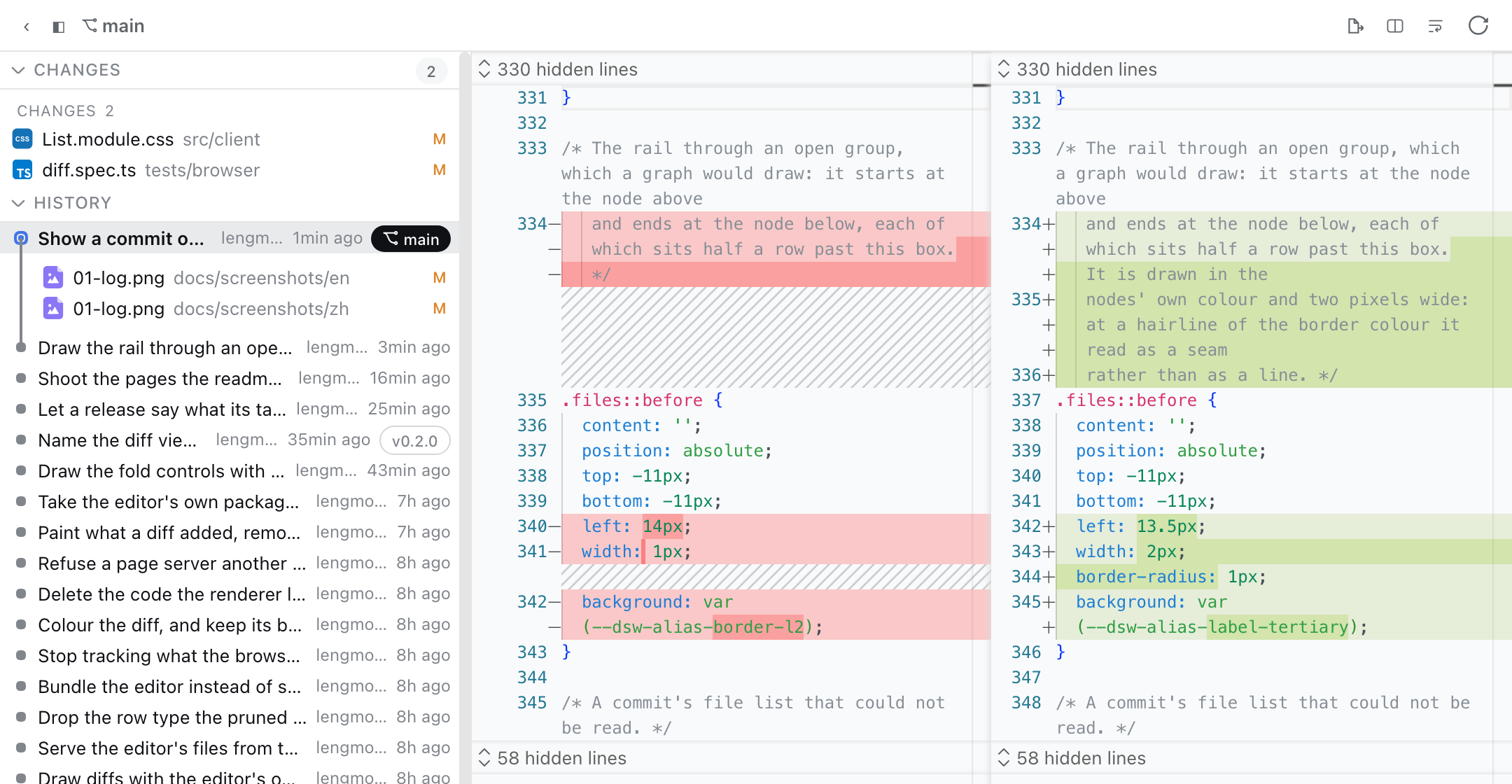
| Two columns, wrapped | Two columns, unwrapped | One column |
|---|---|---|
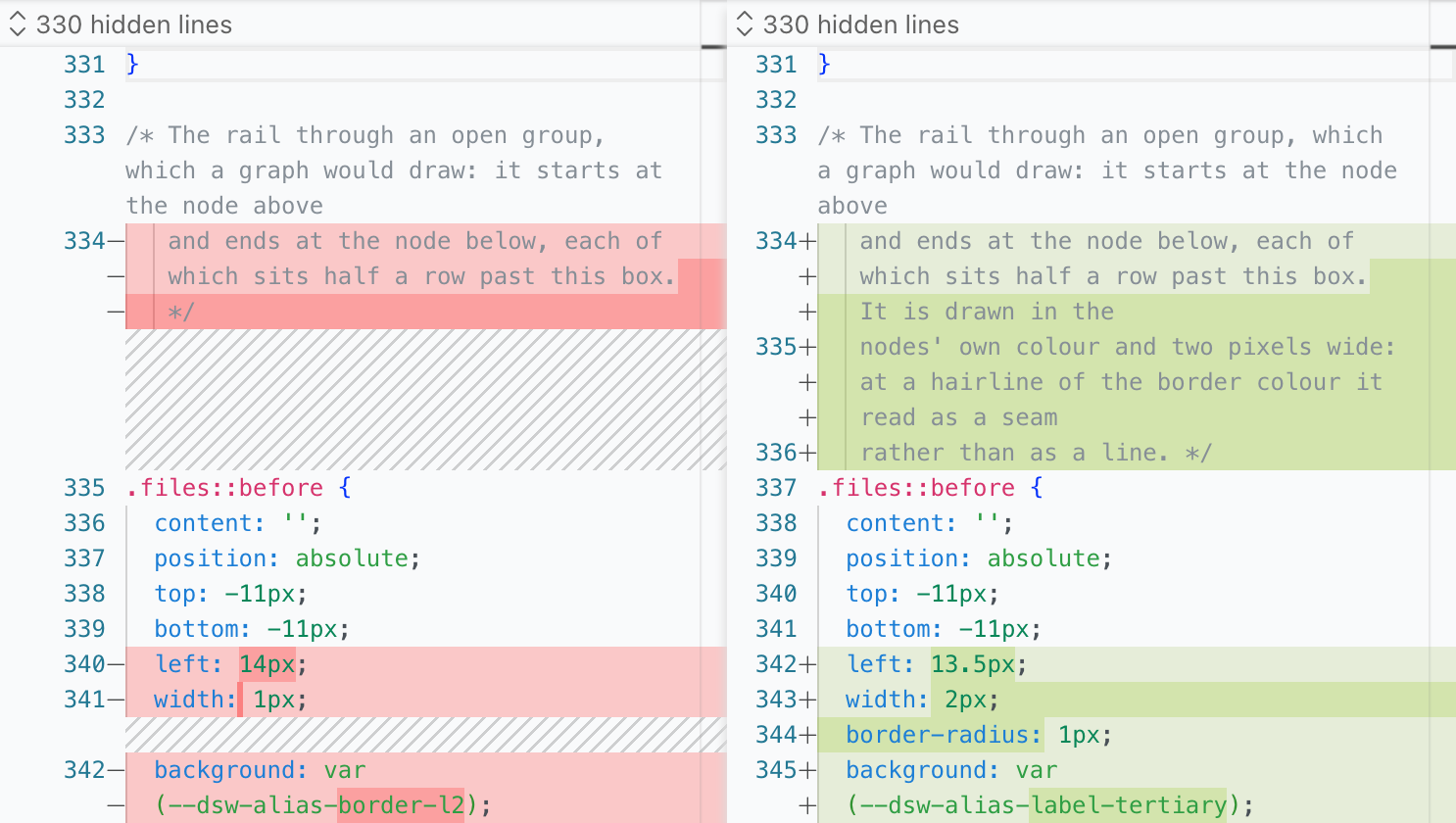 | 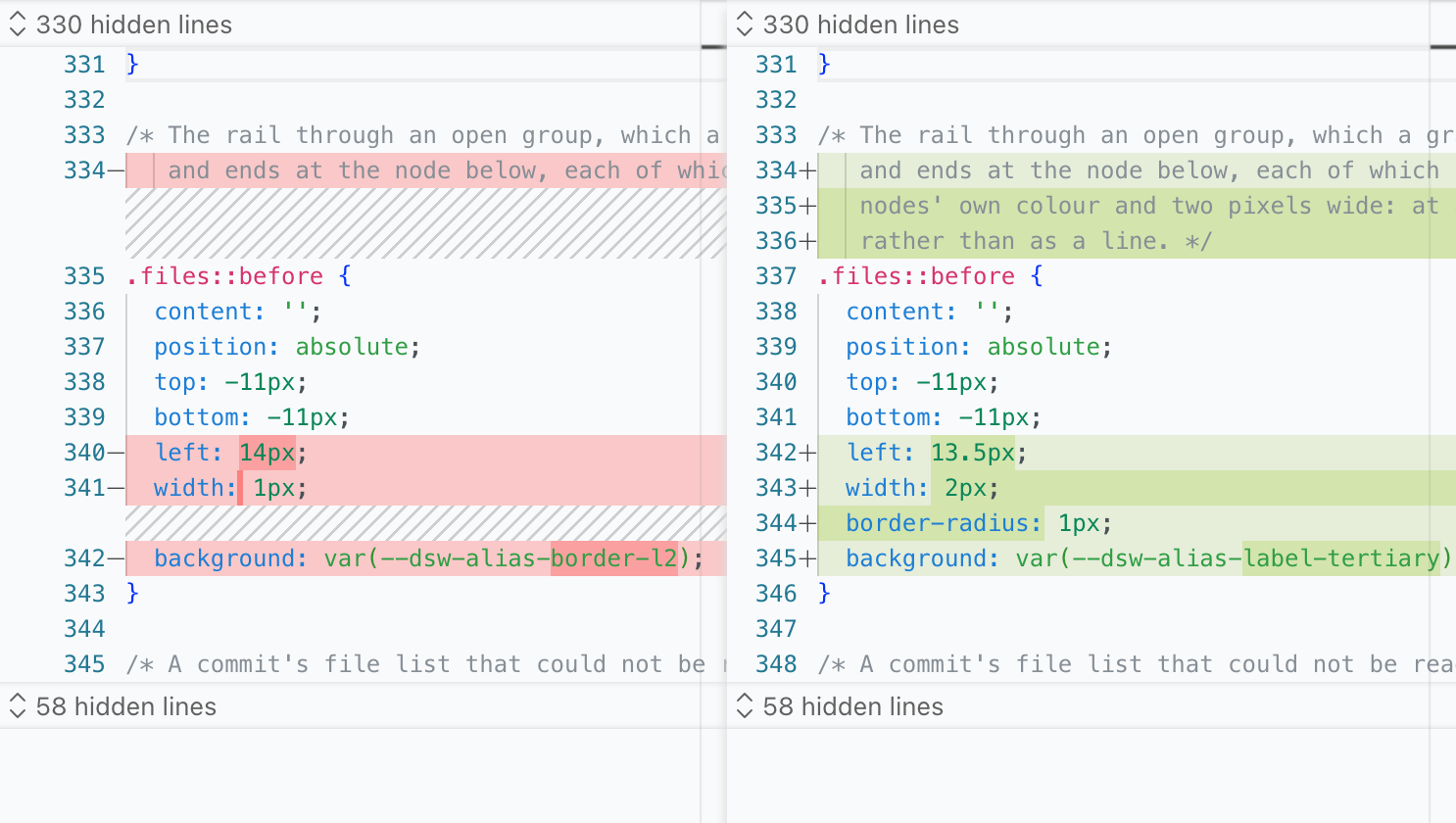 | 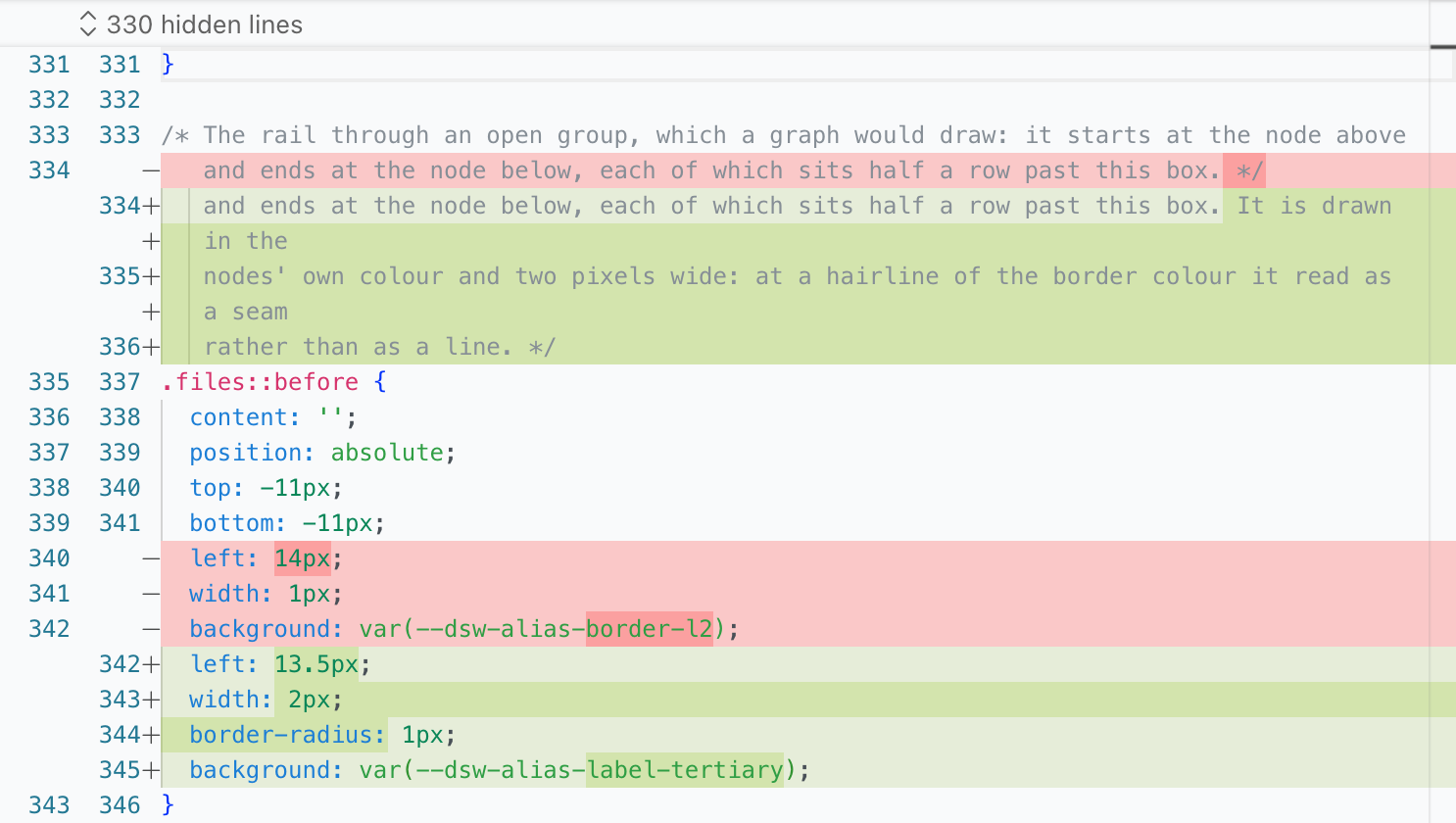 |
Install
Needs Node 22.19+ (or 24+) and the DSH CLI.
dsh plugin --profile web add @lengmoxxl/dsh-git
dsh --profile web
Requirements, permissions, and limits
- A
gitexecutable onPATH, and a Git working tree as the session's working directory. - Reads that repository through the Harness filesystem and runs
gitthrough the Harness subprocess: no network, no credentials, no other path. - Writes nothing — not the tree, not the index. Commands run with the DSH process's own privileges, and a large repository or diff takes time to gather and draw.
Release
From a clean main:
npm version patch -m "Cut %s"   # or minor / major
npm publish
License
MIT