lywusichen/dsh-sidebar-buttons ↗★ 1
dsh-sidebar-buttons
DeepSeek Harness plugin: manage the sidebar-foot action buttons — reorder them by drag-and-drop and show/hide them from a dedicated settings page; hidden buttons collect into a fixed "More" button pinned above Settings.
AI Analysis
核心用途是净化和整理 DSH 的侧边栏。适合安装了大量插件导致侧边栏拥挤的用户,可自由定制常用入口,保持界面整洁。
Install
$
npx -p @deepseek-ai/dsh dsh plugin --profile web add github:lywusichen/dsh-sidebar-buttonsREADME
Read the full README ↗dsh-sidebar-buttons
English · 简体中文
A DeepSeek Harness plugin. Manages the buttons at the bottom of the left sidebar: reorder them, hide the ones you don't use, and give them all the same height. Client-side only, nothing in the DSH core is touched, uninstalling restores the original sidebar.
Features
- New "Sidebar Buttons" page in Settings lists every button registered in the sidebar foot; drag rows to change the order, the sidebar updates immediately
- Each button can be toggled on/off; hidden buttons move into a "More" button above Settings (only shown while at least one button is hidden), where they stay usable
- Buttons from different plugins come in different sizes; pick one height for all of them, keep each button's original size, or enter a custom value
Screenshots
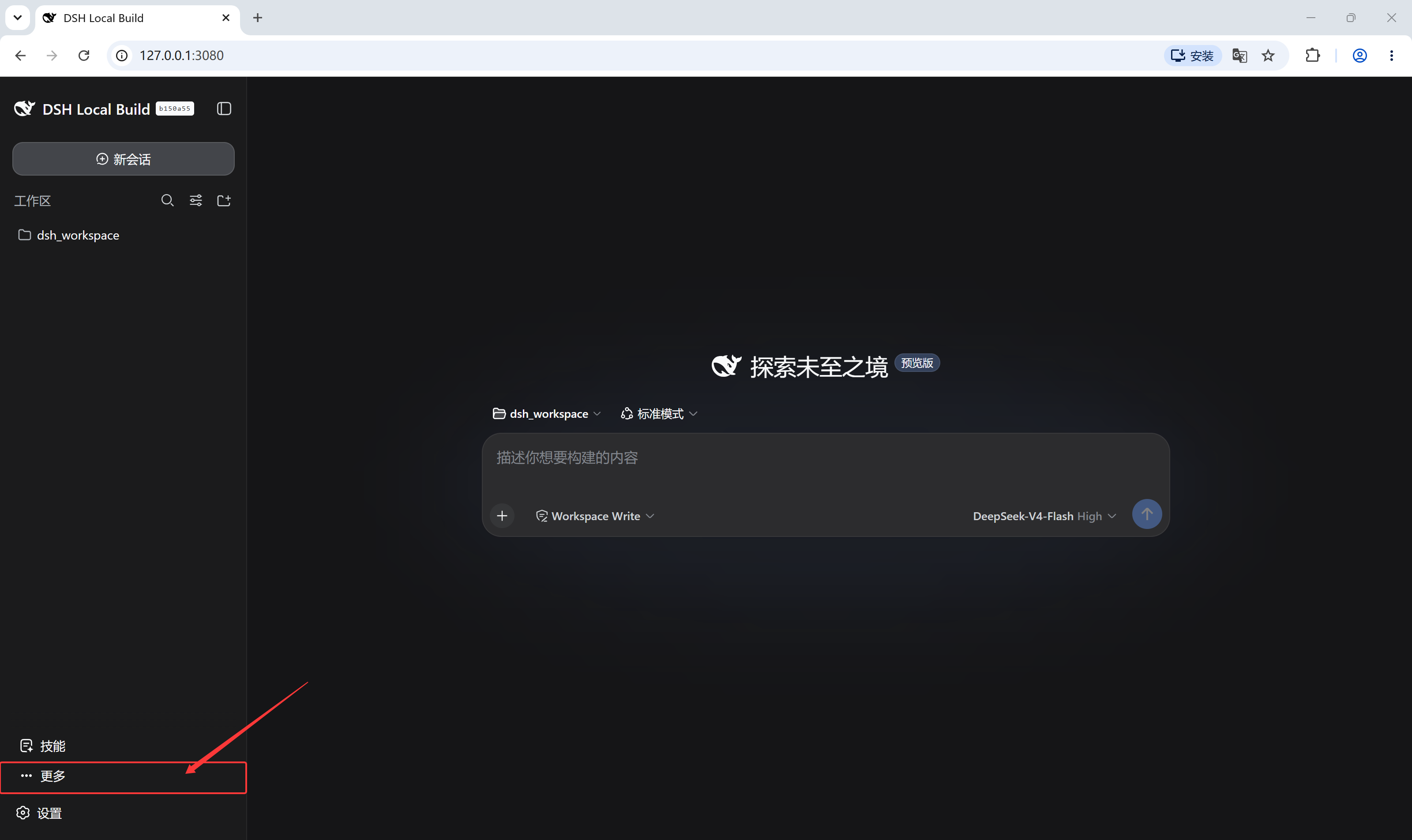
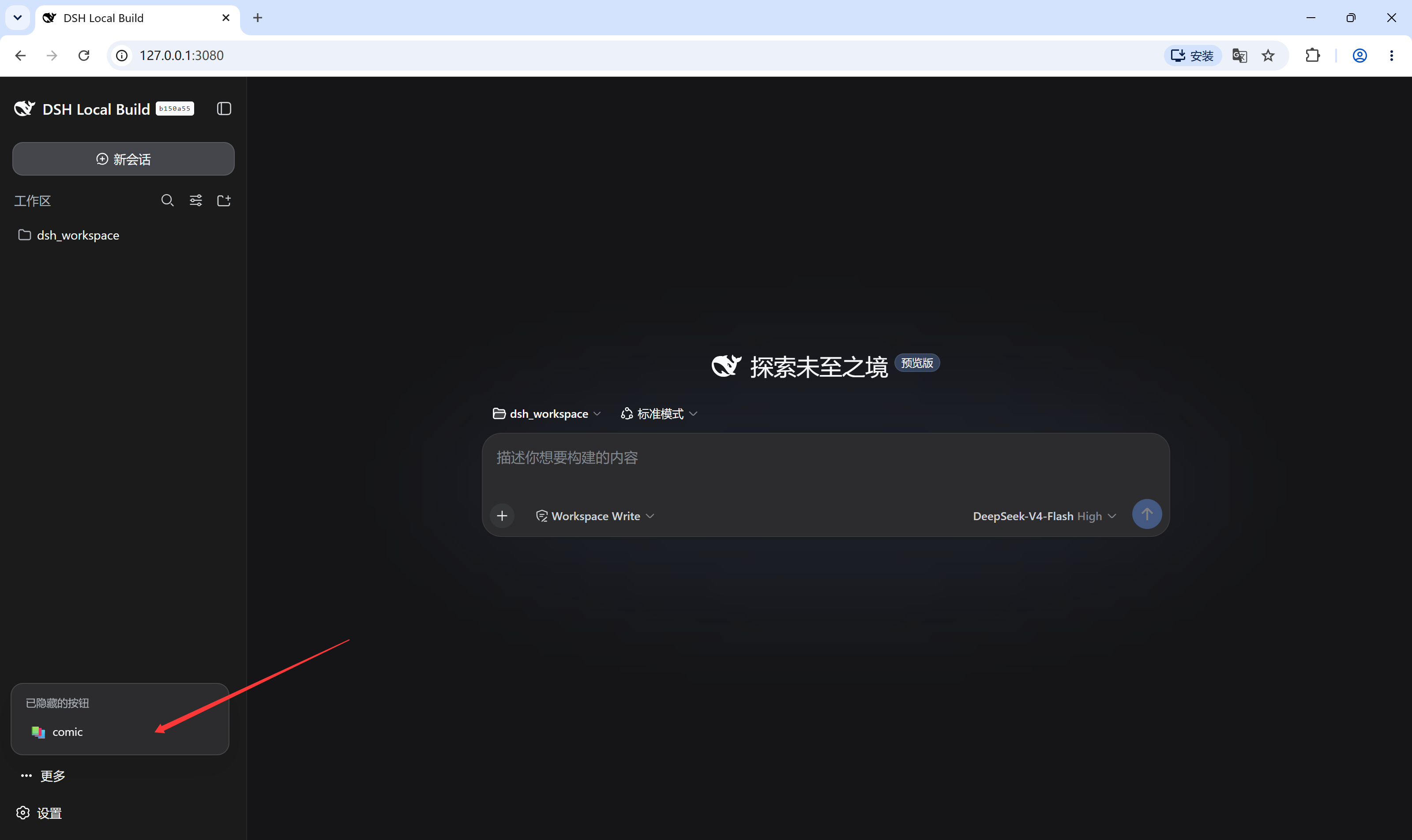
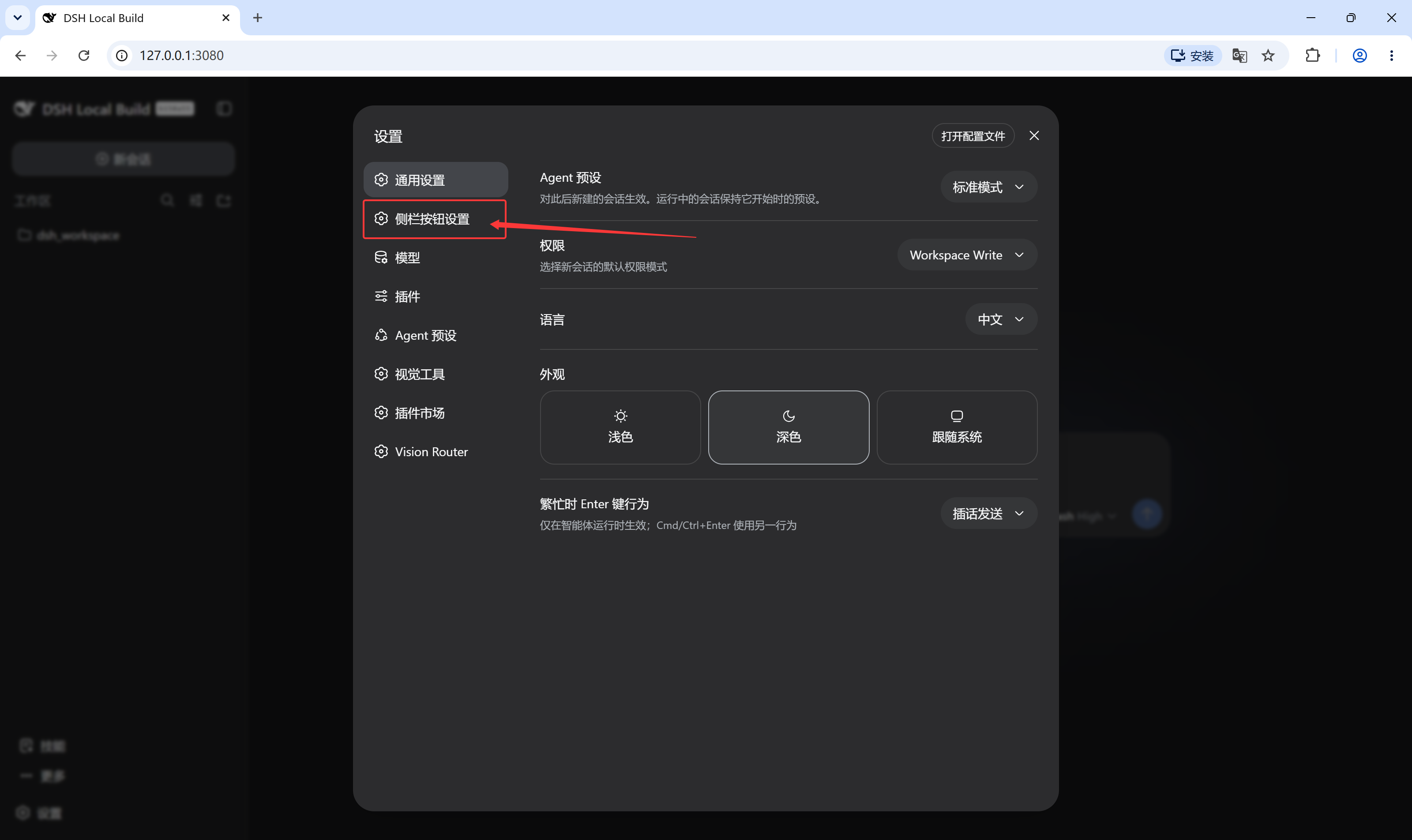
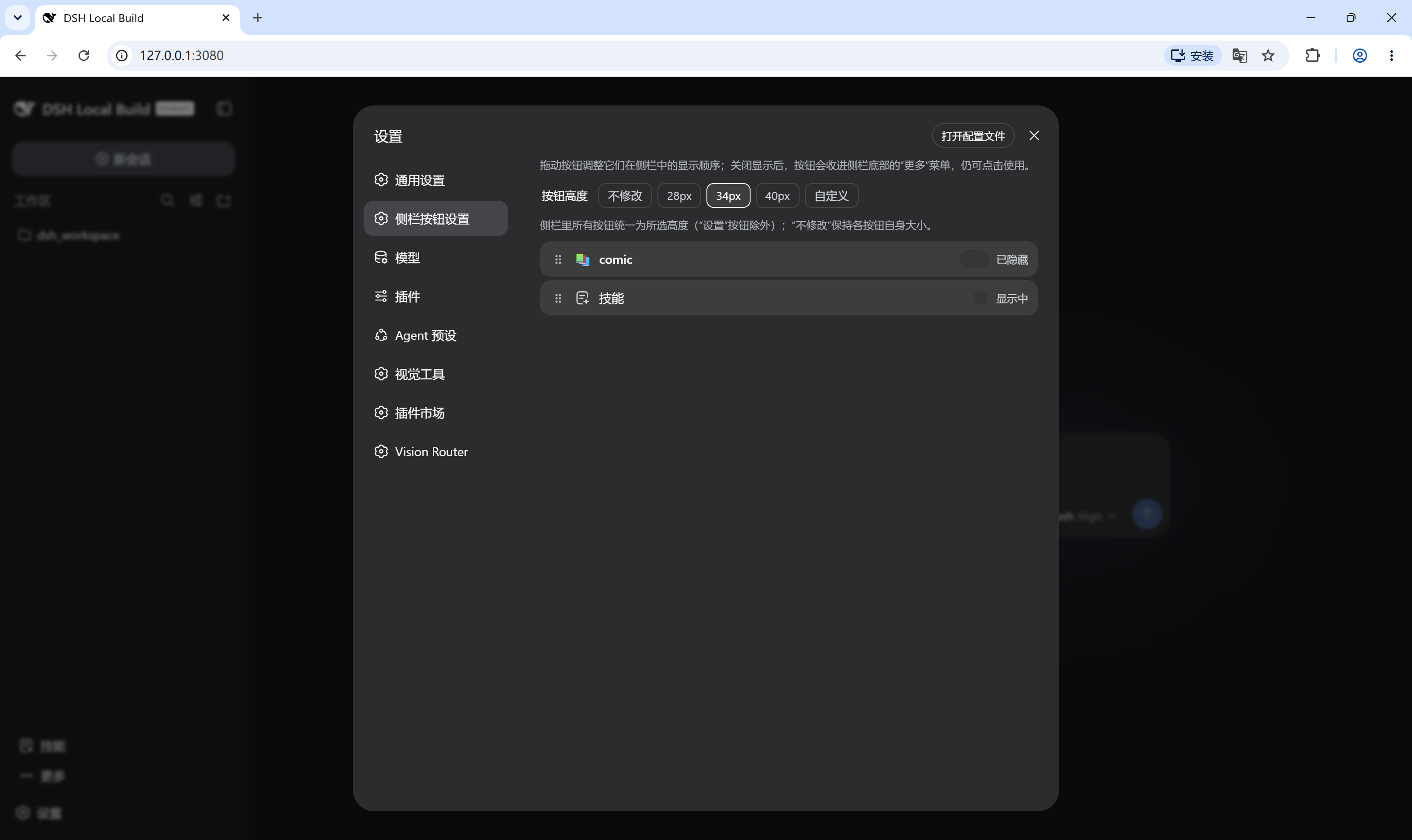
Install
dsh plugin --profile web add github:lywusichen/dsh-sidebar-buttons
Restart DSH, then open Settings → Sidebar Buttons.
Build
npm install   # esbuild
npm run build # generates lib/client.js
License
MIT