onenameneo/dsh-plugin-loom-chat ↗★ 1
dsh-loom-chat
Interact with branched DSH sessions as live windows on a Loom-style canvas
AI Analysis
提供创新的画布式多会话交互界面,支持自由平移缩放和多分支并行对比。适合需要同时管理、对比多个复杂 AI 探索分支的视觉型用户。
Install
$
npx -p @deepseek-ai/dsh dsh plugin --profile web add github:onenameneo/dsh-plugin-loom-chatREADME
Read the full README ↗Usage demo
Open Loom from the native DSH session header to pan and zoom across the canvas. Use the branch action on any session window to continue exploring from that context. Every branch keeps its own history, draft, and runtime state, so several lines of thought can move forward in parallel.
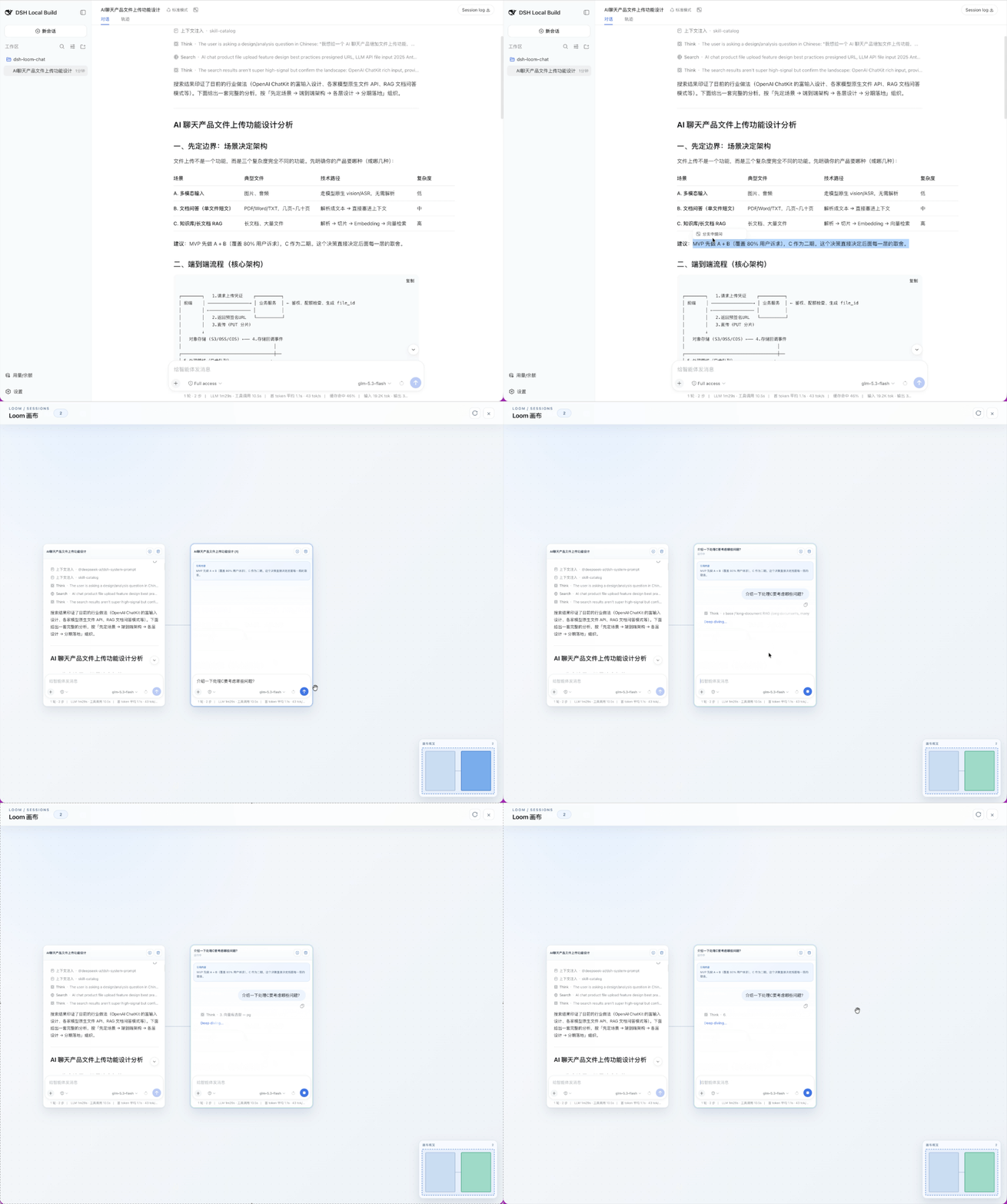
Opening the Loom canvas from a native session.
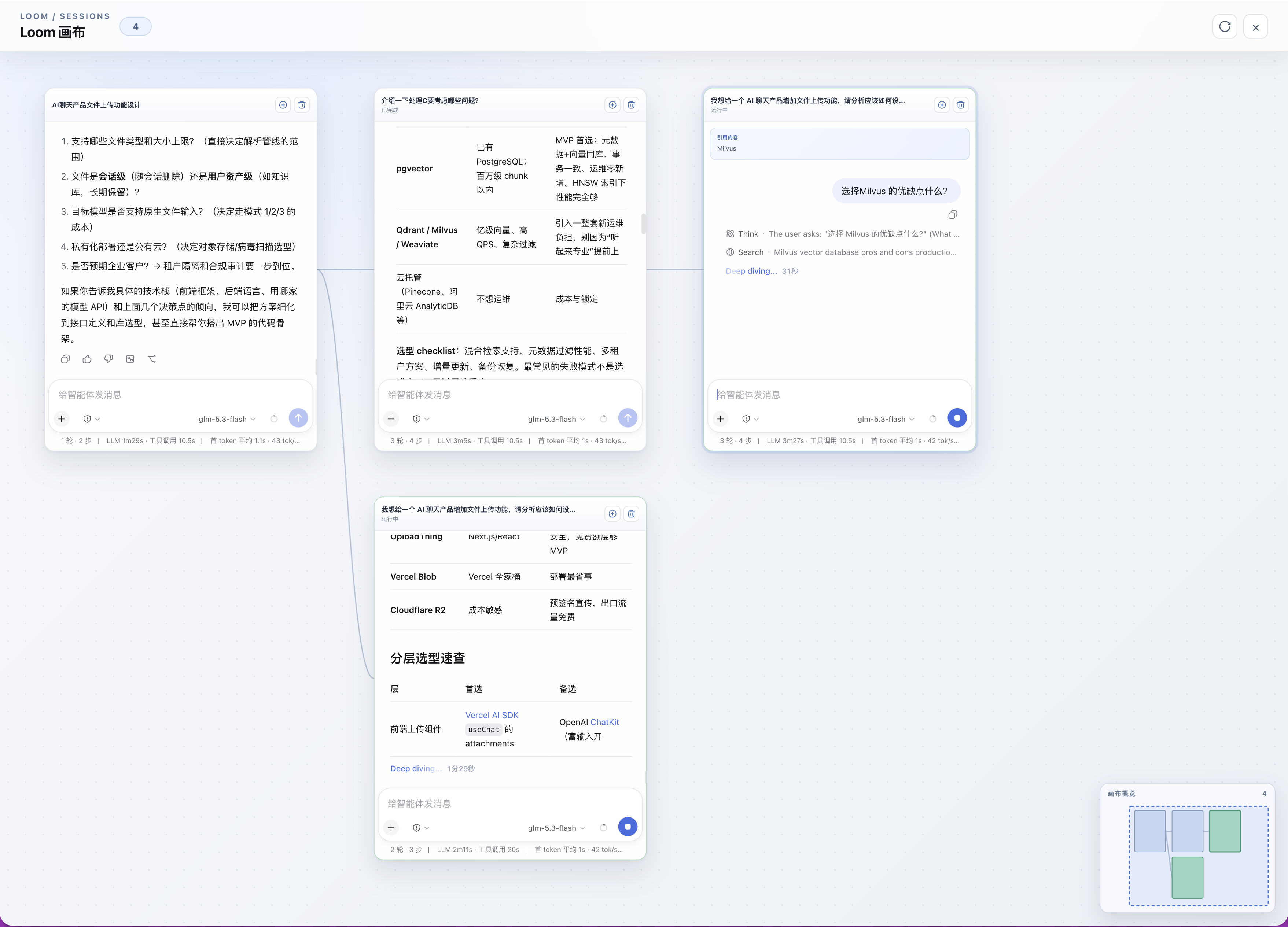
Viewing related but independent conversations together on one canvas.