JoblessJoe/dsh-restart-anywhere ↗★ 0
dsh-restart-anywhere
One small Restart button in the DeepSeek Harness web GUI sidebar that works with your setup: systemd, Docker/Podman/Kubernetes, pm2, supervisord, launchd, terminal/tmux, Windows. Restarts in place (same PID), no supervisor detection or config, reloads the page when dsh is back. 适合在Docker、systemd等各种部署环境下需要一键重启服务的用户。
インストール
npx -p @deepseek-ai/dsh dsh plugin --profile web add github:JoblessJoe/dsh-restart-anywhereドキュメント
README 全文を読む ↗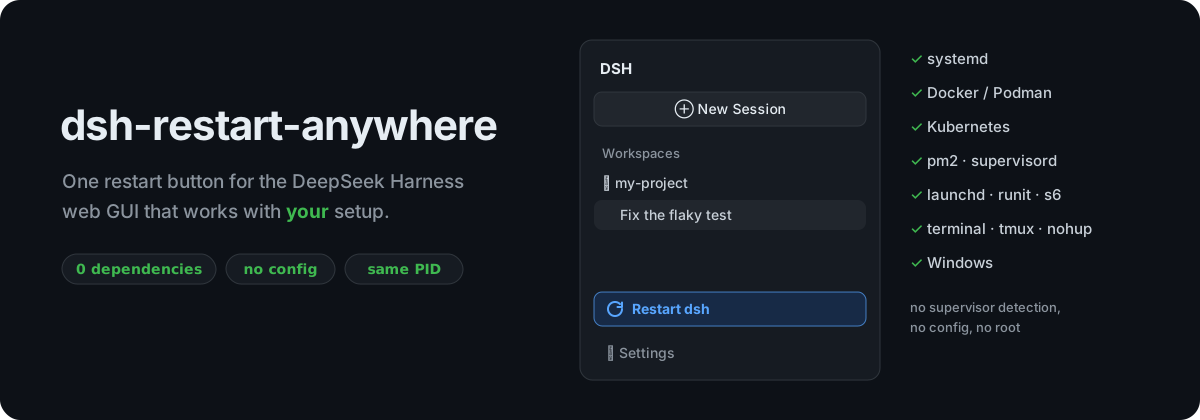





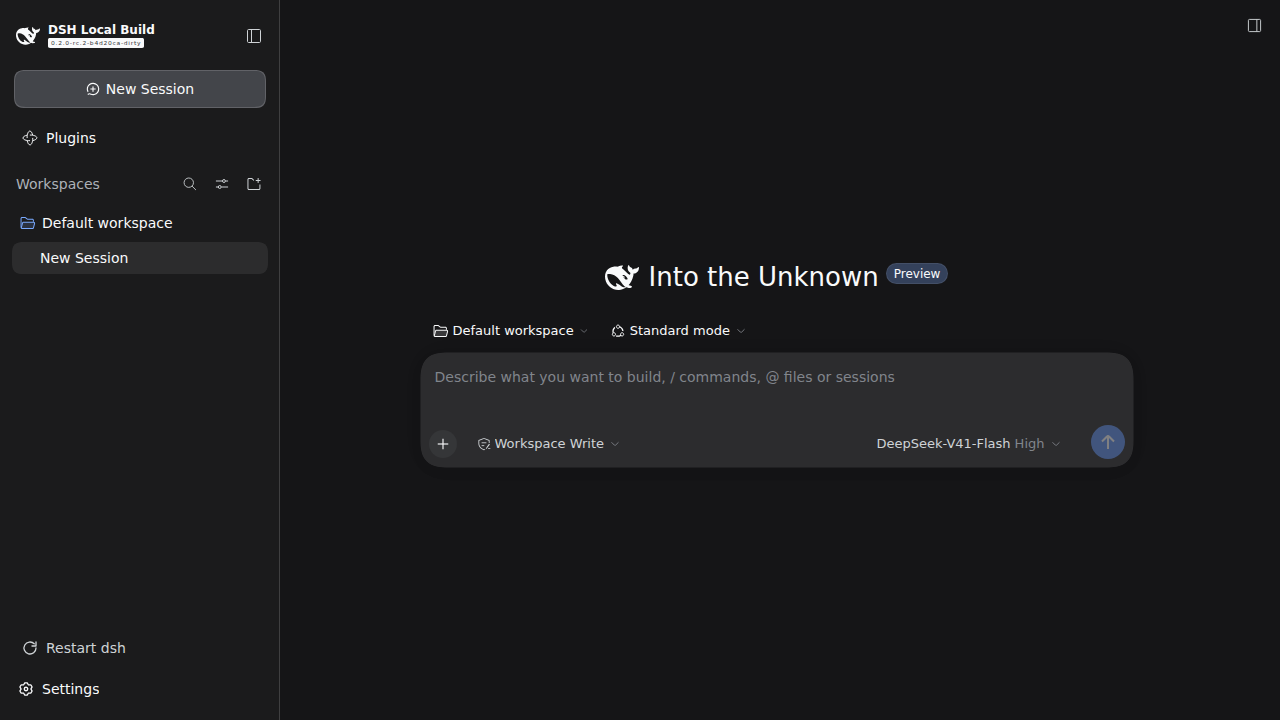
A DeepSeek Harness (dsh) web GUI plugin that adds one small Restart dsh button above Settings. It is for the moments you need a restart: you installed a plugin, changed a config, or fixed a bug in your own plugin.
It works with your setup. systemd, Docker, Kubernetes, pm2, a tmux pane, a plain terminal or Windows: click, and dsh is back in a few seconds. The page reloads by itself.
npx @deepseek-ai/dsh plugin --profile web add dsh-restart-anywhere
Works with your setup
Most restart buttons kill dsh and hope something starts it again. That only works for the setup their author had. A detached "relaunch me" helper gets killed along with a systemd service. A clean exit doesn't trigger Restart=on-failure. A container without a restart policy just stops. And under pm2 or runit, the helper and the supervisor both start dsh and fight over the port.
dsh-restart-anywhere doesn't hand dsh's life to anyone else. It restarts dsh in place:
| Your setup | What happens | Leaves behind |
|---|---|---|
systemd (user or system unit, any Restart= policy) | Asks systemd to restart the unit, so you get a fresh process, exactly like systemctl restart. If that's not permitted (a system unit, no root), it falls back to in-place. | nothing |
| Docker / Podman / Kubernetes (with or without a restart policy) | In place: same PID, so the container never notices. | nothing |
| pm2, supervisord, launchd, runit, s6, nssm, forever, … | In place: the supervisor keeps seeing the process it started, still running. | nothing |
| Terminal, tmux, screen, nohup | In place: same PID, and the new dsh keeps printing to the same terminal. Ctrl-C still stops it. | nothing |
| **Windows / Node Running agent sessions are interrupted by a restart, like with any restart. The confirmation dialog says so. |
Security
- Login required: the restart route is registered through dsh's own
/apiconnection layer (ctx.connection.fetch). It only answers browsers that are logged in to your dsh, and dsh's Host/Origin fence applies. - Exposed instances are safe: on an instance reachable from the internet, an unauthenticated request gets
401and can't restart anything. - No shell commands: nothing is run through a shell. The only external program is
systemd-run, and only when dsh is a systemd service.
Tested
Verified live with dsh 0.2.0 on Linux:
- systemd: user unit, with
Restart=noandRestart=on-failure. - systemd fallback: in place, when
systemd-runis unavailable. - Plain terminal: in place via
execve, three restarts in a row, then Ctrl-C and SIGTERM. - Wrapper path: Node without
execve, three restarts in a row, then Ctrl-C. - Supervisor that only restarts on failure: dsh stays up and the supervisor never notices.
--port 0, and two clicks at once.
macOS uses the same execve path as Linux, and Windows the same wrapper path as old Node. Neither has been run on real hardware yet, so reports are very welcome.
npm test runs the setup detection and command-line checks.
License
MIT
中文简介 · DeepSeek Harness (dsh) Web 界面插件:侧边栏「设置」上方的一个小小的「重启 dsh」按钮,适用于你的部署方式 —— systemd、Docker / Podman、Kubernetes、pm2、supervisord、launchd、终端 / tmux / nohup、Windows。原地重启(进程 PID 不变),无需检测或配置守护进程,重启完成后页面自动刷新。零运行时依赖,无需配置。 安装:
npx @deepseek-ai/dsh plugin --profile web add dsh-restart-anywhere