MichengAI/dsh-archive-manager ↗★ 1
@michengai/dsh-archive-manager
NPM-installable DSH Web plugin for managing archived sessions.
AI 分析
在设置中提供“已归档会话”管理面板,支持按工作区查看、恢复或永久删除已归档的会话。适合需要整理和维护历史会话的用户。
インストール
$
npx -p @deepseek-ai/dsh dsh plugin --profile web add github:MichengAI/dsh-archive-managerドキュメント
README 全文を読む ↗Usage
- Open the sidebar session menu and choose Archive session.
- Open Settings → Archived Sessions to inspect sessions by workspace.
- Select Unarchive to restore a session, or use the delete icon to remove it permanently.
- Confirm deletion. It cannot be undone.
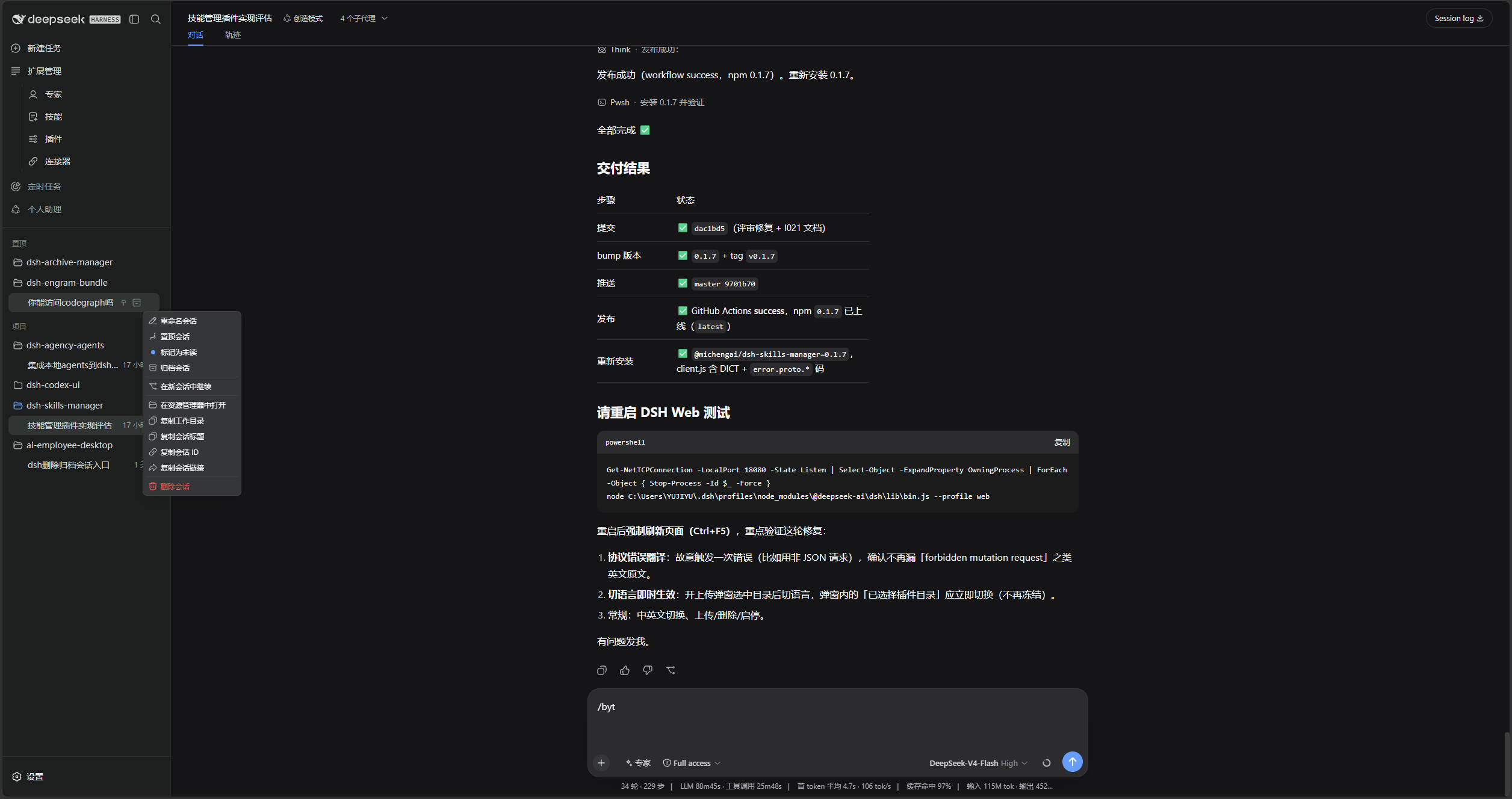
If the entry is missing after installation or upgrade, restart DSH Web and hard-refresh the browser. It is located directly after Connectors in Settings.