SLin-code/dsh-custom-skin ↗★ 1
dsh-custom-skin
Custom wallpapers and translucent skins for DeepSeek Harness Web
AI 分析
核心用途是允许用户上传本地图片作为 DSH Web 界面的背景,并支持调节模糊度、透明度等个性化视觉参数。适合追求个性化界面和美化工作环境的 DSH Web 用户。
インストール
$
npx -p @deepseek-ai/dsh dsh plugin --profile web add github:SLin-code/dsh-custom-skinドキュメント
README 全文を読む ↗dsh-custom-skin
Custom wallpapers and translucent skins for DeepSeek Harness Web.
English · 简体中文
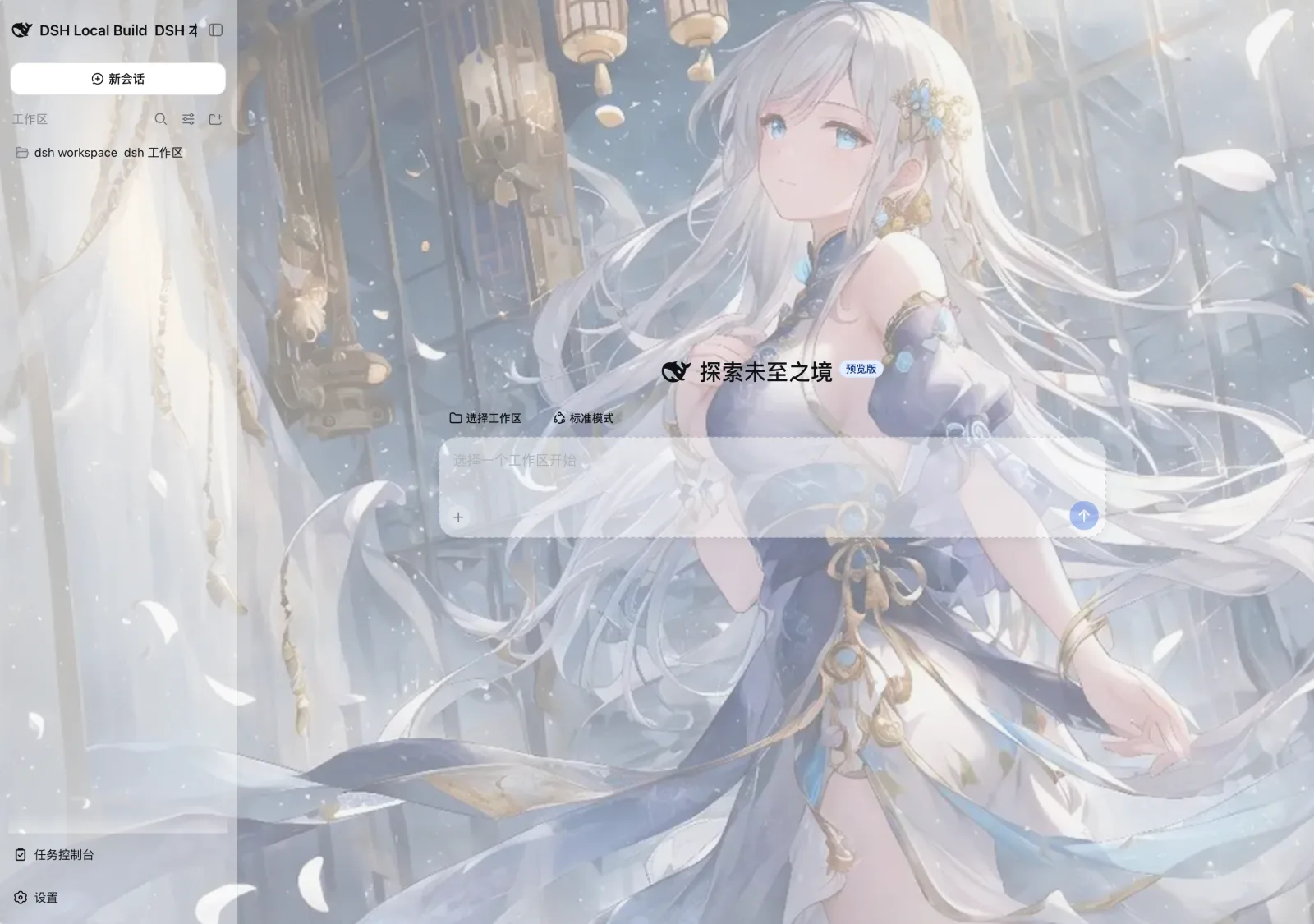
Features
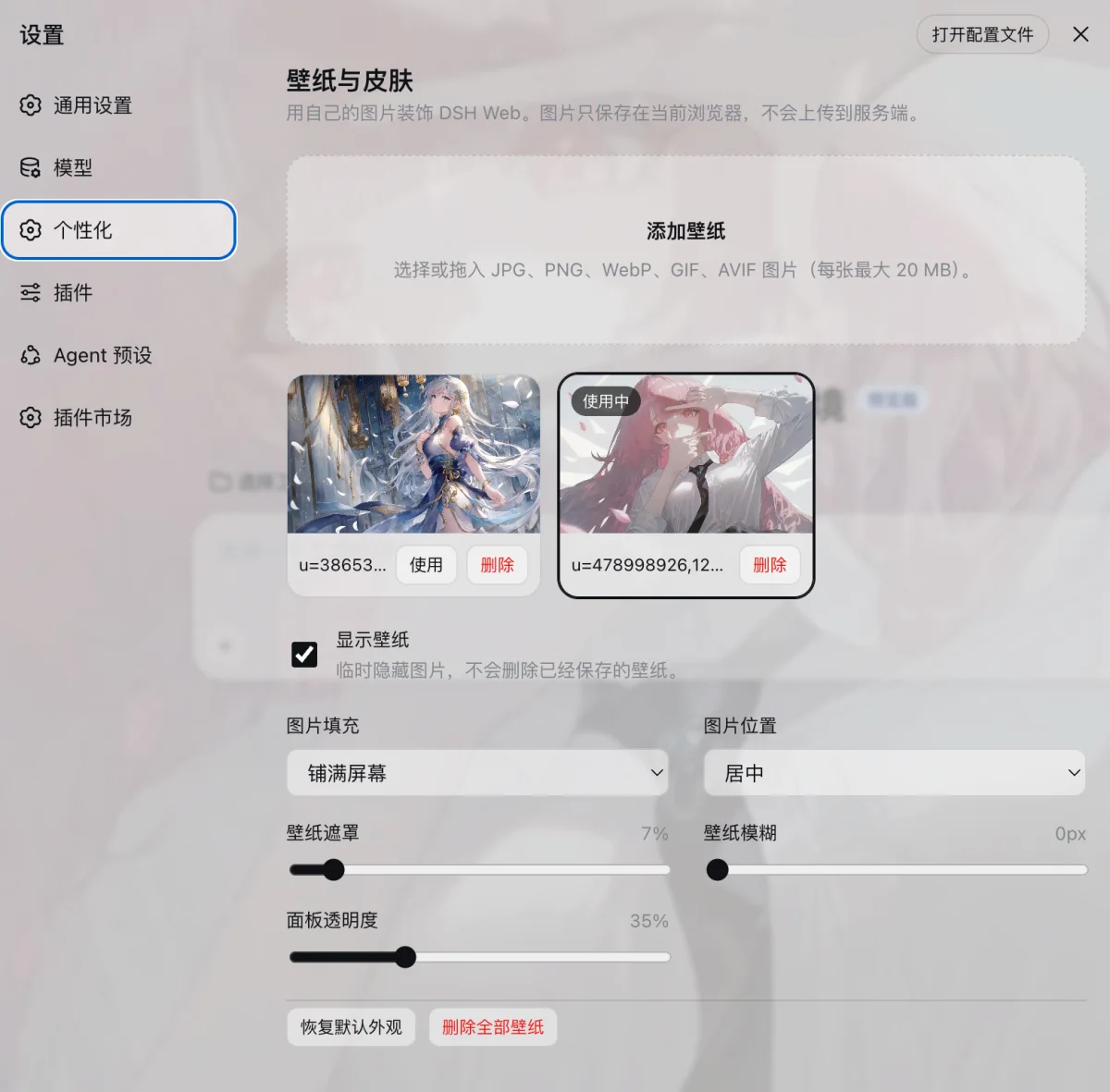
- Upload or drag in multiple local images and switch between them instantly.
- Show or hide the wallpaper, delete individual images, or clear the entire library.
- Adjust image fit, position, overlay, blur, and panel opacity.
- Automatically adapt to the light and dark themes in DSH.
- Keep images in the current browser's IndexedDB and preferences in localStorage. Nothing is uploaded to the DSH server.
Preview
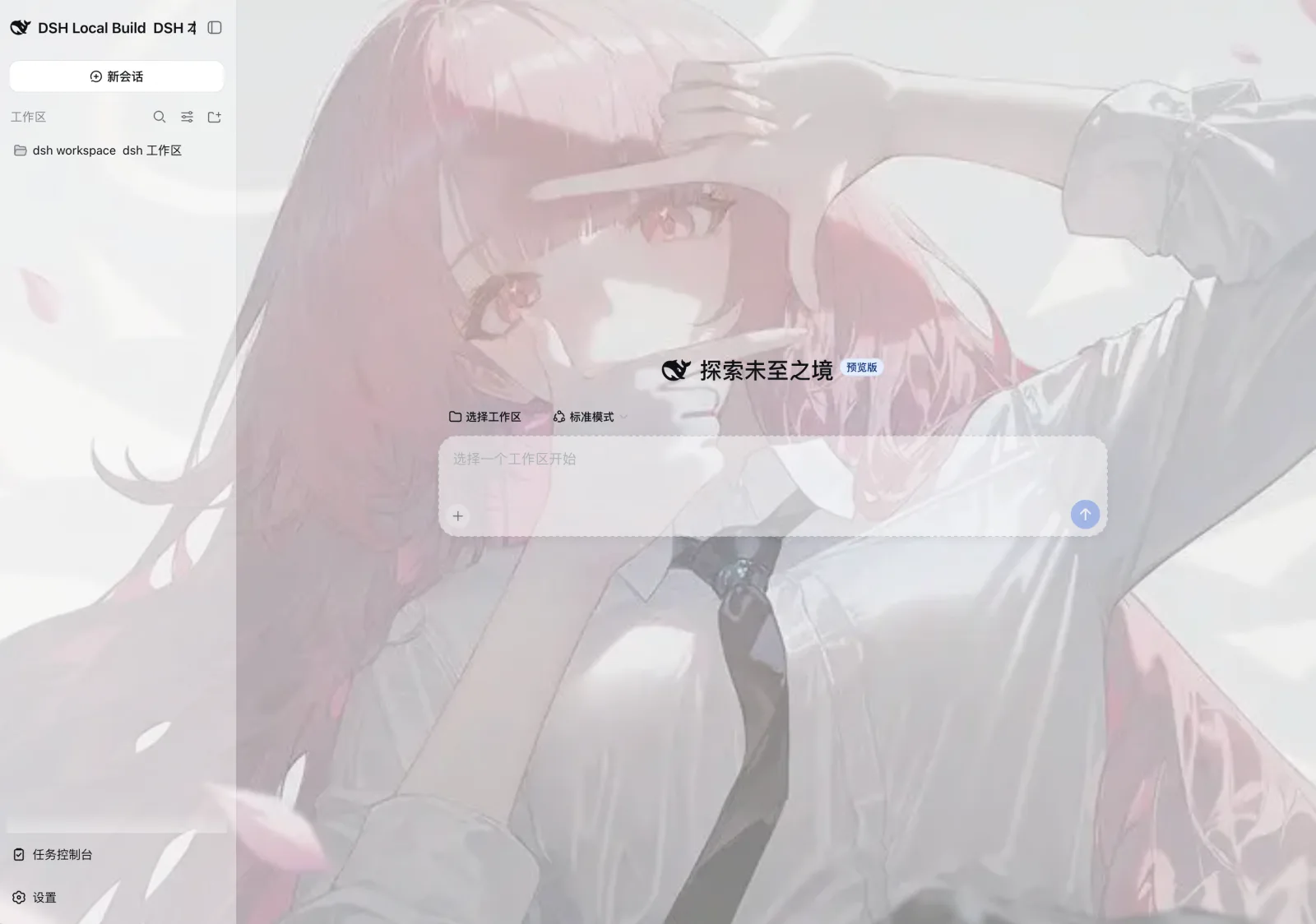
Install in DSH Web
Run the following commands in the DeepSeek Harness repository:
pnpm dsh plugin --profile web add github:SLin-code/dsh-custom-skin
pnpm dsh web
Open Settings in the lower-left corner of the Web interface, then select Personalization to add a wallpaper.
To install a local development copy instead:
pnpm dsh plugin --profile web add "/absolute/path/to/dsh-custom-skin"
pnpm dsh web
To uninstall:
pnpm dsh plugin --profile web remove dsh-custom-skin
Build from source
Requirements: Node.js 22.19 or later and pnpm 11.7.0.
pnpm install
pnpm build
pnpm check
The repository includes the compiled lib/ files, so a regular local installation does not require a rebuild.
Data and limitations
- Each image can be up to 20 MB, with a maximum of 24 saved images. The browser's storage quota may impose a lower practical limit.
- Wallpapers are isolated by browser and site origin. If you open DSH in another browser, on another port, or at a remote address, you will need to add the images again.
- Clearing the site's browser data also removes the saved wallpapers.