iswalterwu/agent-site--packages-dsh-plugin ↗★ 2
dsh-agent-site
Watch pi, Claude Code and DSH sessions as a pixel-art site on your desktop.
インストール
npx -p @deepseek-ai/dsh dsh plugin --profile web add 'github:iswalterwu/agent-site#ccf02162bcbaf38a30a3fe52009a905127249469&path:packages/dsh-plugin'ドキュメント
README 全文を読む ↗Agent Site for DSH

Open a local Windows desktop pixel monitor for pi, Claude Code and DeepSeek Harness sessions. DSH is read-only. This plugin opens a separate app; it is not an embedded agent runner or a model tool.
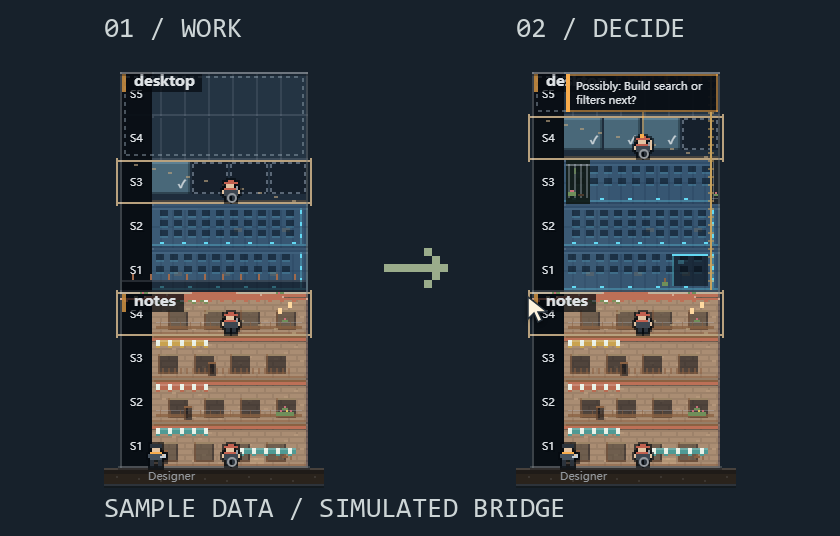
Install
- Download
dsh-agent-site-.tgzand the matching Windows x64 desktop ZIP from Releases. CheckSHA256SUMSand fully extract the desktop ZIP. - In DSH Desktop, install the
.tgzwith its own plugin manager. For localdsh web, usedsh plugin --profile addwith the profile you actually run. - Open the plugin page, enter the extracted
AgentSite.exepath, Save, then Open Agent Site.
Tested DSH versions: 0.2.1-rc.3 and 0.2.2-rc.1. Windows 11 x64, local host only. The portable desktop build is unsigned. If no release file is listed, do not assume a download is already available.
Installing the bundle does not download/start the desktop component or enable startup at login. It uses the host's resolved DSH data root; no model requests, telemetry, background downloads or additional listening service are added.
Remove and roll back
Disable or uninstall using DSH's plugin manager. An opened desktop window keeps running independently. Close it separately, turn its startup-at-login setting off, and then remove or replace the portable folder. App data and Harness sessions are preserved; the pi bridge is not changed.
Full installation, data-root, troubleshooting and rollback guide.