dsh-idea
A minimal IDEA for the DSH right column: files, editor, search, and Git.
同名パッケージの別リポジトリ
インストール
$
npx -p @deepseek-ai/dsh dsh plugin --profile web add github:lidaiyue/dsh-ideaドキュメント
README 全文を読む ↗dsh-idea
English | 中文
A minimal IDEA in the DeepSeek Harness right column.
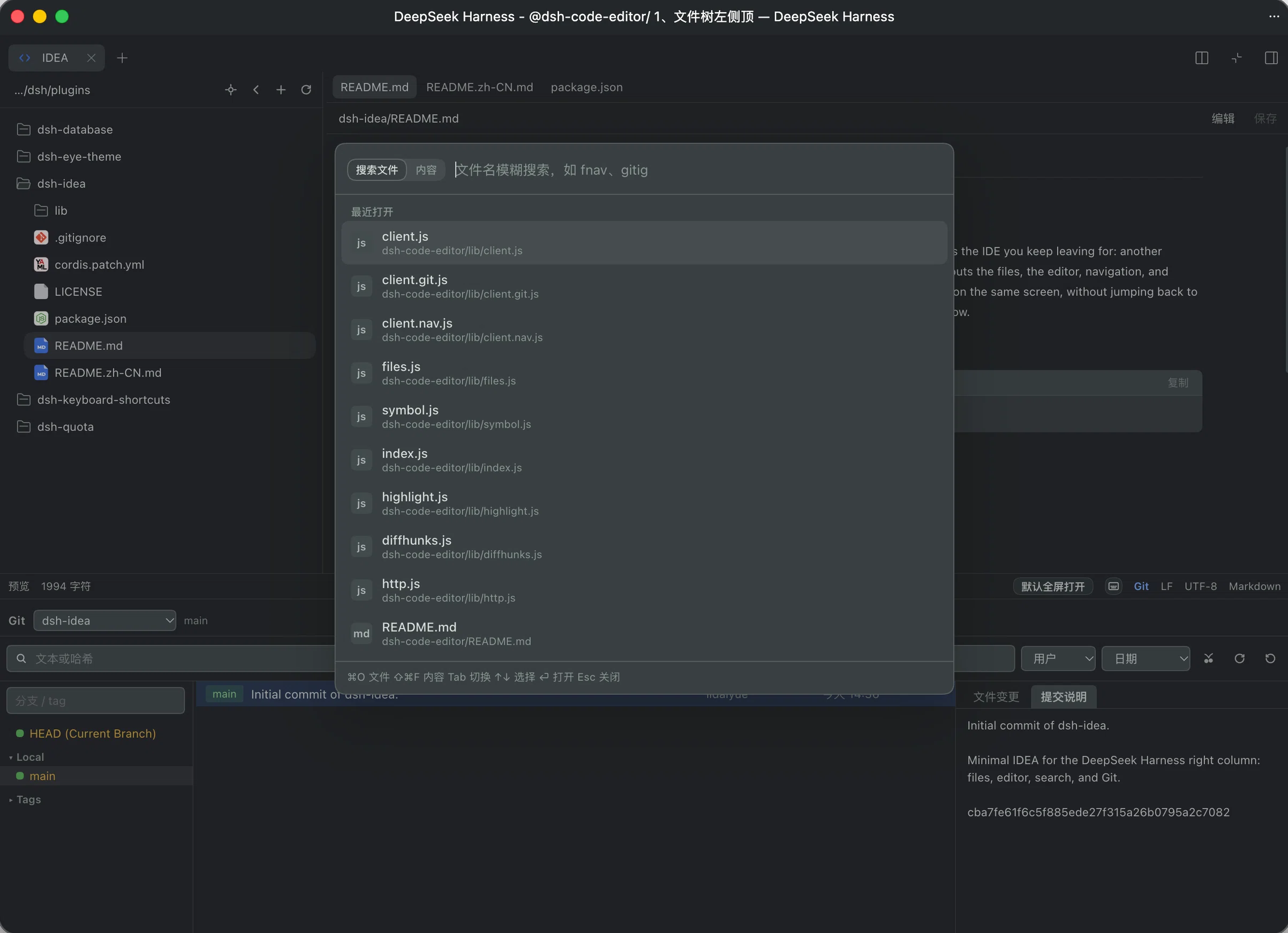
When several agents are moving several projects at once, the slow part is usually not the model. It is the IDE you keep leaving for: another window, another index, another copy of IDEA per repo, and your grip on the code breaks. dsh-idea puts the files, the editor, navigation, and multi-repo Git in the DeepSeek Harness right column. The agent writes; you read, edit, and commit on the same screen, without jumping back to IDEA for a look. It runs in the PWA, adds almost no weight, and exists to take IDEA out of this workflow.
Install
dsh plugin --profile web add /absolute/path/to/dsh-idea
Restart dsh web, then refresh the page.
Features
- Workspace file tree: browse by folder, and create, rename, or delete files and folders
- Text editor: syntax color, find, and save
- Markdown preview, with a switch between preview and source
- Search file names, and search inside file contents
- Language servers: go to definition, go to implementation, and find references. A binary on
PATHis used; otherwise the status bar says none is available- JavaScript / TypeScript:
npm install -g typescript-language-server typescript - Python:
npm install -g pyright - Rust:
rustup component add rust-analyzer - Go:
go install golang.org/x/tools/gopls@latest - C / C++: install
clangd(usually with LLVM) - Java: install
jdtls - Lua: install
lua-language-server
- JavaScript / TypeScript:
- Git: branches and history, diff, commit, pull, and push. The workspace root is included when it is a repository. Immediate child directories with their own
.gitare listed too, and the panel switches between them - Shortcuts: open the list from the status bar, click a binding to record it, or clear and restore the default. Bindings stay in this plugin and do not depend on another one
- Select text in a file and mention that range in chat with a shortcut (default
⌥⌘I/Ctrl+Alt+I). With no selection, the shortcut mentions the current file