starslittle/dsh-blue-whale ↗★ 2
dsh-blue-whale
Official DeepSeek Chat blue-whale default skin for DeepSeek Harness. Light and dark follow the built-in appearance; brand tokens use #4D6BFE.
AI 分析
核心用途是恢复 DeepSeek 官方网页标志性的蓝色视觉风格。适合看腻了 DSH 默认黑白配色、想要还原官方“蓝鲸”视觉体验的用户。安装即生效,可在设置中关闭。
インストール
npx -p @deepseek-ai/dsh dsh plugin --profile web add github:starslittle/dsh-blue-whaleドキュメント
README 全文を読む ↗dsh-blue-whale
The missing default DeepSeek skin for DeepSeek Harness.
DSH ships as a black whale: --dsw-alias-brand-primary is near-black in light mode and near-white in dark mode. This plugin puts the official Chat blue back on those brand roles, and leaves light / dark / follow-system to the built-in Appearance setting.
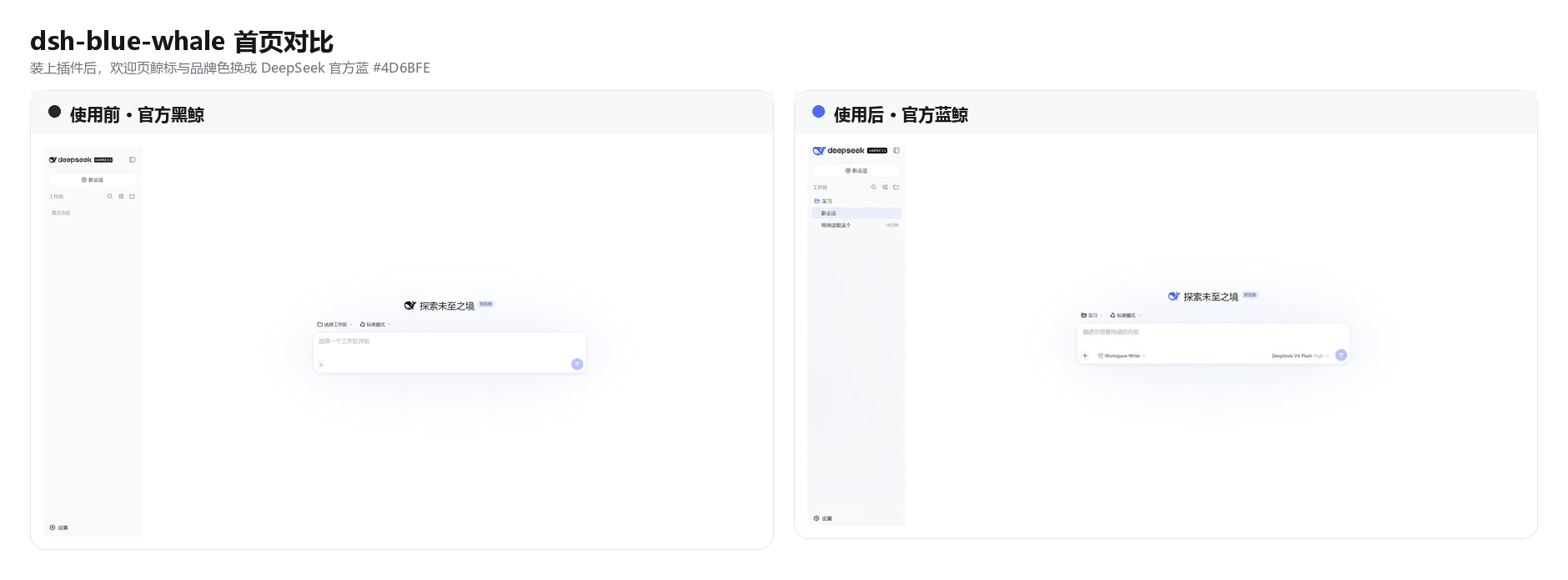
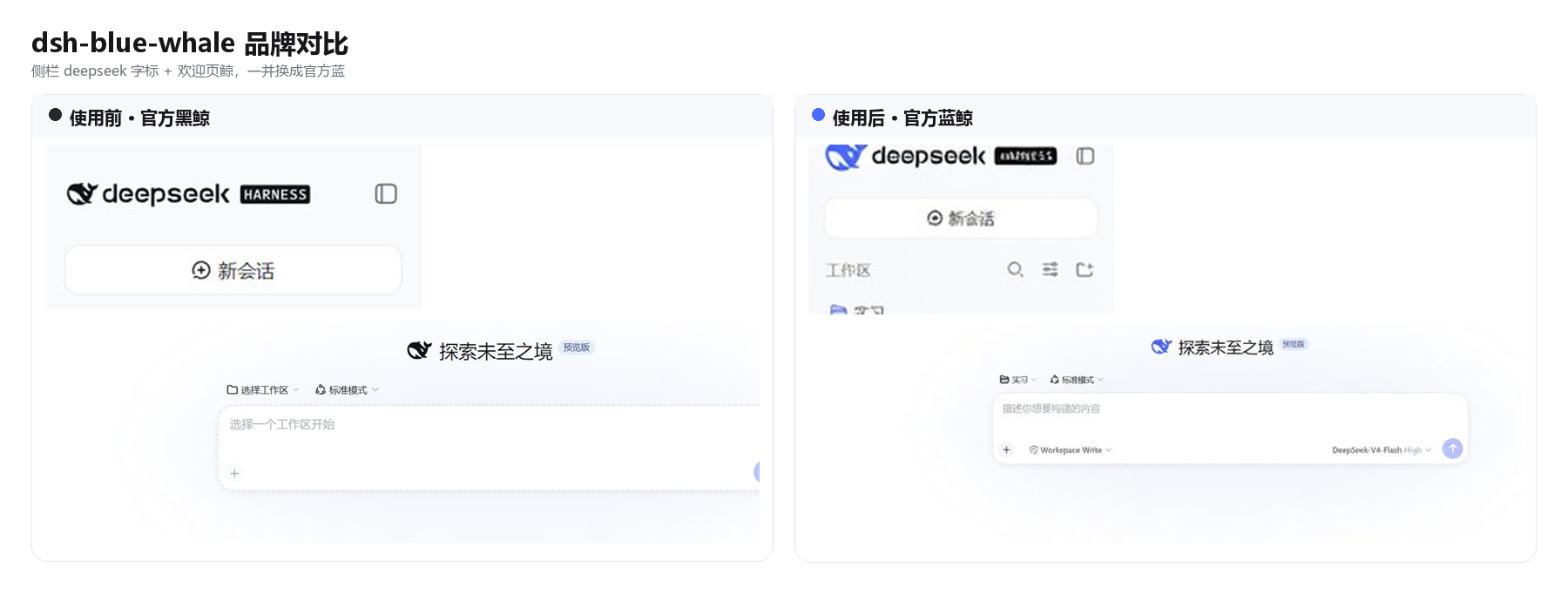
Not
dsh-skin's Ocean. Ocean is a dark-only deep-sea navy (#0a101f+#4d86f8). This skin keeps official DSH surfaces and uses public brand#4D6BFEin both schemes.
What it changes
| Official DSH | This skin | |
|---|---|---|
| Brand / primary button | black (light) / white (dark) | #4D6BFE |
| Light canvas | official white / bluish neutrals | unchanged |
| Dark canvas | official bluish-950 | unchanged |
| Light / dark switch | built-in Appearance | still built-in Appearance |
Supporting tokens come from DSH's own --dsw-static-deepseek-* scale (50–900).
Install
dsh plugin --profile web add -w github:starslittle/dsh-blue-whale
Restart dsh web. The skin is on by default. Settings → General → 蓝鲸 / Blue Whale turns it off.
Why not Ocean
- Ocean is one card in a 7-skin switcher, dark only.
- This package is a default replacement: install and the black whale becomes the Chat blue whale.
- Dark mode here is official DSH dark + official blue, not a new navy theme.
License
MIT