BrambleXu/dsh-prompt-profile ↗★ 1
dsh-prompt-profile
Reusable prompt profiles with per-turn model selection for DeepSeek Harness
安装
$
npx -p @deepseek-ai/dsh dsh plugin --profile web add github:BrambleXu/dsh-prompt-profile说明文档
阅读完整 README ↗dsh-prompt-profile





English | 中文
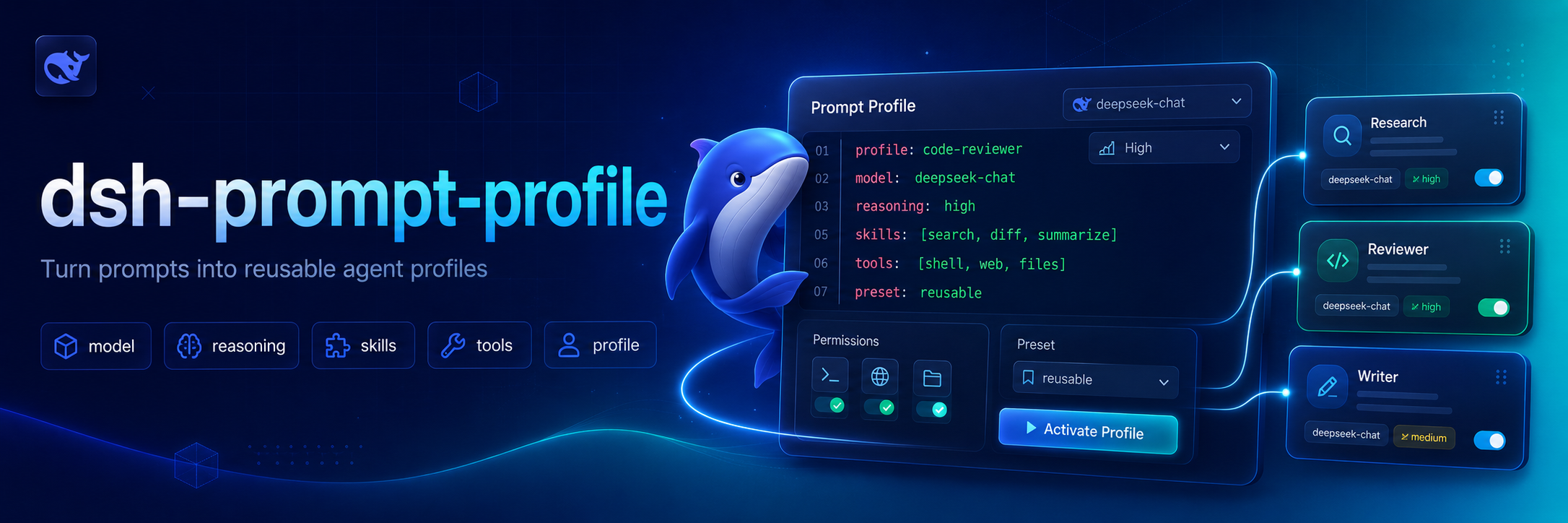
为 DeepSeek Harness 提供可复用的 Markdown prompt profile。一个 profile 可以为单轮对话选择 provider、model 和 reasoning effort,将命令参数渲染到 prompt 正文中,并在对话结束后恢复之前的选择。
为什么存在 💡
不同会话中经常需要重复选择模型和输入审查指令。dsh-prompt-profile 将这些组合保存为小型、可复用的 Markdown profile,可以应用于单轮对话,并在结束后保留 Agent 之前的模型选择。
功能 ✨
- 从用户目录和项目目录发现 profile,项目 profile 优先。
- 使用 shell 风格占位符将位置参数替换到 profile 正文中。
- 为单轮对话选择 provider、model 和 reasoning effort。
- 默认自动恢复 Agent 之前的选择,也可以按 profile 关闭恢复。
- 列出可用 profile,并通过斜杠分隔的名称调用嵌套 profile。
安装 📦
dsh plugin --profile demo add ./dsh-prompt-profile
在 ~/.dsh/prompt-profiles/ 下创建用户 profile,或在 /.dsh/prompt-profiles/ 下创建项目 profile:
---
description: Deep code review
provider: deepseek
model: deepseek-reasoner
reasoningEffort: high
restore: true
---
Review $1 for correctness, regressions, and missing tests. Extra context: ${@:2}
项目 profile 会覆盖相同相对名称的用户 profile。