@nanmicoder/dsh-auto-mode
Fail-closed automatic permission policy for DeepSeek Harness
安装
npx -p @deepseek-ai/dsh dsh plugin --profile web add github:NanmiCoder/dsh-auto-mode说明文档
阅读完整 README ↗English · 简体中文



Why Auto?
Coding agents need broad access to build, test, and inspect a project without stopping every few steps. But DeepSeek Harness currently leaves a sharp choice: restricted modes interrupt normal development, while Full access removes approval entirely.
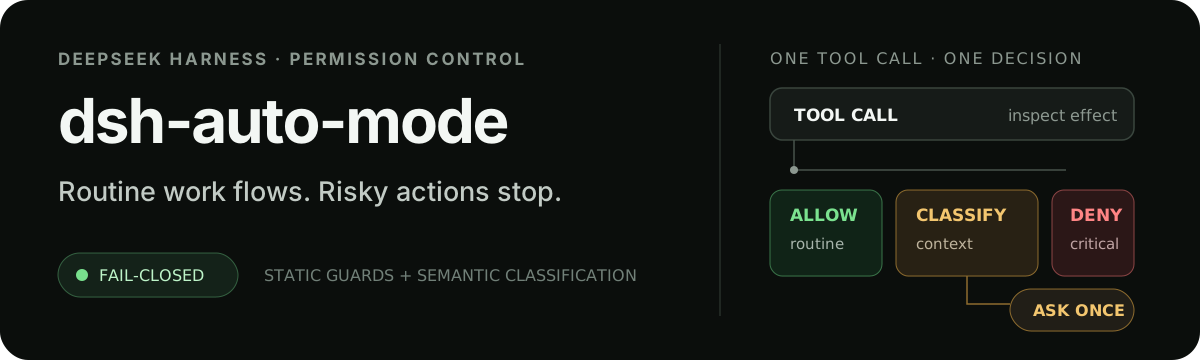
dsh-auto-mode adds the missing middle ground. Routine project work proceeds automatically, contextual risk is classified using the current DSH model and the direct user's instructions, genuine ambiguity asks once, and destructive access to critical paths is denied before execution.
[!IMPORTANT] This plugin is a fail-closed policy layer for calls dispatched through Harness
ctx.tools; it is not an operating-system sandbox. Keep the official sandbox and filesystem observation policies enabled.
Install
Install the latest DeepSeek Harness first:
npm install -g @deepseek-ai/dsh@latest
Then choose either source.
npm
dsh plugin --profile web add @nanmicoder/dsh-auto-mode
GitHub main
dsh plugin --profile web add 'git+https://github.com/NanmiCoder/dsh-auto-mode.git#main'
Validate the composed profile and start DSH:
dsh --profile web --dump-config
dsh web
Refresh the Web UI, select Auto between Workspace Write and Full access, and acknowledge the risk notice. Replace web with another profile name when that is the profile you run.
Permission modes
| Mode | File sandbox | Approval | Auto policy |
|---|