Sutera-Diffusus/dsh-windows-notify ↗★ 1
dsh-windows-notify
Windows-grade notifications for DeepSeek Harness: system toasts, custom sounds, and a taskbar tray badge for task completion and decision prompts — a native DSH profile plugin (bundle + client + settings namespace), zero patching of built-in packages.
安装
npx -p @deepseek-ai/dsh dsh plugin --profile web add github:Sutera-Diffusus/dsh-windows-notify说明文档
阅读完整 README ↗dsh-windows-notify
Windows 级提醒,随 DeepSeek Harness 而来。 Windows-grade notifications for DeepSeek Harness — system toasts, custom sounds, and a taskbar tray badge for task completion and decision prompts, installed as a native DSH profile plugin (zero patching of built-in packages).
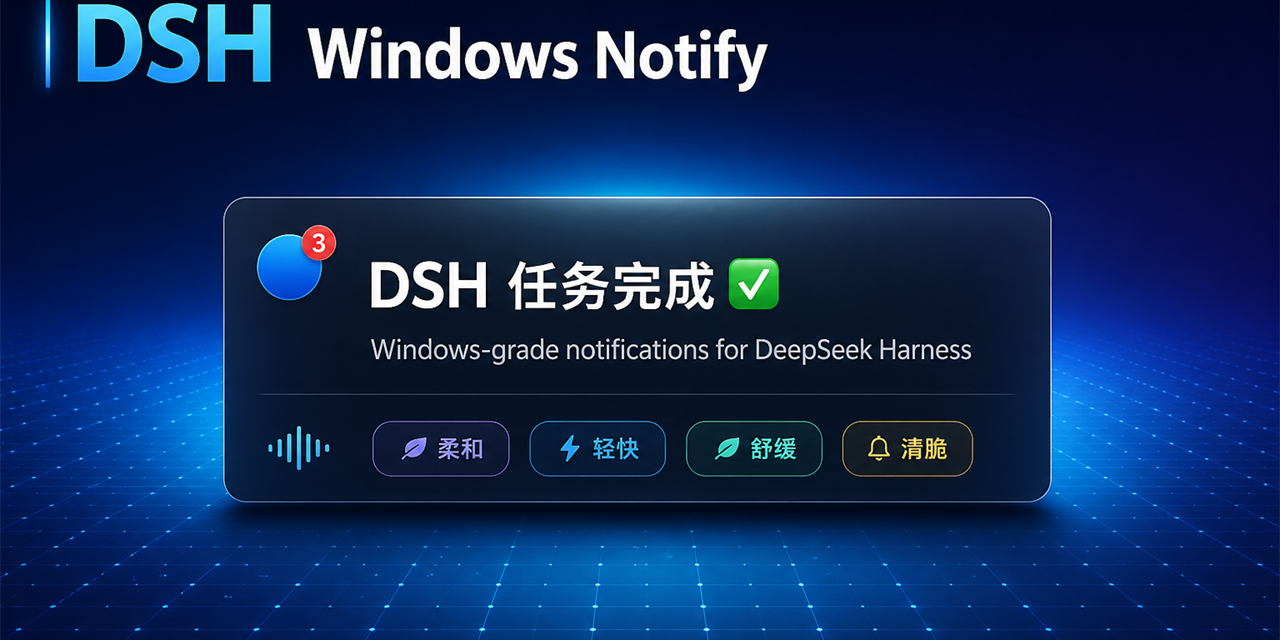
任务完成或需要你决策时:系统 Toast + 提示音 + 任务栏托盘角标(待查看数量)。免打扰时段、跟随系统勿扰、四套自制提示音、完成合并摘要,全部可在设置页调整,保存即生效。
功能特性 / Features
- 完成提醒 — 根 Agent 回合结束(running→idle)时弹 Toast;支持「仅角标」模式与 5 秒合并摘要(
DSH 任务完成 ✅(N))。 - 决策提醒 —
ask_user_question提问时弹「DSH 需要你的决定 ❓」,带问题与选项列表;回答/取消后托盘角标自动 -1。 - 托盘角标 — 任务栏托盘图标右上角红色气泡 = 待回复决策 + 已完成未查看;单击托盘打开 GUI 并清零已完成;DSH 退出后托盘经端口看门狗自行退出。
- 四套提示音 — 柔和/轻快/舒缓/清脆(自制合成,零版权风险),设置页可试听;提示音可整体关闭。
- 打扰控制 — 免打扰时段(支持跨午夜窗口,时段内仅累计角标);跟随 Windows 专注助手/勿扰自动静音。
- 原生插件机制 — profile bundle + settings 命名空间 + webServer 路由;不修改任何内置包文件,DSH 升级后重跑安装脚本即可。
安装 / Install
方式一:源码接线(推荐,无需 pnpm)
# 在仓库根目录
.\install.ps1            # 等价于 node install.mjs
脚本(幂等)会:初始化 profile(缺失时按 web/headless 模板生成)→ 在
$DSH_HOME\profiles\ \node_modules\dsh-windows-notify 建 junction →
把 dsh-windows-notify 写入 profile 的 dsh.profile.bundles 与 dependencies
→ 可选迁移旧配置。重启 DSH 生效。
常用参数:--profile (默认 web)、--dsh-home 、
--keep-legacy(从旧版 apply-patch 扩展迁移时跳过还原)、
--legacy-root (从旧版扩展迁移时指定 DSH 安装的 @deepseek-ai 目录,从 npm registry 拉取同版本官方文件还原旧补丁)。
方式二:pnpm(pnpm 用户)
dsh plugin --profile web add dsh-windows-notify
卸载 / Uninstall
.\uninstall.ps1 # 等价于 node install.mjs --uninstall
删除 junction 与 manifest 条目后重启即可;settings 里的 dsh-notify 配置保留,重装后继续有效。