damozhang/dsh-herdr-bridge ↗★ 0
herdr-bridge
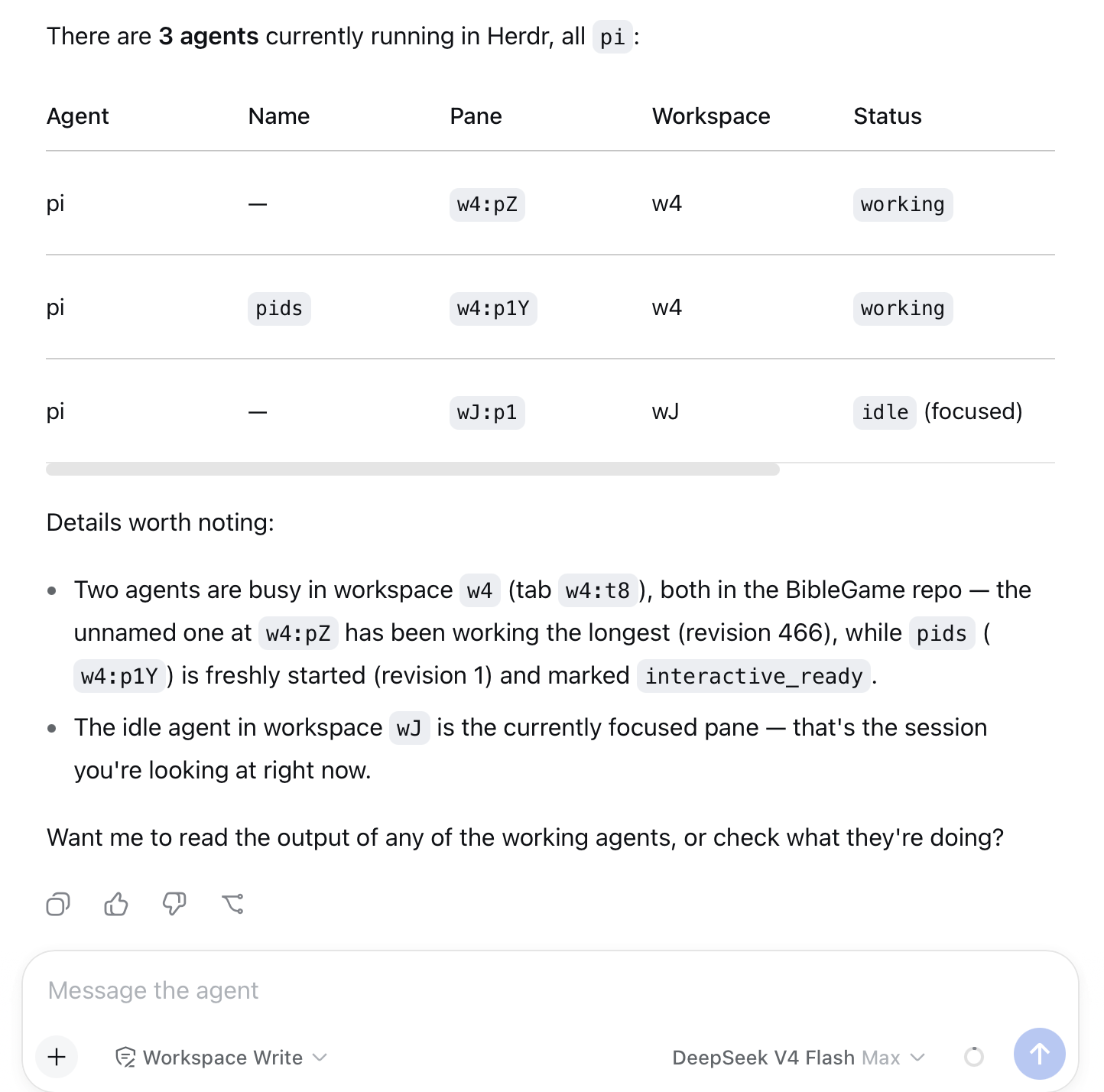
A dsh plugin that bridges a DeepSeek Harness web session to Herdr, letting the dsh agent discover, start, prompt, and observe other agents (pi, claude, codex, ...) running under Herdr — all from inside the dsh web UI.
安装
npx -p @deepseek-ai/dsh dsh plugin --profile web add github:damozhang/dsh-herdr-bridge说明文档
阅读完整 README ↗herdr-bridge
A dsh plugin that bridges a DeepSeek Harness web session to Herdr, letting the dsh agent discover, start, prompt, and observe other agents (pi, claude, codex, ...) running under Herdr — all from inside the dsh web UI.
Requirements
- dsh (npx
@deepseek-ai/dshor a local build) with thewebprofile - Herdr running on the same machine (
herdrCLI on PATH, socket at~/.config/herdr/herdr.sock) - Node.js >= 20
Install
From GitHub (published source):
dsh plugin --profile web add github:damozhang/dsh-herdr-bridge
From npm (once published):
dsh plugin --profile web add dsh-herdr-bridge
From a local checkout (development):
dsh plugin --profile web add /path/to/herdr-bridge
Then restart the dsh web server so the bundle is loaded. To update to a newer version, run add again with the same source (pnpm caches; remove first if you switch sources). For active development, link the local checkout — source edits take effect on the next server restart — and switch back to the GitHub source to validate what others will install.
Starting dsh so Herdr integration works (important)
Herdr's own skill refuses to act when the agent process is not Herdr-managed: it checks HERDR_ENV=1 in the environment and stops otherwise. The dsh web process must therefore run with HERDR_ENV=1 set, otherwise the dsh agent will refuse to touch Herdr even though this plugin is installed.
Option A — recommended: run dsh web inside a Herdr pane
Herdr automatically injects HERDR_ENV=1 (and HERDR_SOCKET_PATH/HERDR_PANE_ID) into every pane it manages. Create a pane bound to your usual working directory and run:
npx @deepseek-ai/dsh web
The web server inherits the Herdr environment, the skill gate passes, and the server's own output stays observable in that pane.
Option B — run in a plain terminal with exported environment
If you prefer the web server outside Herdr, export the markers first: