dsh-trio
DSH 全家桶:浏览器自动化 + MCP Server + GitHub 集成。One install, three superpowers: browser automation, an MCP server that exposes your DeepSeek agents to any MCP client, and GitHub issue/PR/webhook automation.
安装
$
npx -p @deepseek-ai/dsh dsh plugin --profile web add github:huey1in/trio说明文档
阅读完整 README ↗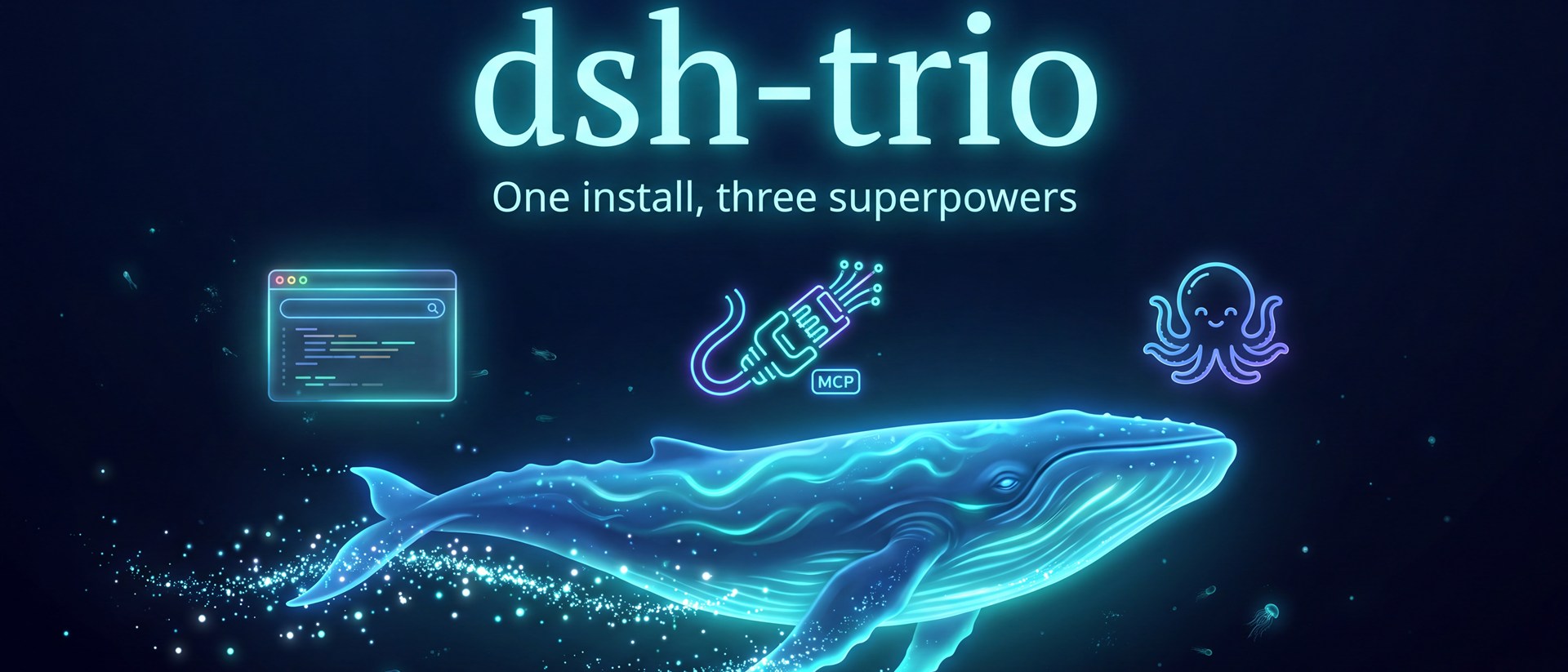





 [
[

= 20">](https://nodejs.org)
🐋 dsh-trio — DeepSeek Harness 全家桶
一条命令装三个超能力:浏览器自动化 + MCP Server + GitHub 集成。
dsh plugin --profile web add dsh-trio
| 模块 | 做什么 | 端点/工具 |
|---|---|---|
| 🧭 浏览器自动化 | agent 直接操控浏览器(打开/点击/输入/截图),人可旁观实时画面 | browser_* 工具 × 12 + 实时画面页 |
| 🔌 MCP Server | 把 DSH 的会话与 agent 反向暴露给任何 MCP 客户端(Claude Desktop / Cursor / Cline…) | http://127.0.0.1:3080/trio/mcp |
| 🐙 GitHub 集成 | issue/PR 全流程 + webhook 自动 PR 评审 | github_* 工具 × 10 + webhook |
零构建、零配置依赖:src/ 直接是发布产物,不依赖任何 @deepseek-ai 包(版本兼容性最大化),唯一第三方依赖是 playwright-core(复用你系统里已装的 Edge/Chrome,不用下载 Chromium)。
安装
# 1. 安装(会自动通过 pnpm 链接到你的 web profile)
dsh plugin --profile web add dsh-trio

# 2. 重启 dsh
dsh web
不需要某个模块?在 $DSH_HOME/profiles/web/cordis.patch.yml 里删掉对应行
(trio-browser / trio-mcp / trio-github)即可,或给对应行加 config: { enabled: false }。