ouyangyipeng/dsh-marketplace ↗★ 2
dsh-marketplace
A safe, live plugin marketplace for DeepSeek Harness
安装
$
npx -p @deepseek-ai/dsh dsh plugin --profile web add github:ouyangyipeng/dsh-marketplace说明文档
阅读完整 README ↗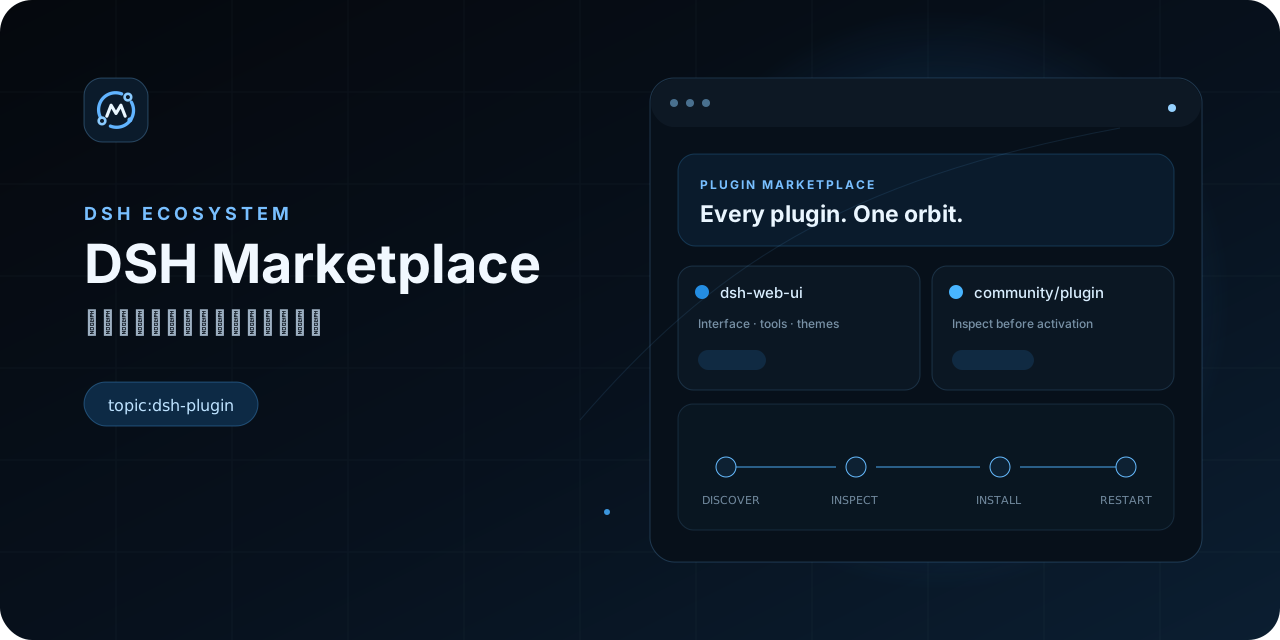
简体中文 · English
官网 · 安装 · 安全 · 架构 · Desktop · 开发
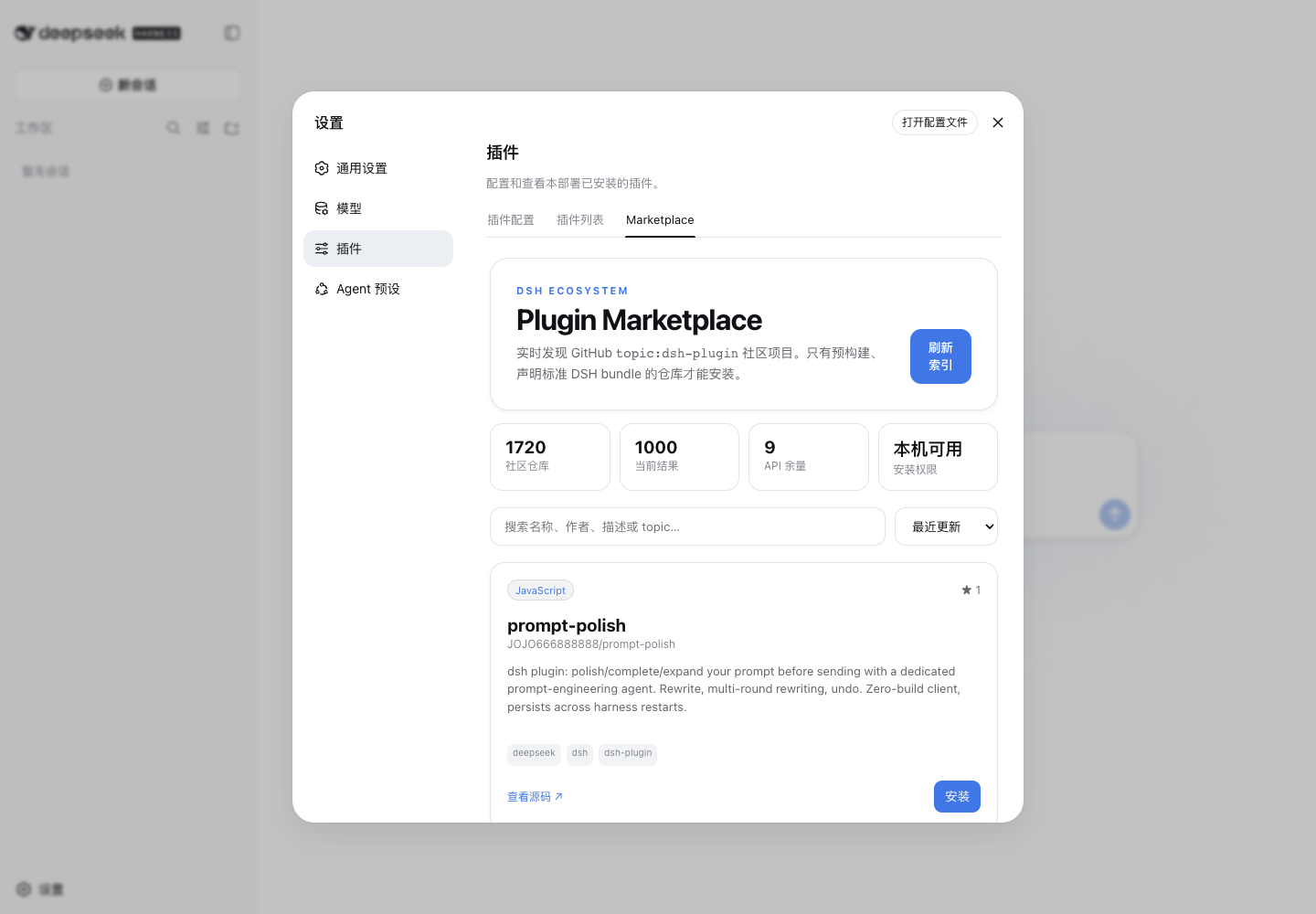
dsh-marketplace 本身就是一个 DeepSeek Harness bundle。它把 GitHub topic:dsh-plugin 的实时社区仓库放进 设置 → 插件 → Marketplace,让插件发现、搜索、检查、安装、更新和卸载留在同一个 Harness 界面里。
[!IMPORTANT] Marketplace 能检查包格式和收紧安装过程,不能证明第三方插件可信。插件重启后会在 DSH 进程内运行;启用前仍应阅读源码。
安装
DS-Harness Desktop
DS-Harness Desktop 从 desktop-v0.2.0 起离线内置固定版本的 Marketplace。打开应用后进入 设置 → 插件 → Marketplace,不需要先安装本插件。
内置版本显示“Desktop 内置”,不能在 Marketplace 里更新或卸载自己;它随经过验证的 Desktop release 更新。其他插件仍安装进 Desktop 隔离的 web profile。
标准 DSH Web profile
需要当前 DeepSeek Harness、Node.js ^22.19.0 || >=24.0.0 和位于 PATH 中的 pnpm:
dsh plugin --profile web add "github:ouyangyipeng/dsh-marketplace#v0.1.1"
重启 dsh web,然后打开 设置 → 插件 → Marketplace。
更新或卸载独立安装的 Marketplace 使用 DSH 原生命令:
dsh plugin --profile web update dsh-marketplace
dsh plugin --profile web remove dsh-marketplace
一条插件从发现到激活
flowchart LR
  Topic["GitHub topic:dsh-plugin"] --> Cache["Catalog cache + ETag"]
  Cache --> UI["Marketplace Client"]
  UI --> Stage["pnpm add --ignore-scripts"]
  Stage --> Inspect["Manifest + exports + path checks"]
  Inspect --> Profile["Atomic profile edit"]
  Profile --> Restart["Restart DSH"]