dsh-stack
Reproducible DeepSeek Harness environments in one portable, secret-safe Stackfile
安装
$
npx -p @deepseek-ai/dsh dsh plugin --profile web add github:weivwang/dsh-stack说明文档
阅读完整 README ↗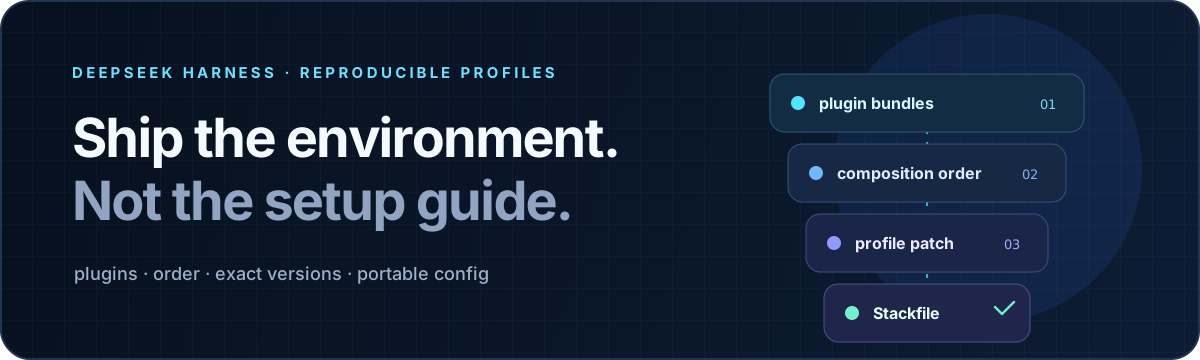
dsh-stack
让 Agent 环境真正可复现。
把整个 DeepSeek Harness profile——插件、顺序、版本与可移植配置——收进一份可审阅的 Stackfile。




中文 · English
插件清单不等于运行环境
一套好用的 Harness profile,不只取决于装了哪些包。Bundle 顺序会改变组合结果,版本漂移会改变行为,而 profile patch 才真正保存了这套环境为什么好用。
dsh-stack 捕获的是完整运行契约:
- 按组合顺序排列的插件 bundles;
- registry 包的精确安装版本,以及固定到 commit 的 Git 来源;
- profile 级 Cordis patch,并把本机路径转换为可移植占位符;
- 只保存 secret 引用,不保存凭据值;
- 来源 Harness 版本和整文件 SHA-256 完整性。
结果是一份很小的 JSON Stackfile,可以和项目、Release、基准测试、团队手册或 bug 报告放在一起。任何人都能先看清它要做什么,再决定是否允许它修改 profile。
从可用环境到经过验证的副本
# 机器 A:捕获已经调顺的环境
dsh-stack export --profile web --name "research-workbench"

# 机器 B:先检查,再信任
dsh-stack inspect web.dsh-stack.json
dsh-stack plan web.dsh-stack.json --profile research

# 复现环境,并通过 Harness 自身验证最终组合
dsh-stack apply web.dsh-stack.json --profile research --yes
apply 不会在“包装完了”这里停下。它会写入声明的 bundle 顺序、注入可移植配置,再调用 dsh --dump-config 验证最终组合;验证失败时自动从备份恢复 profile 文件。
Stackfile 也可以直接通过 HTTPS 使用:
dsh-stack plan https://example.com/research.dsh-stack.json --profile research
从 GitHub 安装
当前版本从源码安装:
git clone https://github.com/weivwang/dsh-stack.git
cd dsh-stack
pnpm install --ignore-scripts
pnpm run build

# 暴露 CLI,然后把 bundle 加入 Harness profile
npm link
dsh plugin --profile web add "$PWD"
仓库中已经包含构建产物,并且没有安装期 lifecycle script。
先审阅,再写入
读取路径和写入路径拥有不同权限:
| 命令 | 修改 profile | 用途 |
|---|---|---|
dsh-stack inspect |