dsh-unarchive
在 DeepSeek Harness 中恢复归档会话:提供 /unarchive 命令和 unarchive_session 工具,将归档会话移出全局归档集使其重新显示。
AI 分析
提供命令行和工具接口来恢复已归档的会话。适合需要通过快捷命令或直接对 AI 说话来快速找回历史归档会话的用户。
安装
$
npx -p @deepseek-ai/dsh dsh plugin --profile web add github:edfrey0044/dsh-unarchive说明文档
阅读完整 README ↗Usage
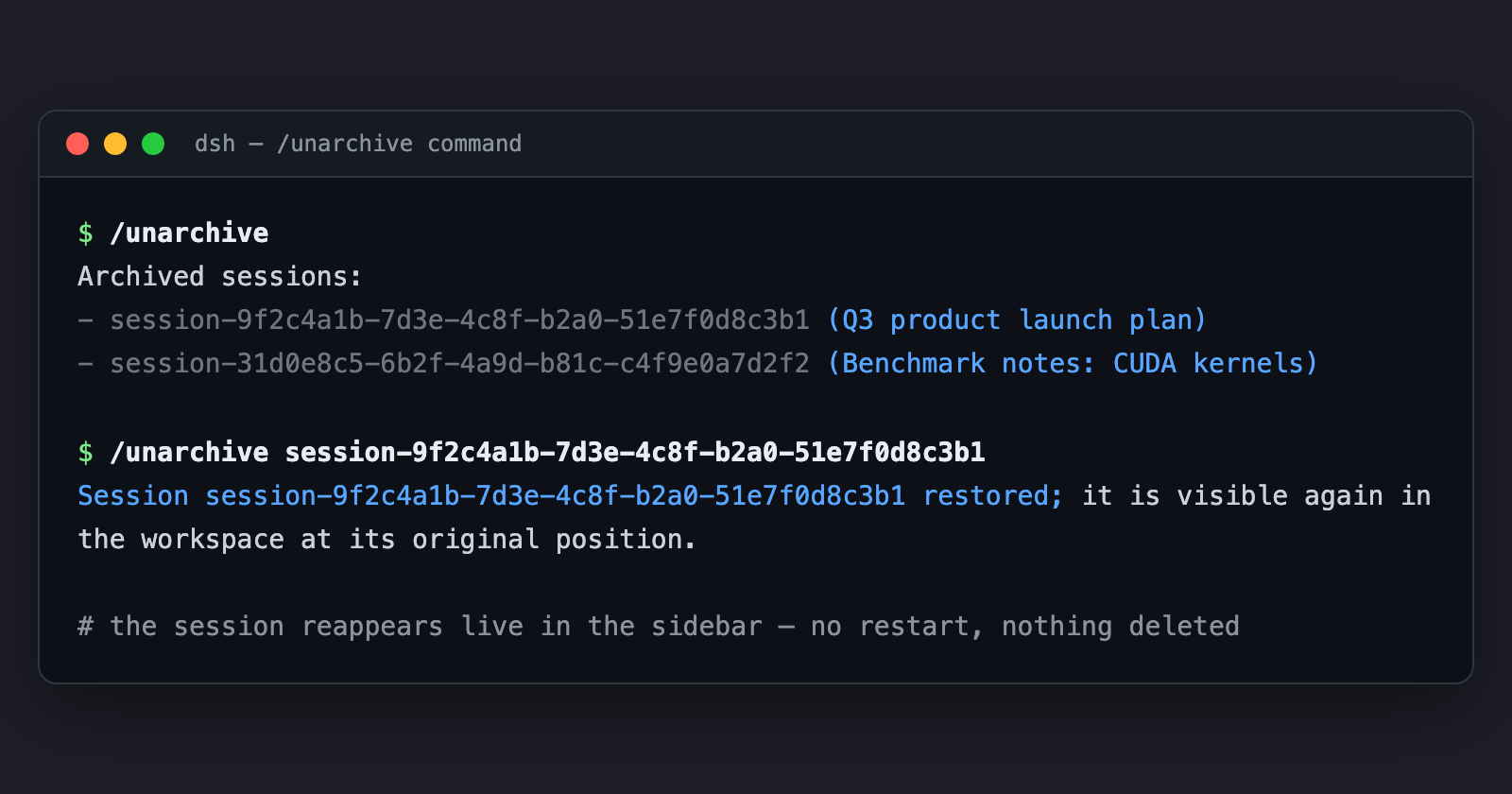
Find what is archived, then restore it:
/unarchive
Archived sessions:
- session-0a701da0-449d-4997-bf87-a4b6aae7ceee  (张雪峰谈2026文科女生报考西财中外学院)
- session-b96a78f1-b6bf-439b-9570-c054307e6adb  (张雪峰视角:西财中外合作报考建议)

/unarchive session-0a701da0-449d-4997-bf87-a4b6aae7ceee
Session session-0a701da0-449d-4997-bf87-a4b6aae7ceee restored; it is visible again in the workspace at its original position.
English demo (the /unarchive command in the GUI command palette):
Or ask the agent in any session: "把归档的会话恢复一下" — the model calls unarchive_session for you.
Session ids also live on disk: ~/.dsh/sessions/ // (or $DSH_HOME/sessions/...), and the archive set itself is ~/.dsh/storages/workspace.json → global.archivedSessionIds.