ttmouse/dsh-generative-ui ↗★ 0
@ttmouse/dsh-generative-ui
在对话流中直接输出并沙箱渲染可交互 HTML 组件 适合希望 AI 回复能够直接呈现并运行交互式网页工件的用户。
安装
$
npx -p @deepseek-ai/dsh dsh plugin --profile web add github:ttmouse/dsh-generative-ui说明文档
阅读完整 README ↗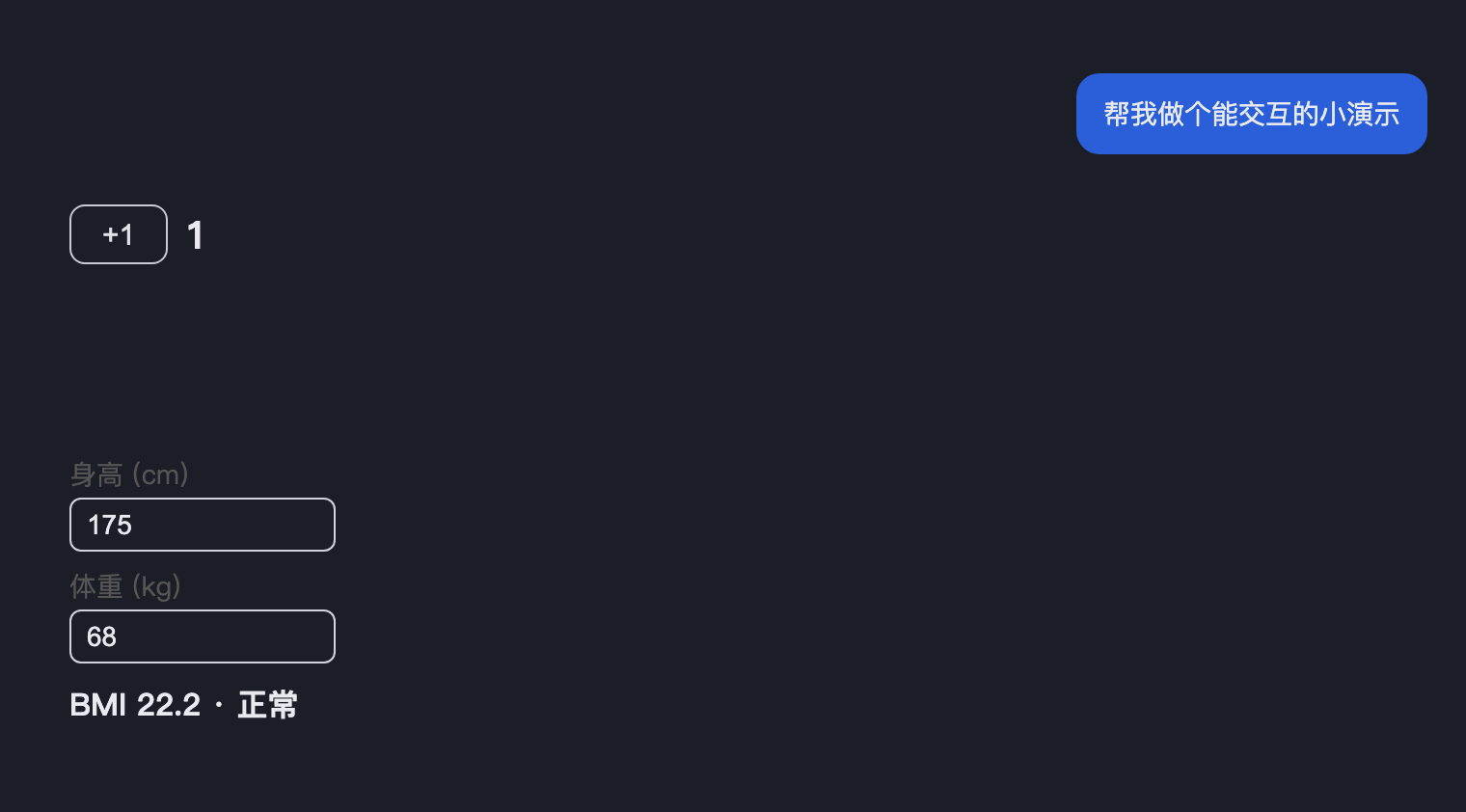
dsh-generative-ui
Let the AI output interactive HTML components (Generative UI) directly in the DSH chat flow.
The agent writes a fenced code block in its reply:
```generative-ui

+1 0
let n=0;plus.onclick=()=>{n++;n.textContent=n}
```
The plugin extracts every artifact from that turn and renders it as a sandboxed card below the message: an `` (no same-origin) — the artifact is fully interactive, but can never touch the host page, cookies, or local storage.
Design
- Pure client-side: no backend, no storage. Artifacts live in the session message text — the session is the store; there is no second copy of state and nothing to sync.
- The host half does one thing: broadcast the fenced-block convention to every
agent via
systemPrompt.section. - The browser half uses a
uiConversation.eventsaccumulator to extract artifacts fromassistant/messageevents (the same turn-accumulator pattern as dsh-taskboard), projects them onto the turn location, and renders the cards through theconversation.chat.turnTailslot. - Adaptive height: a bootstrap injected into each artifact reports its height to the parent via ResizeObserver + postMessage; cards are clamped between 120–600px and scroll internally beyond that.
Install
dsh plugin --profile desktop add link:
# and add @ttmouse/dsh-generative-ui to dsh.profile.bundles in the profile
# package.json; restart the desktop app (the host half registers the prompt
# section; client.js is read from disk per request)
Develop
npm install && npm run build       # produces lib/client.js + lib/index.mjs
npm test                           # unit + e2e (headless Chromium)
npm run screenshot                 # regenerate screenshot.png from the real client
Client changes take effect on page refresh; host-half changes (the system-prompt text) need an app restart.
License
MIT