dragan2023/dsh-workspace-default-dir ↗★ 1
dsh-workspace-default-dir
设置工作区目录选择器的默认初始目录,含图形设置卡片。 适合常从固定目录添加工作区的用户;保存后无需重启即可生效。
安裝
$
npx -p @deepseek-ai/dsh dsh plugin --profile web add github:dragan2023/dsh-workspace-default-dir說明文件
閱讀完整 README ↗Usage
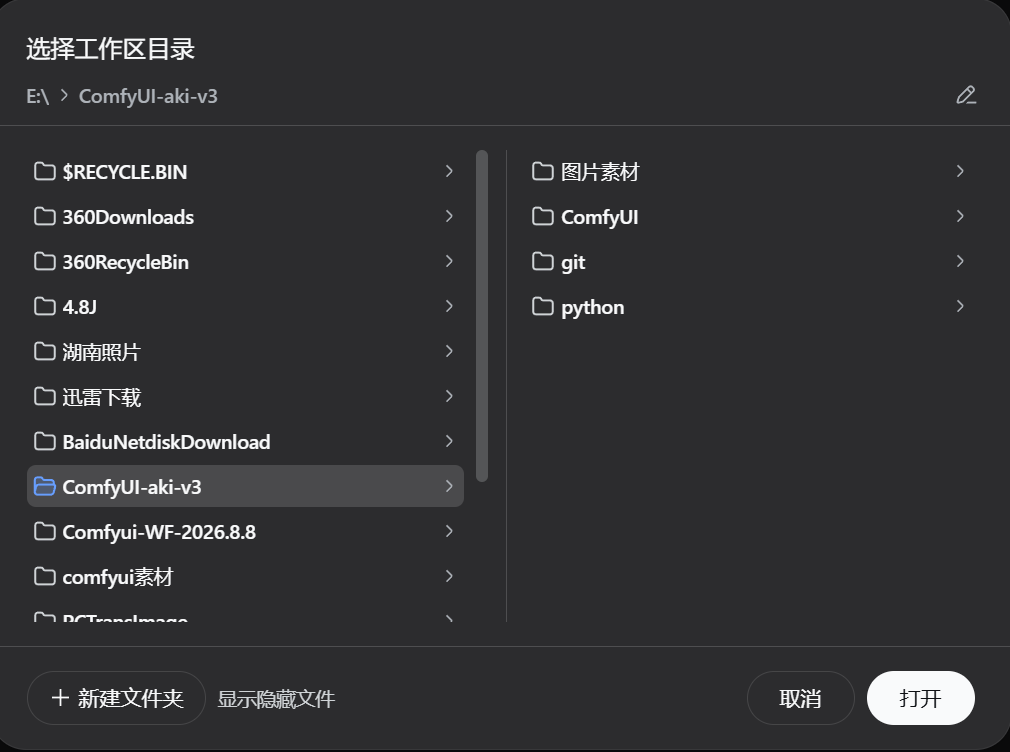
Open Settings → Workspace default directory (设置 → 工作区默认目录). Type an absolute path — for example E:\python_project — then click Save (保存). The next time you open the Add workspace directory picker it starts at that folder — no restart needed.
The card always shows the currently active directory (当前生效). Leave the input empty and save, or click Clear (清除), to return to the default (the user home).
The same setting is available on the command line:
dsh-workspace-default-dir set E:\python_project   # set the default directory
dsh-workspace-default-dir get                     # show the current default
dsh-workspace-default-dir clear                   # clear it (back to home)
dsh-workspace-default-dir status                  # patch & setting state
The GUI card and the CLI write the same DSH_PICKER_INITIAL_DIR (setx-persisted), so they stay in sync.