liliuCourier/dsh-chat-outline ↗★ 1
dsh-chat-outline
对话栏左侧常驻大纲:快速定位每次 user 提问与最后一条 assistant 回复(DeepSeek Harness 插件)。
安装
npx -p @deepseek-ai/dsh dsh plugin --profile web add github:liliuCourier/dsh-chat-outline说明文档
阅读完整 README ↗dsh-chat-outline — DeepSeek Harness Plugin

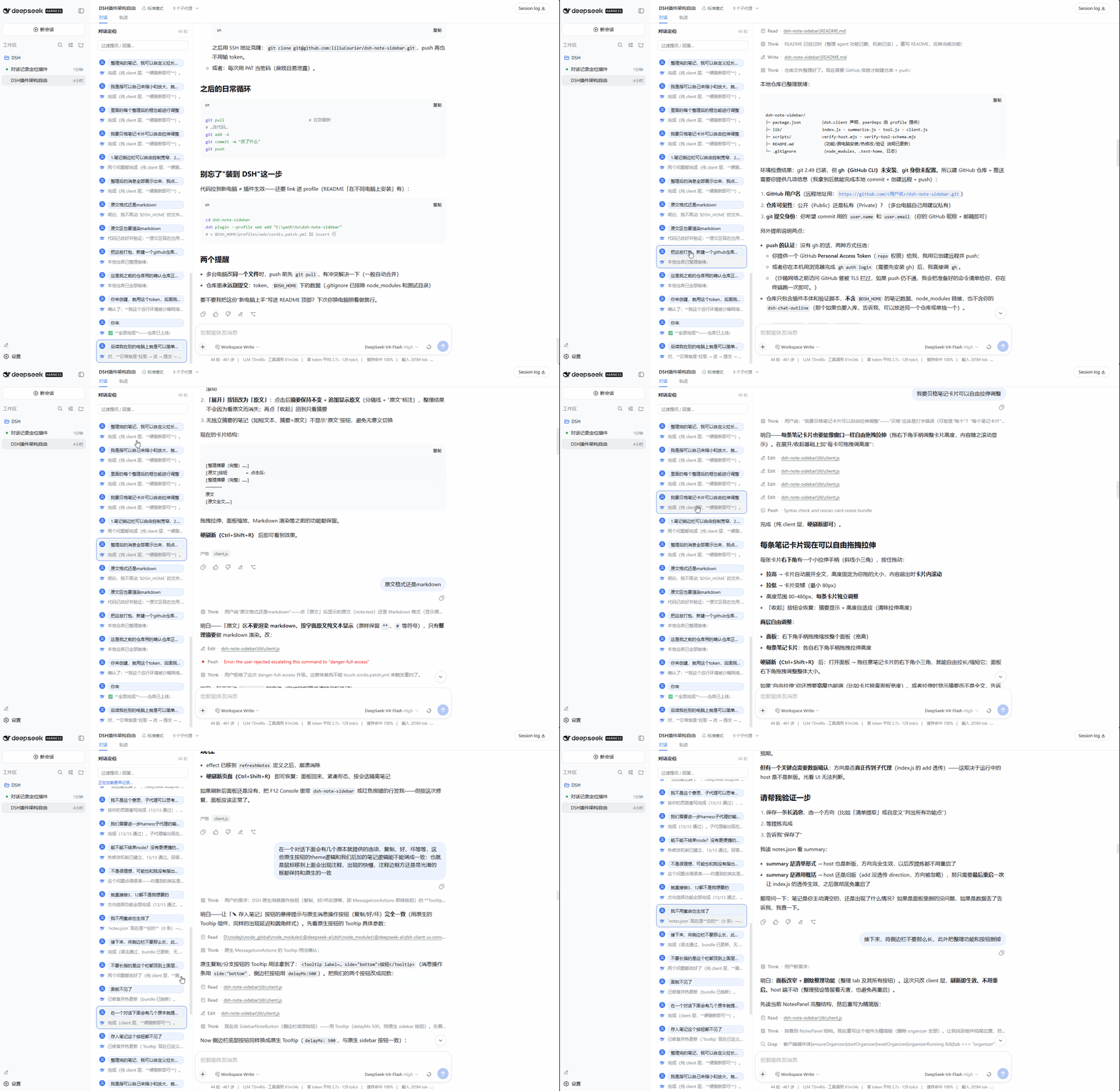
对话一长就没法一直往上翻了。这个插件在对话栏左侧常驻一个对话大纲:按轮次列出每次提问和该轮最后一条回复,点击任意一条即可跳回对应位置。蓝框会始终标记你当前读到哪,随滚动跟随;顶部的输入框可以按关键词过滤。它读取全部历史来生成完整大纲,但只保留精简信息,不会把整个会话加载进内存。
中文文档
功能特性
- 覆盖完整会话历史,打开后自动加载,无需手动翻页
- 点击任意条目,聊天区平滑滚动到对应消息
- 蓝框标记当前阅读位置,随滚动跟随
- 支持按关键词过滤
- 跟随 DSH 明暗主题
安装
通过 npm 安装:
dsh plugin --profile web add dsh-chat-outline
或者从 GitHub 安装:
dsh plugin --profile web add github:liliuCourier/dsh-chat-outline
然后在 $DSH_HOME/profiles/web/cordis.patch.yml 中加入:
- insert:
    - id: dsh-chat-outline
      name: dsh-chat-outline
最后刷新浏览器页面即可生效。
从 0.1.6 起包内已含
dsh.bundle,通过 npm / GitHub 安装会自动激活,无需手动追加上面的 insert;手动 insert 仅对旧版本或源码目录安装适用。
使用
面板常驻在对话栏左侧。每条记录分「我」和「助手」两行,点击任意一行即可跳转。面板顶部的输入框支持按关键词过滤。
常见问题
-
Windows 下 Git 报 SSL 凭据错误:
fatal: schannel: AcquireCredentialsHandle failed: SEC_E_NO_CREDENTIALS。这是 Windows Git 的 schannel 后端问题,改用 OpenSSL 后端即可:git -c http.sslBackend=openssl clone https://github.com/liliuCourier/dsh-chat-outline.git或者直接使用 npm 方式安装,不经过 Git。
-
安装时提示 peer dependency 警告:pnpm 报
unmet peer dependency属正常,DSH 的 web bundle 已包含这些模块,不影响使用。 -
安装后看不到面板:先刷新浏览器页面,必要时重启
dsh web。服务端清单会即时更新,但已经打开的页面需要刷新一次才会加载插件。
兼容性
适配 DSH 0.1.0-rc.6。DSH 升级后如遇异常,请更新插件。
许可证
English Documentation
Long conversations make scrolling back painful. This plugin keeps a persistent outline on the left of the chat column: every question and its final reply, listed by turn, with one-click jump to any of them. A blue frame always marks where you are reading and follows the scroll, and the input at the top filters by keyword. It scans the full history to build a complete outline while keeping only compact data — the whole session is never loaded into memory.