luodeb/dsh-web-auth-gateway ↗★ 0
dsh-web-auth-gateway
Authentication reverse-proxy gateway for DeepSeek Harness Web
安装
npx -p @deepseek-ai/dsh dsh plugin --profile web add github:luodeb/dsh-web-auth-gateway说明文档
阅读完整 README ↗dsh-web-auth-gateway
A standalone authentication reverse-proxy gateway plugin for DeepSeek Harness Web.
The plugin serves a login page on a separate loopback port. After authentication, it proxies the complete DSH Web surface, including normal pages, plugin assets, API requests, and WebSocket upgrades.
Features
- First-run administrator account creation
- scrypt salted password hashing; plaintext passwords are never stored
- HttpOnly and SameSite=Strict session cookie
- Server-side in-memory sessions
- HTTP, API, and WebSocket authentication gate
- Settings card under
Settings > Plugins > Web UI Plugins - Configurable gateway port and session lifetime
- Official
@deepseek-ai/*NPM SDK only - No changes to DeepSeek Harness source code
Install
Requires Node.js 22 or newer and DeepSeek Harness.
dsh plugin --profile web add github:luodeb/dsh-web-auth-gateway
Restart DSH Web:
dsh web --host 127.0.0.1 --port 3080
Then open:
http://127.0.0.1:3090
On first access, create the administrator account. Later visits require that account.
Settings
Open Settings > Plugins > Web UI Plugins > Login gateway.
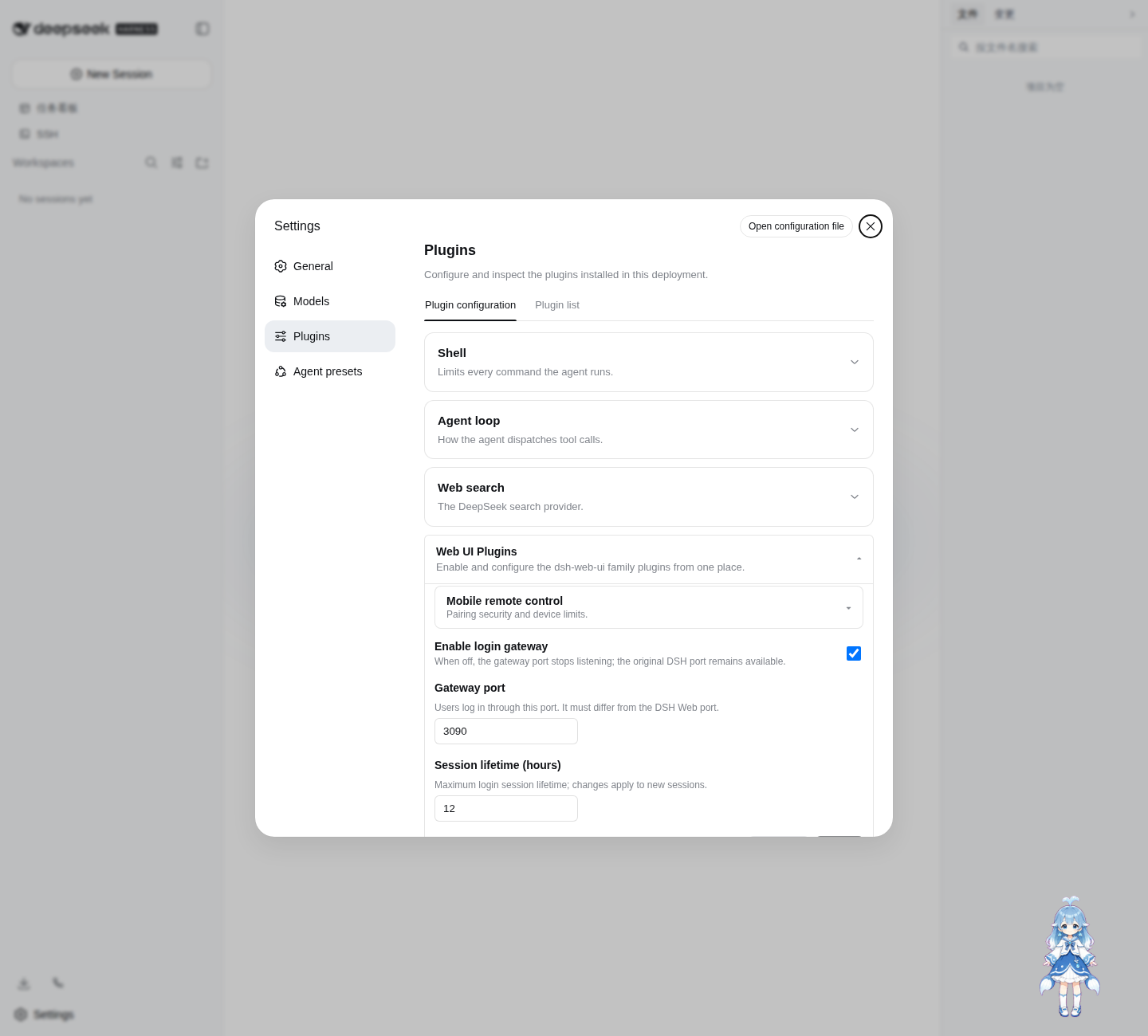
Defaults:
enabled: true
port: 3090
sessionTtlHours: 12
Settings are persisted through the official DSH Settings service in ~/.dsh/settings.yaml.
Login page
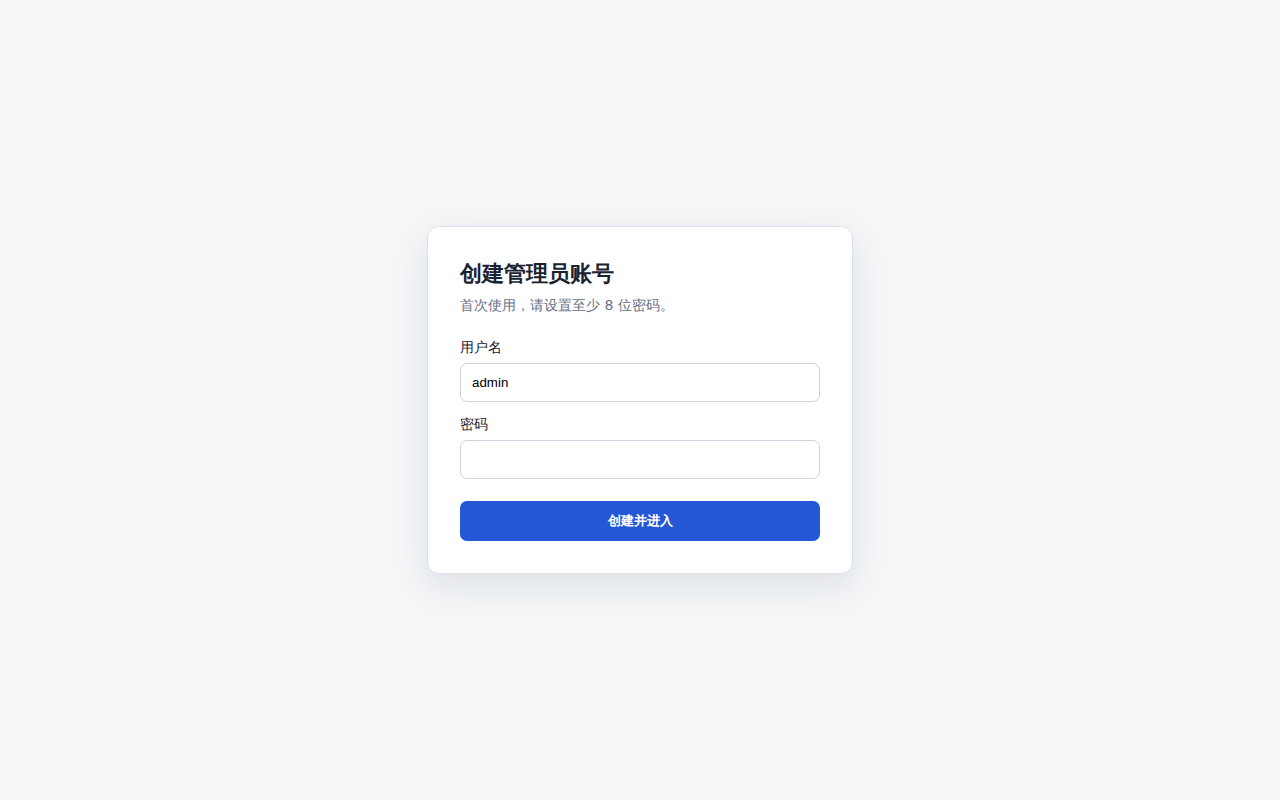
The password credential is stored at:
~/.dsh/web-auth-gateway/credential.json
The file contains only the username, random salt, and scrypt password hash. Its mode is 0600.
Security boundary
The original DSH Web port must remain bound to 127.0.0.1 or another trusted interface. If the upstream port is exposed to untrusted clients, they can bypass the gateway.
This plugin currently listens on 127.0.0.1. Use a TLS reverse proxy or a secure tunnel in front of the gateway for remote access. Do not expose plaintext HTTP directly to an untrusted network.